Instructions for use Zeus Infinity Empowered SW 2.n 353
Configuration
Other functions of the system
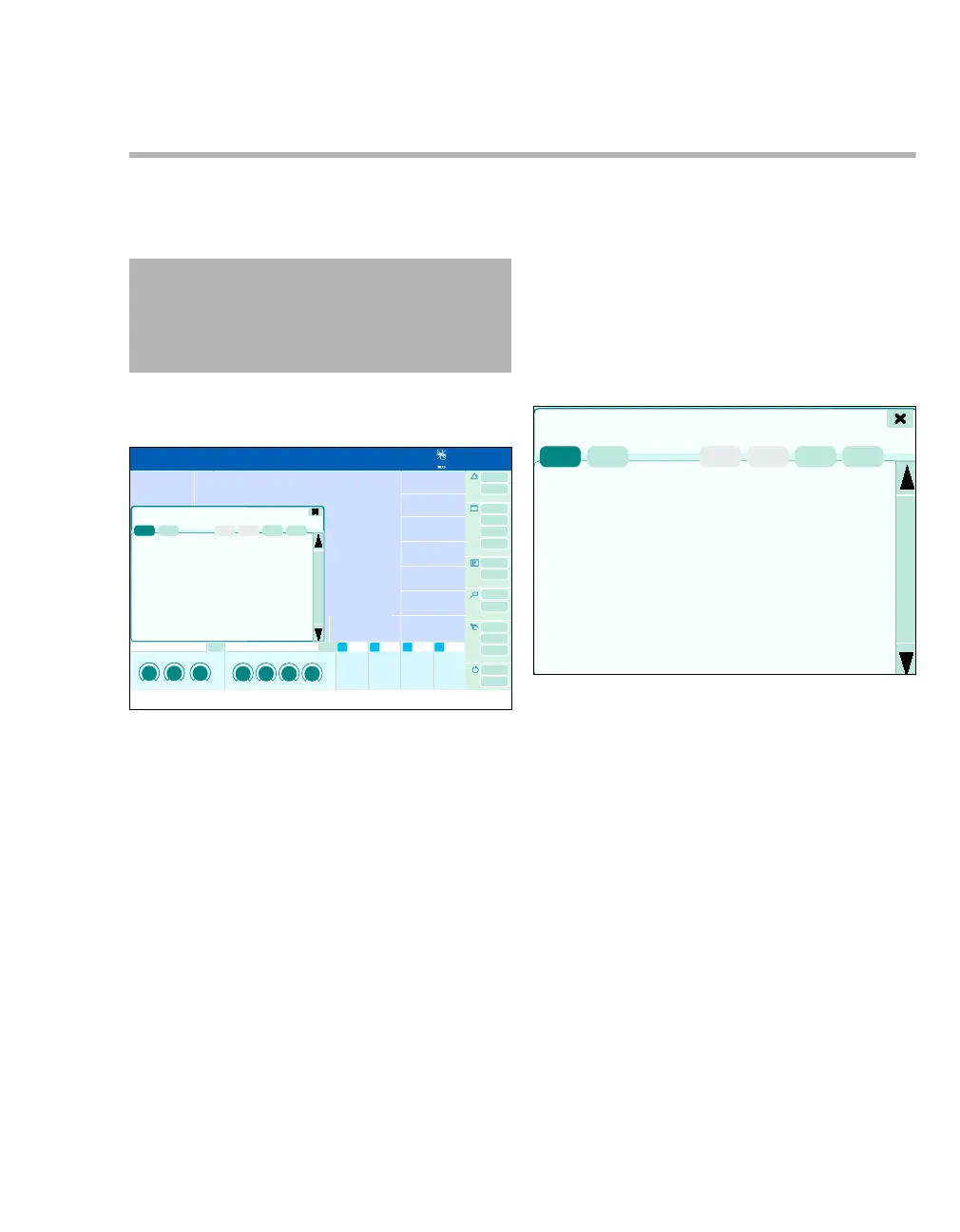
Help dialog window
Prerequisite: The Help button has been configured,
see page 332.
z In the main menu bar, touch the Help button
(A).
The Help dialog window will be opened.
Content
The table of contents of the help function is shown.
z Touch the Content button (A).
An overview with links appears.
Touching the underlined subjects opens another
level or information page.
WARNING
The help function is not a substitute for the in-
structions for use! This function does not nec-
essarily correspond to the current instruc-
tions for use. Maloperation possible.
375
A
386
? Help
A











 To Next Page