Instructions for use Zeus Infinity Empowered SW 2.n 161
Alarms
Alarm info
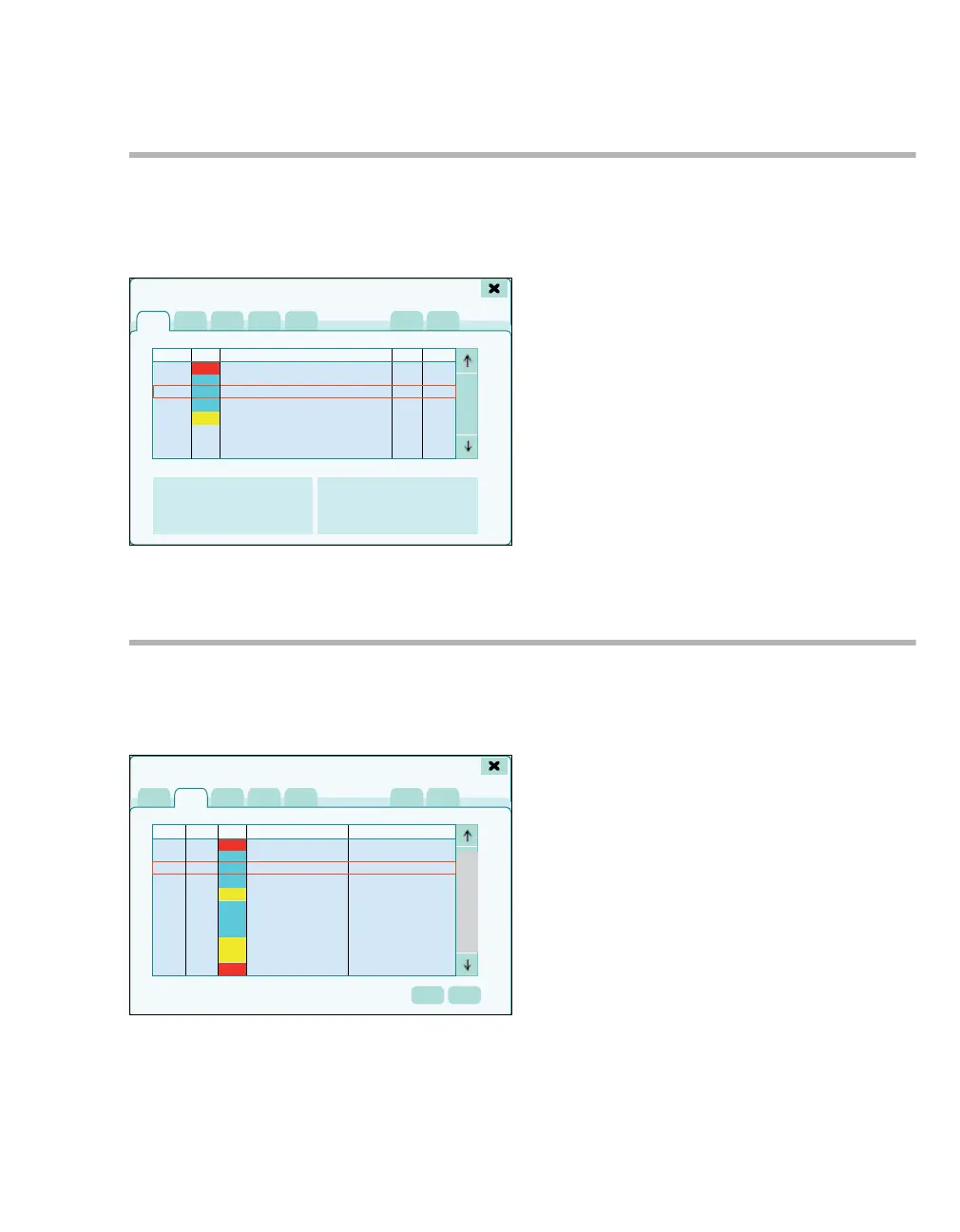
z Touch alarm message field.
The Alarms >Alarm info dialog window (A) opens
with all currently active alarm messages.
All current alarms are listed in chronological order
with the following information:
B Duration
C Prio
D Alarms
E Alarm limits
F Cause
G Remedy
See also alarm messages from page 255.
Alarm log
The alarm log records all alarm messages that
have occurred, but are no longer active in chrono-
logical order (maximum 200).
z Touch the Alarm log tab (A).
All alarms that occur are listed in chronological or-
der with the following information:
B Date
C Time
D Priority
E Patient alarms
E Technical alarms
See also alarm messages from page 255.
The Graph.trend (G) and Tab. trend (H) buttons
open the dialog windows for trend display as a
curve or table at the time of the selected alarm.
The alarm log is cleared:
– At the start of a new case
– When switching on the system
– In the event of a total power failure of more than
5 min (after the batteries are empty)
356
!!!
!!
!
!
!
Alarms
A
BC
D
E
F
G
358
!!!
!!!
!!
!!
!!
!
!
!
!
!
!
Alarms
A
BC
E
F
GH
D











 To Next Page