Startup
104
Instructions for use Zeus Infinity Empowered SW 2.n
System info
The System info page contains information about
the device configuration.
Calling up the system info:
z Touch the System info tab (A).
Service
An access code is required to display the following
service-related information:
– System info
– Info log
– Service info
– More Info
– System data
– DIVA data
– GMZ Data
– Access codes
– Apollo Software.
Displaying the test results during operation
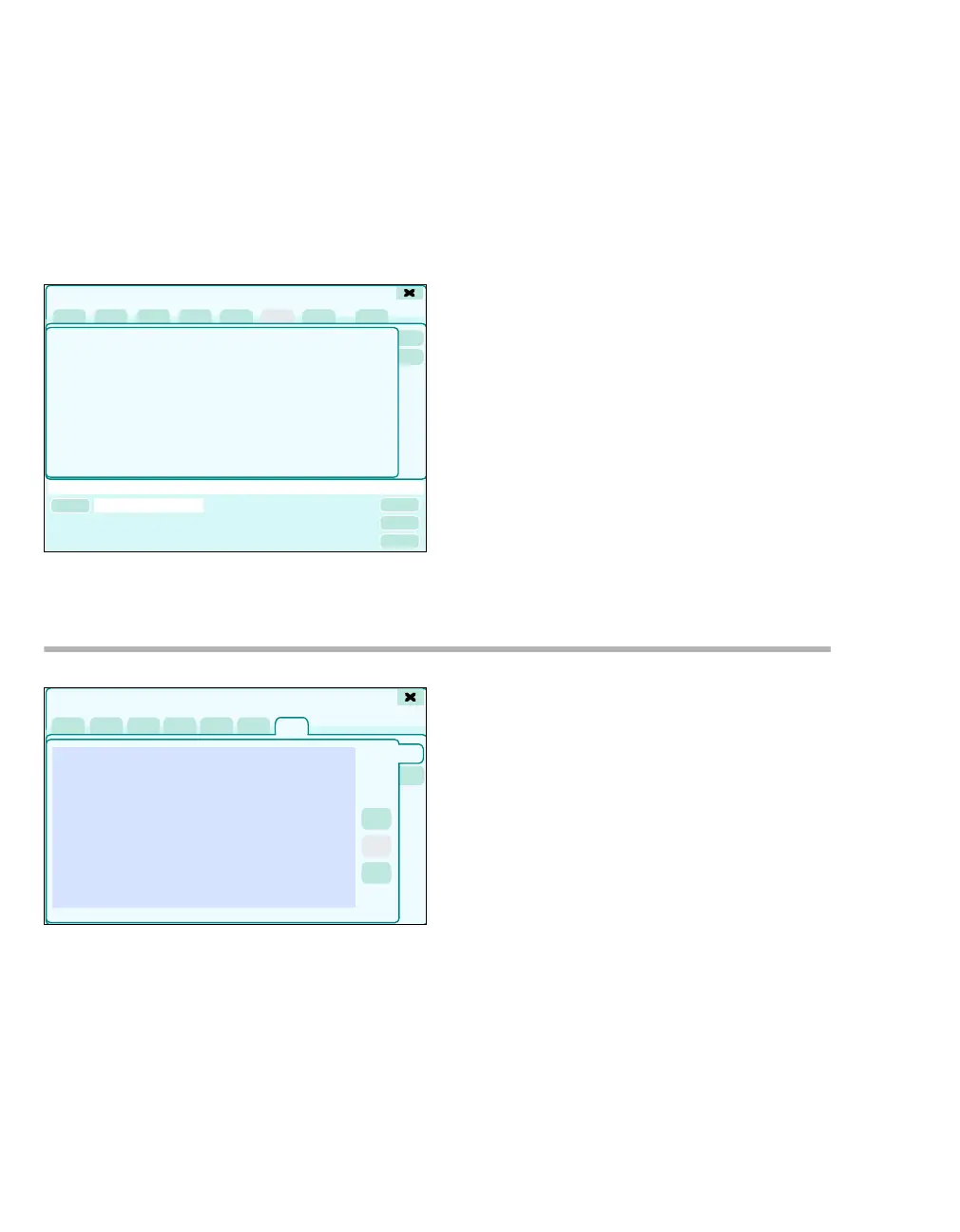
1 Touch the Trends/Data button.
The Trends/Data dialog window will be opened.
2 Touch the System tab (A).
The Test details dialog window appears.
3 Touch the Test results tab (B).
316
Test details
A
320
Trends/Data
A
B











 To Next Page