Alarms
166
Instructions for use Zeus Infinity Empowered SW 2.n
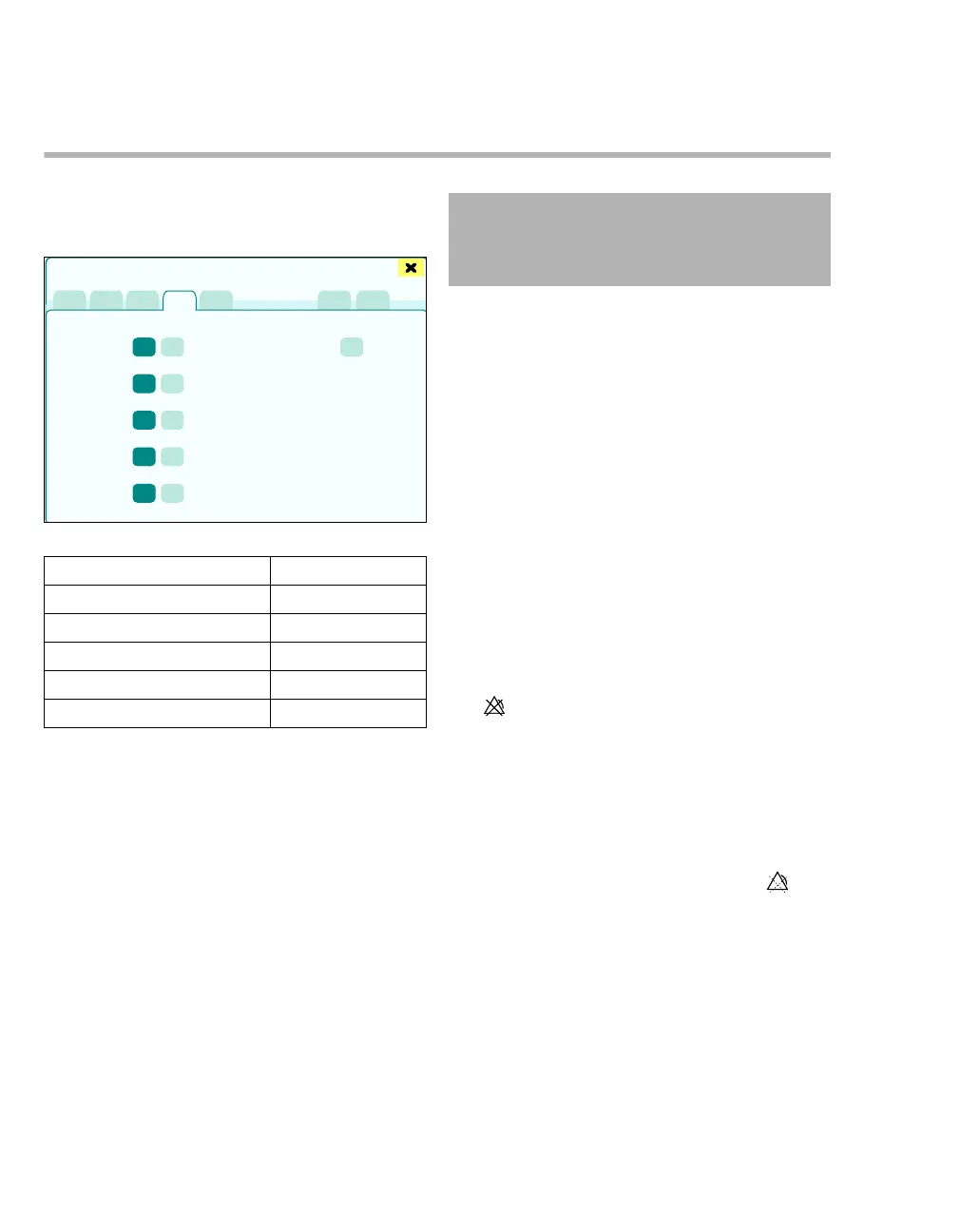
Suspending alarms
Alarm groups can be switched off and on.
z Touch the Suspend tab (A).
The following alarm groups can be suspended:
If the cardiac bypass mode is activated, the follow-
ing alarm groups are switched off:
– Apnea alarms
–CO2 alarms
– NIBP/BP alarms
–SpO2 alarms
– Heart rate alarms
– ST alarms
– Arrhythmia alarms
Technical alarms
Technical alarms can be acknowledged and then
set to a low priority.
Acknowledging a technical alarm:
z Touch the Confirm button (G).
The respective alarms are displayed as alarms of
lower priority.
Direct suspension of alarms using but-
tons in the main menu bar
The suspension of an alarm group can be config-
ured for direct access as a button in the main menu
bar. See "Configuring buttons" on page 332.
CO2 alarms On/Off
The CO
2 alarms off button can be used to switch
off the alarm limits for inCO2 and etCO2.
The symbol is displayed.
z Pressing the CO
2 alarms off button again
switches the CO
2 alarms on again.
Alarms are activated after detection of a respiratory
phase.
If still no respiratory phase has been detected after
changing from standby to a ventilation mode, the
CO
2 alarm is switched off temporarily. The sym-
bol is displayed. The symbol disappears as soon as
respiratory phases are detected, see CO
2 auto
wake-up (breaths) page 349.
363
Alarm group Factory setting
Apnea alarms (B) On
CO
2 alarms (C) On
BIS/NMT alarms (D) On
CV alarms (E) On
Cardiac bypass mode (F) Off
Alarms
A
B
C
D
E
F
G
CAUTION
Suspending technical alarms does not eliminate
the cause of the alarm. Eliminate the cause of the
alarm without delay, see page 255!











 To Next Page