Instructions for use Zeus Infinity Empowered SW 2.n 325
Configuration
Renaming profiles/views
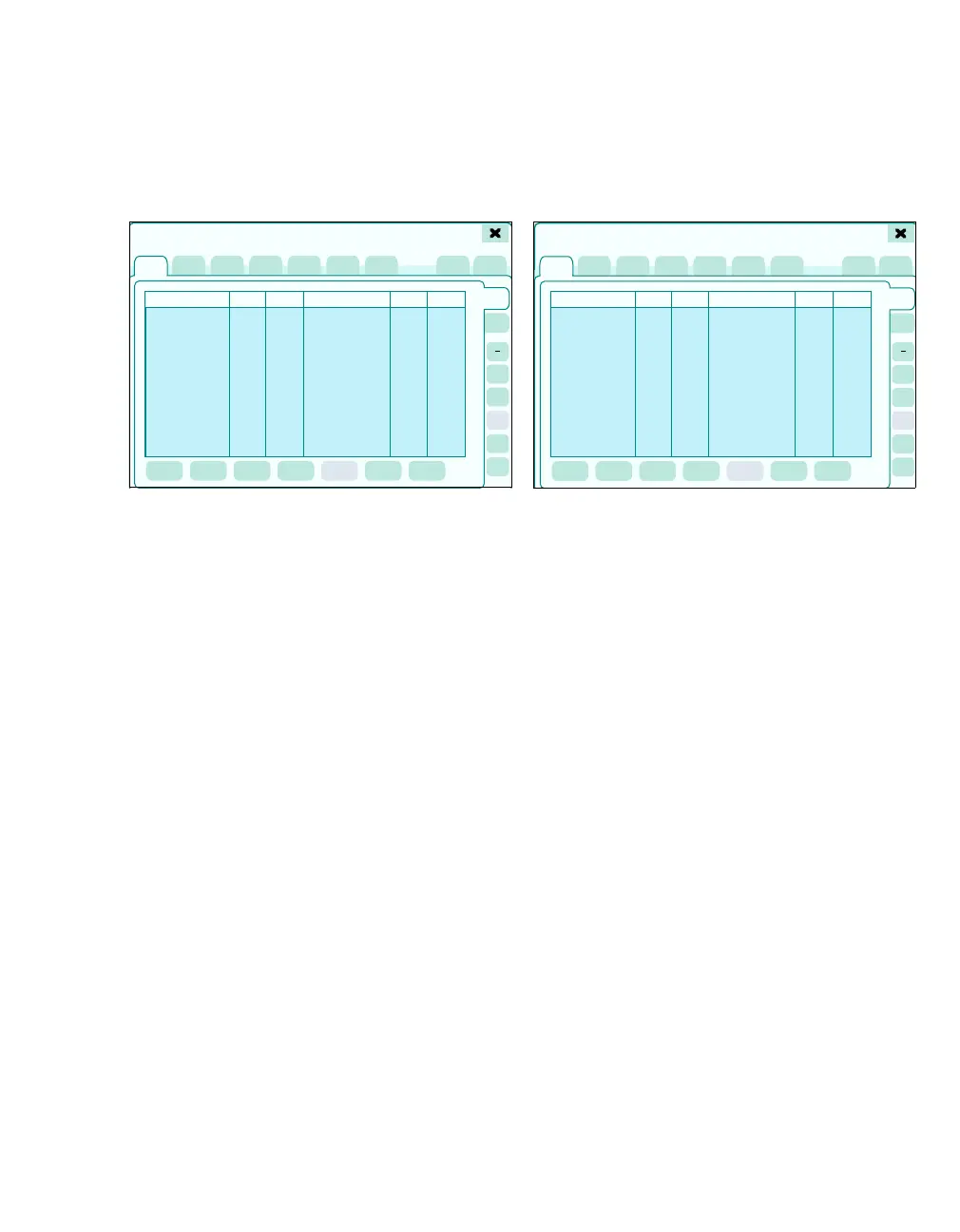
The Manage setups > Profiles > or Views page
opens.
1 Select the required profiles or views from the
Profile name list or View name list with the ro-
tary knob.
2 Touch the Rename button (A).
A keyboard with the current name opens.
3 Change the name and confirm with rotary knob.
The required name is thus activated.
The Dräger default Profiles/Dräger default
views cannot be changed.
New profiles/views
The Manage setups > Profiles > or Views page
opens.
1 All settings saved to the new profile or to the
new view must be checked before saving and
corrected, if necessary.
2 Touch the Profiles or Views tab.
3 Touch the New button (A).
A keyboard field appears.
4 Give the profile or view a meaningful name
(e.g., Adult) and confirm with Enter or by
pressing the rotary knob.
The name appears as the current profile in the pa-
tient data field (below the profile name),
see page 44.
410
1
2
3
4
5
System setup
A
410
1
2
3
4
5
System setup
A











 To Next Page