Monitoring
188
Instructions for use Zeus Infinity Empowered SW 2.n
Overview of the monitoring
Comprehensive patient monitoring is vital in an-
esthesia. The Zeus IE provides the facility to moni-
tor the patient in terms of his vital parameters (e.g.,
heart rate, blood pressure, O
2 saturation) and pri-
mary signals (e.g., ECG). Patient signals are re-
ceived via various modules and sensors.
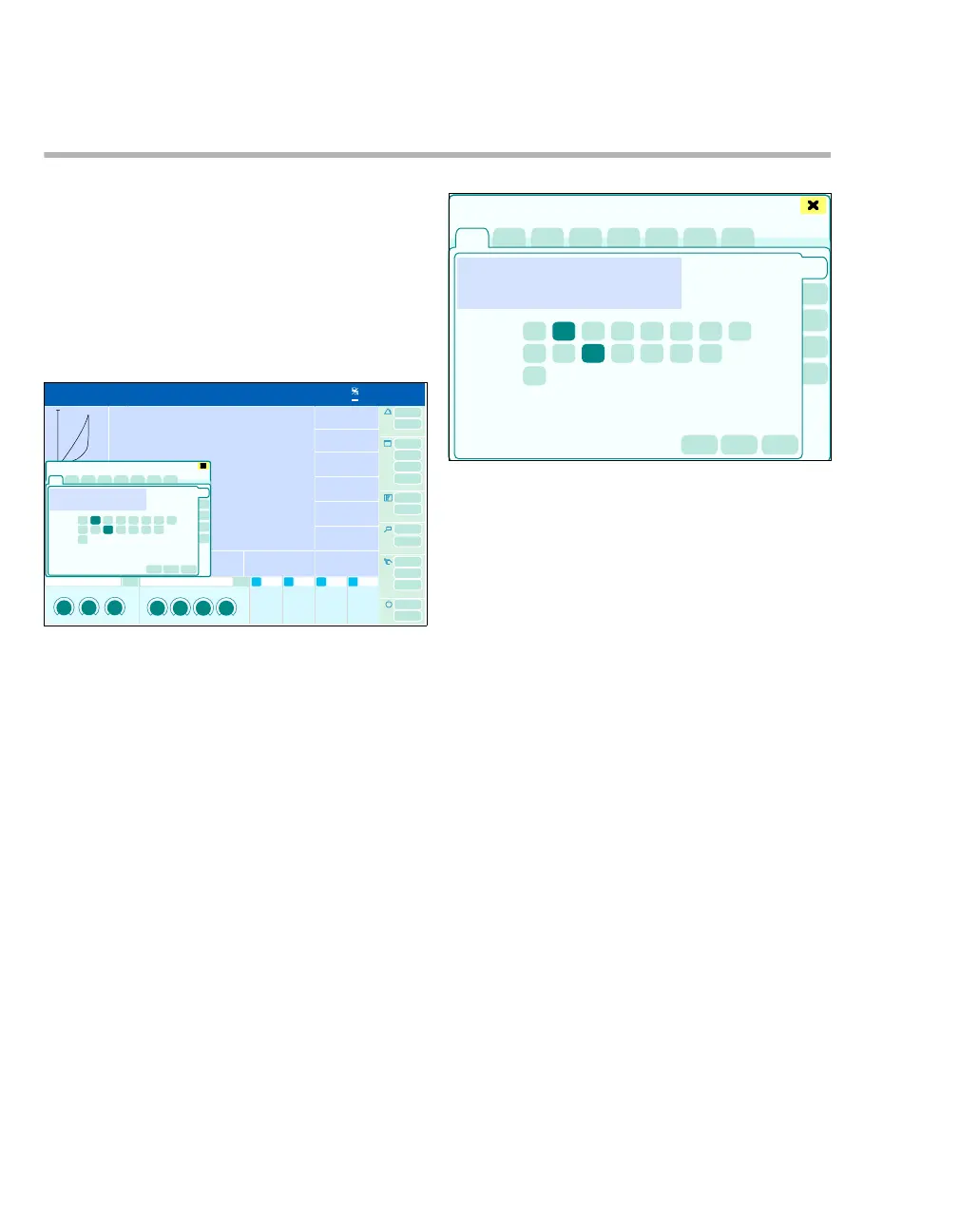
Opening dialog window
z Touch parameter field e.g. (A).
The corresponding page opens in the Sensors/Pa-
rameters dialog window.
Or
z Touch the area of the loop display (B).
The Sensors/Parameters > Anesth./ Ventilation
> PV FV Loops dialog window appears.
Or
If the Sensors/ Parameters button is configured
(see page 332):
z Touch the Sensors/ Parameters button (C).
The Sensors/Parameters dialog window will be
opened.
For hemodynamic patient monitoring (optional), the
following pages can be configured:
D ECG
E SpO
2
F NIBP
G IBP
H Temp
I C.O./ Calculat.
J BIS/NMT
For device monitoring, the following page can be
configured:
K Anesth./ Ventilation
The parameter fields are configured in the Screen
setup > Screen layout > Data dialog window,
seepage332.
Parameter module
If "---" is displayed in a parameter module, the
measured value is invalid or out of date.
If an apnea alarm or an asystole alarm occurs, no
measurements will be displayed in the CO
2 and
HR/PLS parameter modules. The length of time the
alarm has already been present is displayed in the
relevant parameter module.
309
0
0
1200
mL/mbar
mbar/L/s
20
A
B
C
389
Sensors/Parameters
D
K
E
F
G
H
I
J











 To Next Page