Instructions for use Zeus Infinity Empowered SW 2.n 143
Operation
Page Advanced
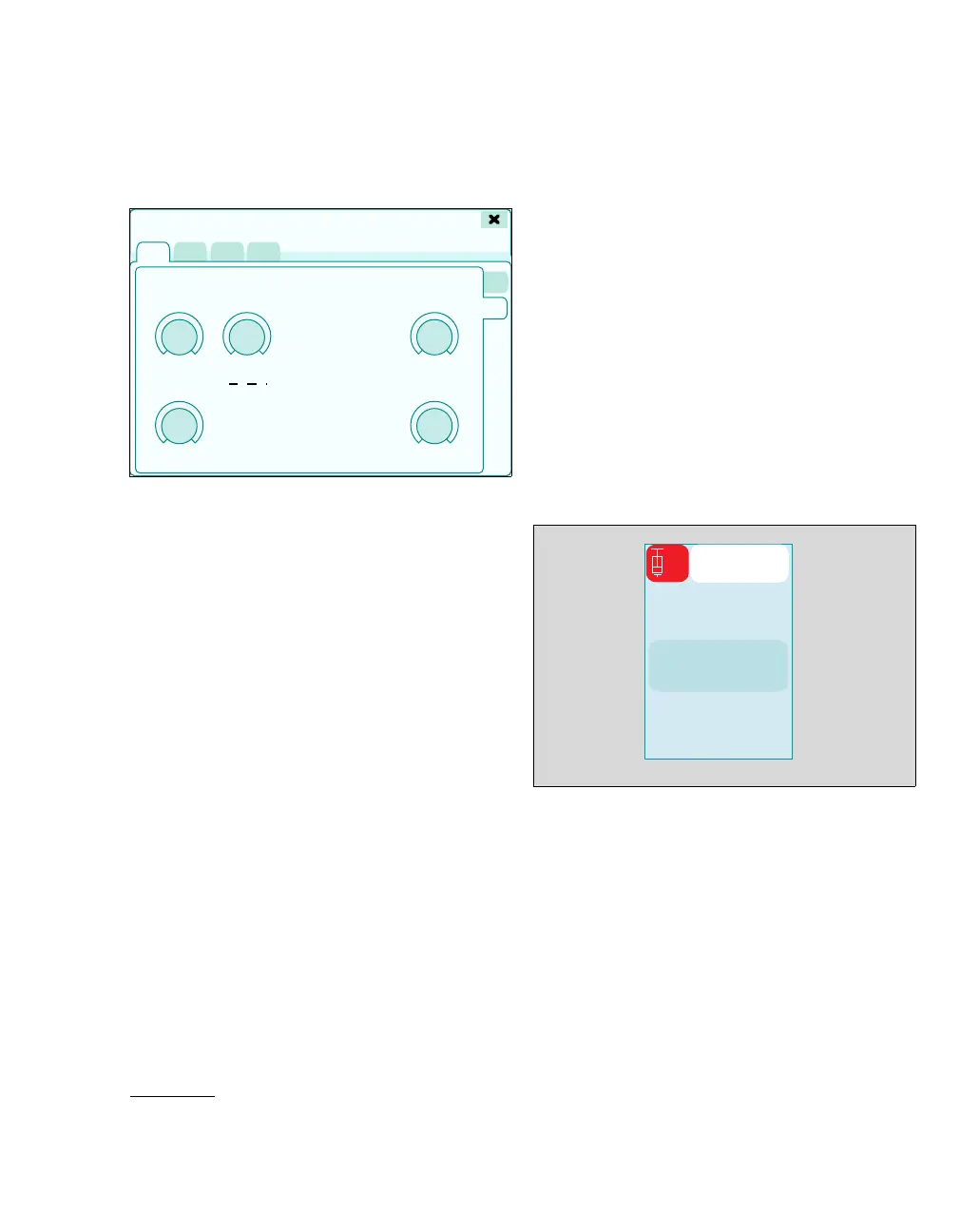
Page for the setting limits of infusion and bolus ad-
ministration
J Max.bol.rate: Limits the bolus rate saved in the
profile.*
Therapy control for the maximum bolus rate in
user-defined unit of measurement and display
of the set maximum bolus rate in mL/h
K Bolus: Therapy control for the bolus in user-de-
fined unit of measurement and display of the set
Bolus in mL. This is displayed in red for applica-
tion of an initial bolus.
L Bolus rate: Therapy control for bolus rate in
user-defined unit of measurement and display
of the set infusion rate in mL/h
M Bolus time: Display of the Bolus application
time in seconds.
N Max.inf.rate: Limits the infusion rate saved in
the profile.
Therapy control for the maximum infusion rate
in user-defined unit of measurement and dis-
play of the set maximum infusion rate in mL/h
O Infusion: Therapy control for infusion in user-
defined unit of measurement and display of the
set infusion rate in mL/h
Setting parameters:
1 Touch the therapy control of the respective pa-
rameter.
2 Use the rotary knob to set and confirm the
value.
The set values are transferred to the system.
Starting the Module DPS on Zeus IE
Prerequisite:
Suitable drug settings have been loaded with the
profile setup or selected from the Infusion settings
dialog window.
Switching on the Module DPS
If a Module DPS syringe pump which is switched off
is connected to Zeus IE:
z Touch the Start pump button (A).
Or
z In the Infusion settings (see page 142) dialog
window, touch the Pump On button.
z Confirm with the rotary knob.
The Module DPS syringe pump is switched on.
Zeus IE checks information from the syringe pump
being used. The default values are set.
348
* Bolus rate = speed of bolus administration
J
K
L
M
N
O
Infusion settings
491
1
ATRAC
A











 To Next Page