Configuration
346
Instructions for use Zeus Infinity Empowered SW 2.n
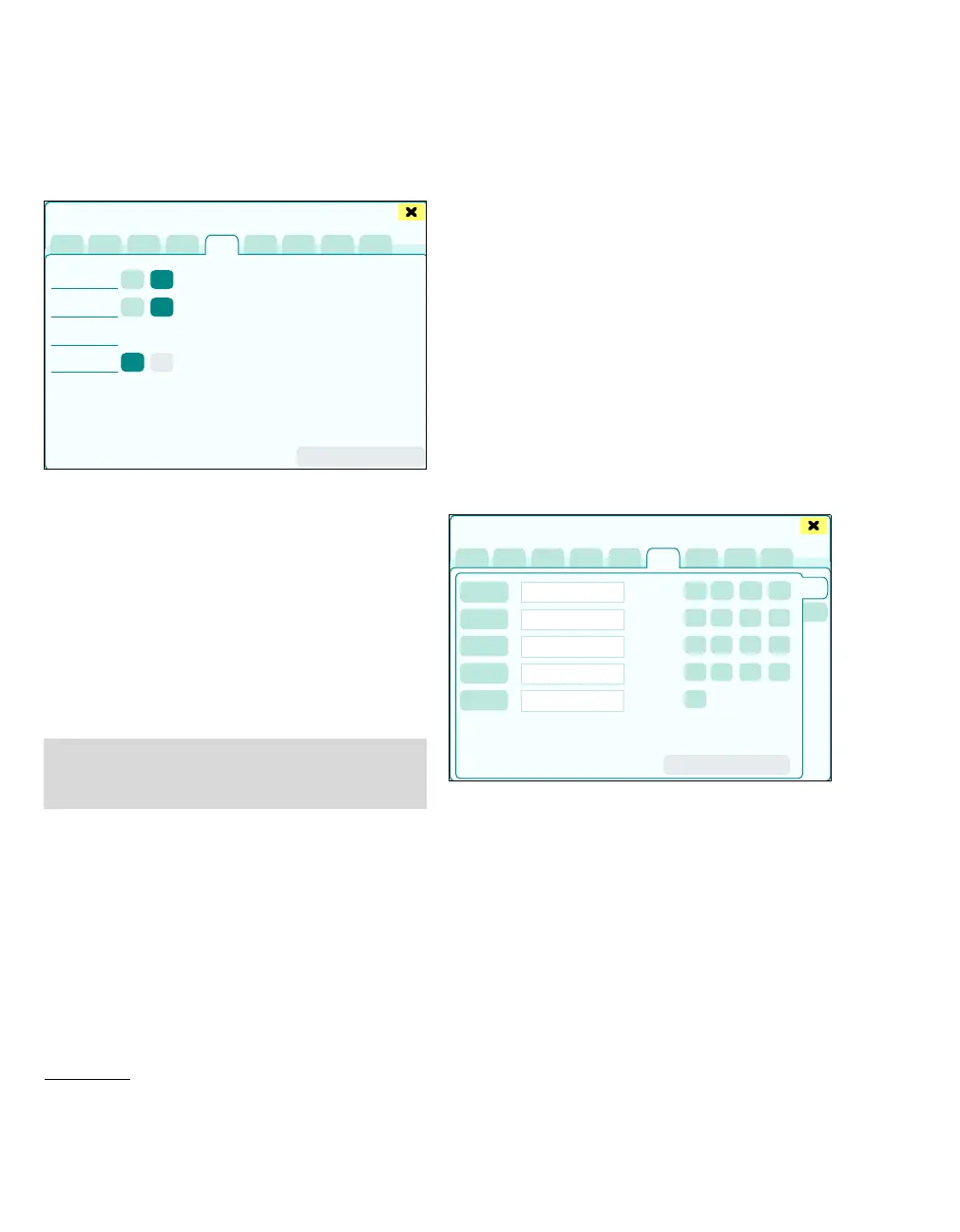
NIBP/SpO2
The page Basic settings > NIBP/SpO2 opens.
After replacement of the NIBP module,
DrägerService performs a calibration of the pres-
sure transducer.
A Characterization: to characterize the sensor:
Start / Stop
B Cal. check: Start / Stop
C NIBP: pressure
D SpO
2: Sensor: Nellcor, Masimo*
E Apply changes
Infinity configuration (optional)
The Infinity network connects monitors and other
Dräger medical devices to the network center and
to each other, offering a variety of different monitor-
ing functions.
Depending on the software version number and the
monitors connected, incompatibilities may occur in
the network. Not all alarms and functions of the In-
finity network are supported.
Further details are available from your Dräger prod-
uct specialist.
Network configuration
The page Infinity config. > Network config.
opens.
The following settings can be configured:
A Bed name
B Care unit
C Hospital name
D Monitoring unit
E IDS label
Configure settings:
1 Touch the respective button.
The keyboard window opens for text input.
2 Enter text and confirm with rotary knob.
439
* optional only for SpO2 measurement without SpO2
SmartPod
NOTE
The sensor type can only be switched over if the
sensor is not plugged in.
Basic settings
A
B
C
D
E
489
Basic settings
A
B
C
D
E
F
G
H
I
J
K











 To Next Page