Operation
134
Instructions for use Zeus Infinity Empowered SW 2.n
Special events during ventilation
Water trap is full
z Remove water trap.
z Empty and replace water trap, see page 361.
Soda lime is used up
z Remove absorber container in fresh-gas or
standby mode.
z Replace soda lime, see page 66.
DIVA metering module is empty
z Refill the DIVA metering module, see page 75.
z Switch over to full DIVA metering module or
z Change DIVA metering module, see page 74.
Suction system is full
z Change suction bottle.
z Insert empty backup bottle (see relevant in-
structions for use).
Changing the patient
Patient data can only be configured in the Startup
dialog (see page 109) dialog from the standby
screen, from a ventilation mode, and from Vent.
Standby using the New patient button.
Changing the patient from ventilation mode
1 Touch the Start/Standby button (A).
All settings previously modified in operation are
preserved.
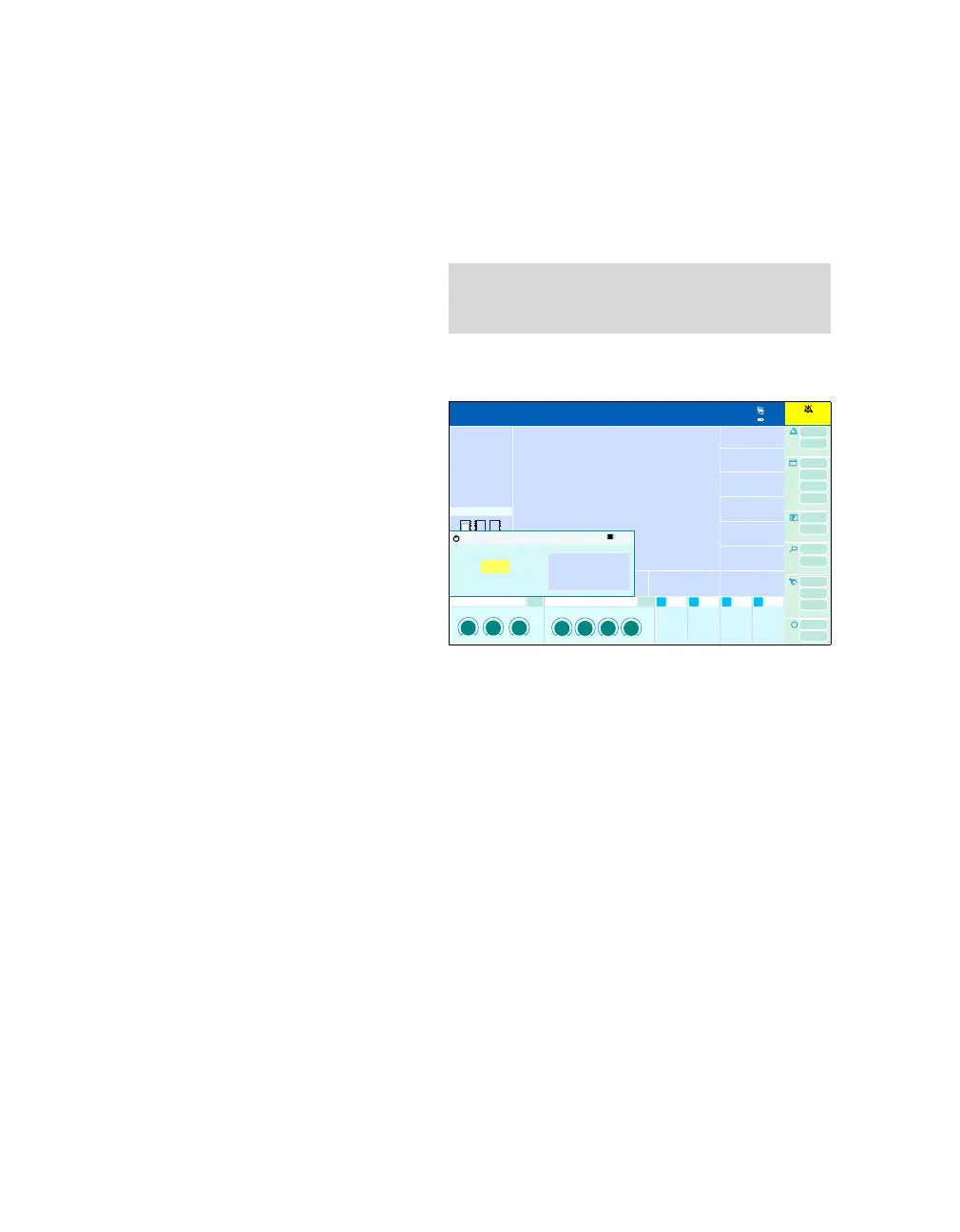
The System standby? dialog window will be
opened.
2 Confirm Stop ventilation? button (B) with ro-
tary knob.
Or continue ventilation:
z Close dialog window.
Pressing the rotary knob automatically switches the
device to the system standby screen.
3 Call up the Startup dialog and configure,
see page 109.
NOTE
Starting a new case clears the data of the preced-
ing case!
469
1:35
1:35
System standby?
A
B











 To Next Page