Instructions for use Zeus Infinity Empowered SW 2.n 347
Configuration
Other settings:
F IP address
G Netmask
H Default route
I Printer IP
J Alarm group
K Apply changes
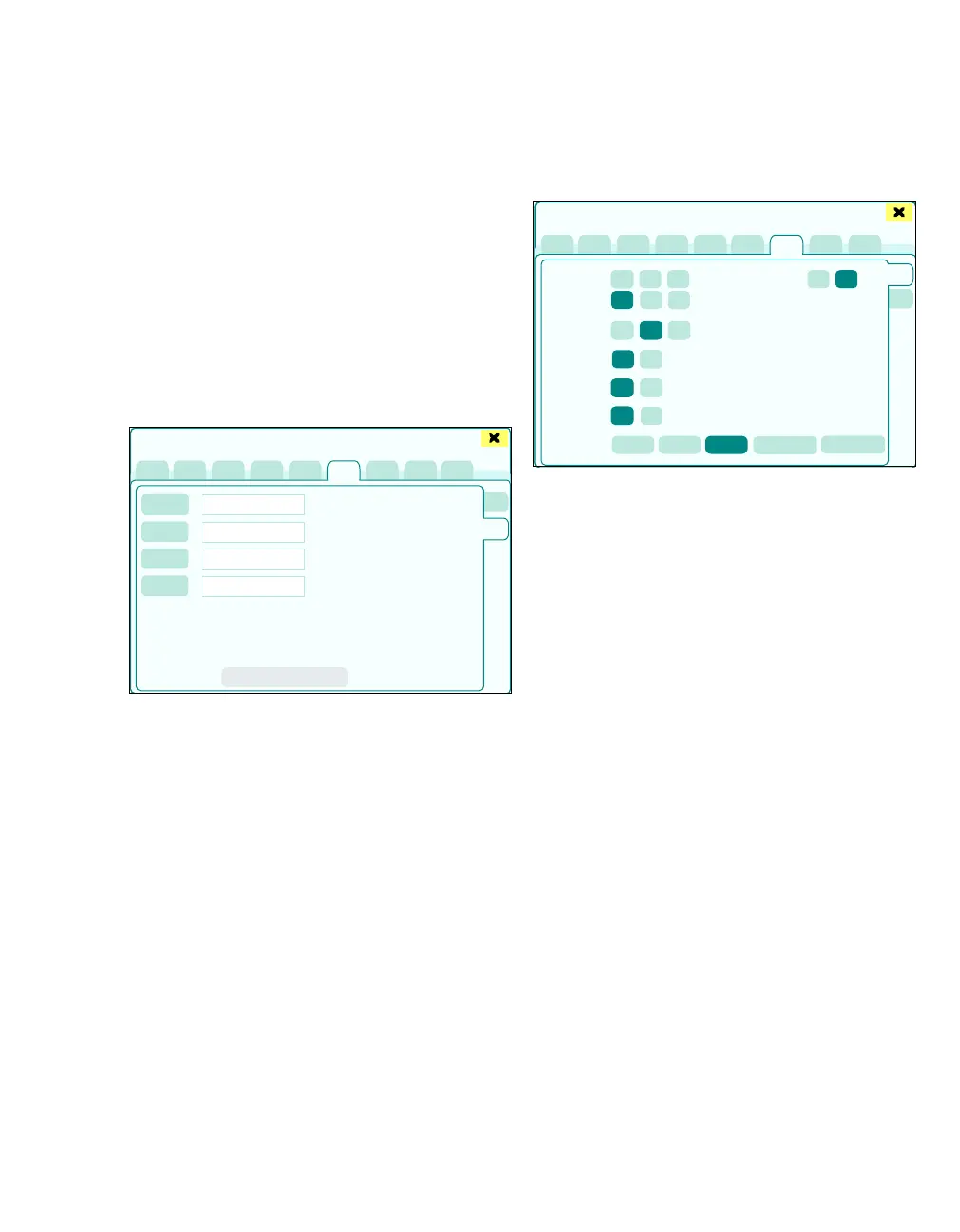
Recorder configuration
The page Infinity config. > Recorder config.
opens.
The following settings can be configured:
L Recorder 1
M Recorder 2
N Primary recorder
O Secondary recorder
P Apply changes
Configure settings:
1 Touch the respective button.
The keyboard window opens for text input.
2 Enter text and confirm with rotary knob.
Configuring MediBus
The page MediBus config. > COM 1 opens.
The following settings for the COM 1 and COM 2
buttons can be configured:
A Baud rate: Speed of data transfer (1200, 2400,
4800, 9600, 19200, 38400)
B Parity: No, Even, Odd
C Stop bits: 1, 2
D MIB/IDS filter: On, Off (if Dräger patient moni-
toring is connected via the COM port)
E Commands to MediBus device: On, Off
(Zeus IE suppresses the Time changed com-
mand)
F MediBus version: SW 3.n, SW 4.n, MEDI-
BUS.X (unified Dräger protocol standard, see
separate instructions for use 9040096,
9052607, 9052608)
G Port: On, Off
The Activate button (H) must be touched after any
change to the settings is made for the change to ap-
ply.
490
Basic settings
L
M
N
O
P
438
Basic settings
A
B
C
D
E
F
G
H
I











 To Next Page