Operation
144
Instructions for use Zeus Infinity Empowered SW 2.n
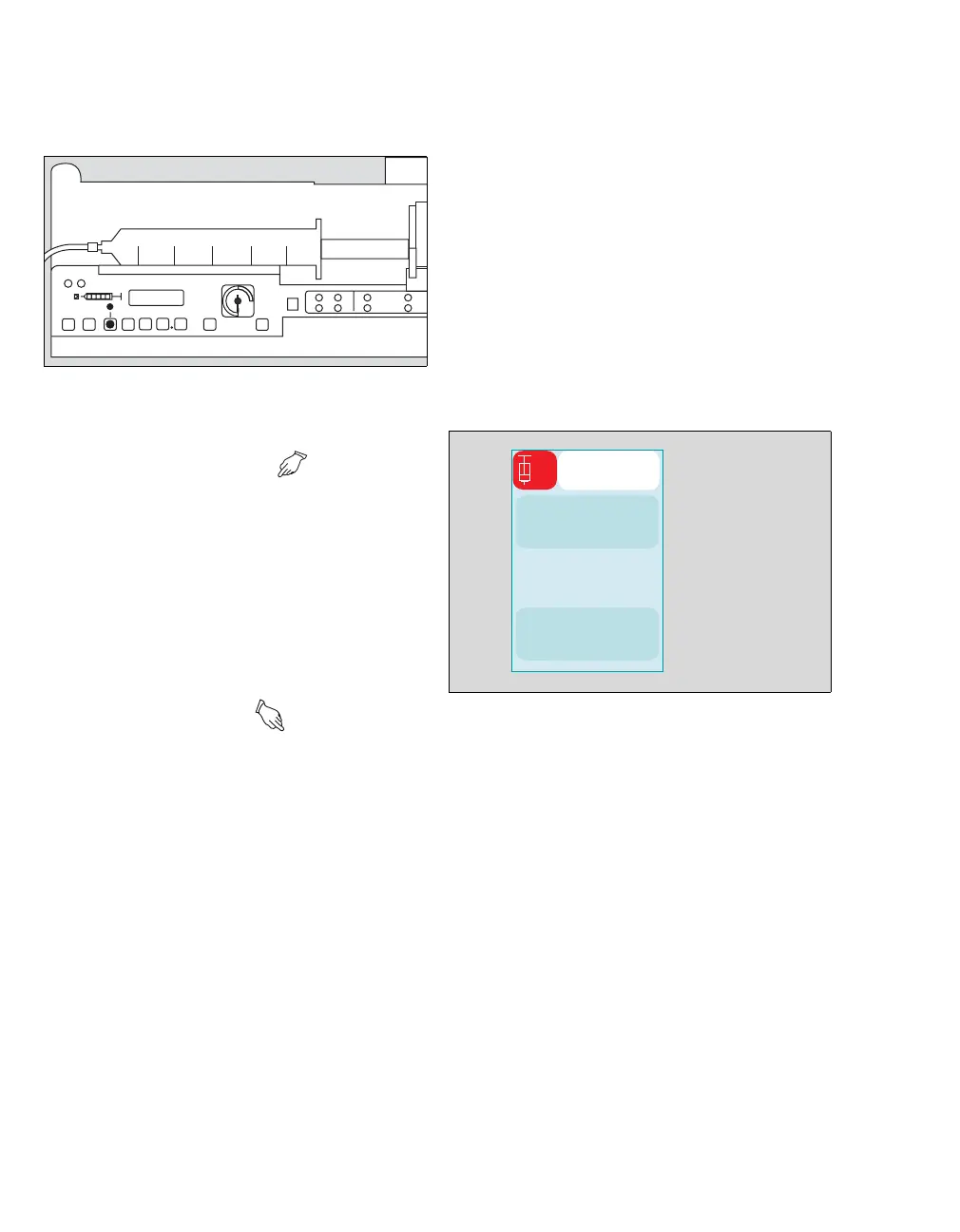
Confirming the syringe
Zeus IE prompts the user to confirm the syringe,
which is being used on the Module DPS syringe
pump (size and make):
1 Confirm syringe at pump .
The LED in the (B) button on the syringe pump
flashes in green.
2 Press the (B) key.
The LED continues to flash in green.
Confirming the drug
Zeus IE prompts the user to confirm the drug being
used on the Module DPS:
1 Confirm drug at pump .
The LED in the (B) button on the syringe pump
flashes in green.
2 Press the (B) key.
The LED continues to flash in green.
An infusion or a bolus application can be com-
menced only after the syringe size and the drug
have been confirmed on the syringe pump and after
visual inspection of the assigned Module DPS sy-
ringe pump on Zeus IE.
Administering an infusion
The Check patient and pump settings! dialog
window appears if:
– There is a change of patient via system standby.
– The syringe barrel clasp (flap) has been opened
and all the pumps have stopped.
– A pump which is stopped is connected to
Zeus IE.
– A pump which is running is connected to
Zeus IE.
Starting the infusion
z Touch the Start infusion button (A).
Or
z In the Infusion settings (see page 142) dialog
window, touch the On button for the Infusion.
The LED in the (B) button on the syringe pump
goes out and the infusion starts.
270
B
463
1
ATRAC
A











 To Next Page