Monitoring
190
Instructions for use Zeus Infinity Empowered SW 2.n
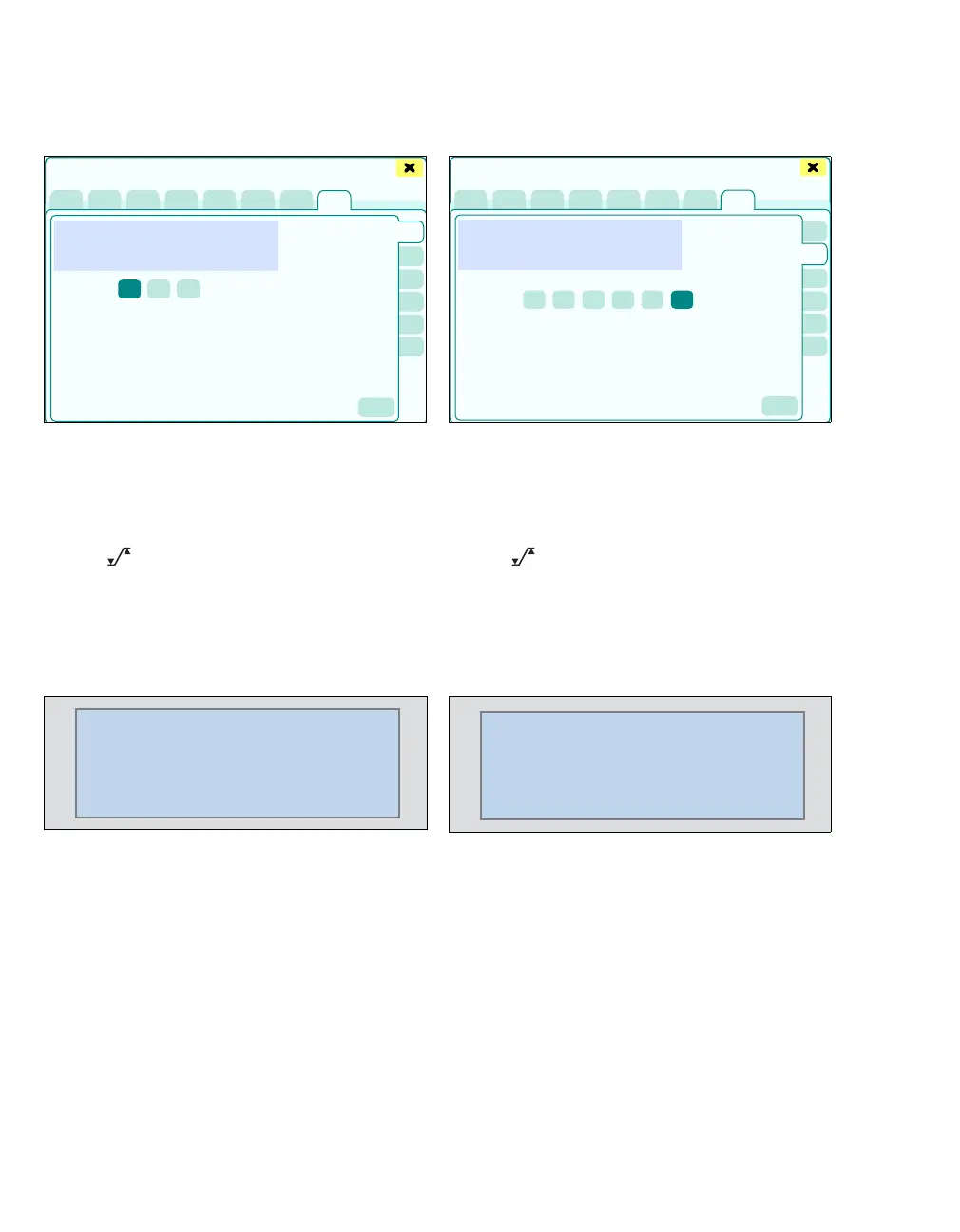
Setting the amplitude of CO2 scale
z Touch the CO
2 button (A).
The CO
2 page displays:
B The current CO2 curve
C CO
2 scale (scaling of the CO2 curve in relation
to the amplitude)
D The button opens the Alarms > Alarm lim-
its > Ventilation dialog window for alarm limit
setting.
Oxygen
The parameter box O2 displays
– the inspiratory (in) O2 concentration in the
breathing gas
– the expiratory (et) O
2 concentration in the
breathing gas
Additionally after touching the Display all button
(prerequisite: Display all button has been config-
ured, see page 332):
– Currently set alarm limits
Setting the amplitude of the O2 scale
z Touch the Oxygen button (A).
The Oxygen page displays:
B The current O2 curve
C O
2 scale (scaling of the O2 curve in relation to
the amplitude)
D The button opens the Alarms > Alarm lim-
its > Ventilation dialog window for alarm limit
setting.
Flow
The Flow parameter box displays:
– MV (minute volume)
– VT
e (Expiratory tidal volume, resolved for each
individual breath)
– RR (respiratory rate, derived from the flow sig-
nal)
Additionally after touching the Display all button
(prerequisite: Display all button has been config-
ured, see page 332):
– Currently set alarm limits
404226
Sensors/Parameters
A
B
C
D
27
31
20
O2
in
et
%
Off
405227
Sensors/Parameters
A
B
C
D
500
6.0
12.0
4.0
Vol
MV
VT
e
RR
Off
L/min











 To Next Page