Instructions for use Zeus Infinity Empowered SW 2.n 323
Configuration
System setup
Prerequisite: The System setup button has been
configured, see page 332.
z In the main menu bar, touch the System setup
button (A).
The System setup dialog window will be opened.
The following settings can be configured in the
System setup dialog window:
– Manage setups
– Sensors/ Parameters
– IBP
– MixGas/ Ventilation
– Infusion
– Alarms
– Screen layout
– Basic settings
– Autoset limits
Manage setups for Profiles and Views
z In the main menu bar, touch the System setup
button.
The System setup > Manage setups dialog win-
dow appears.
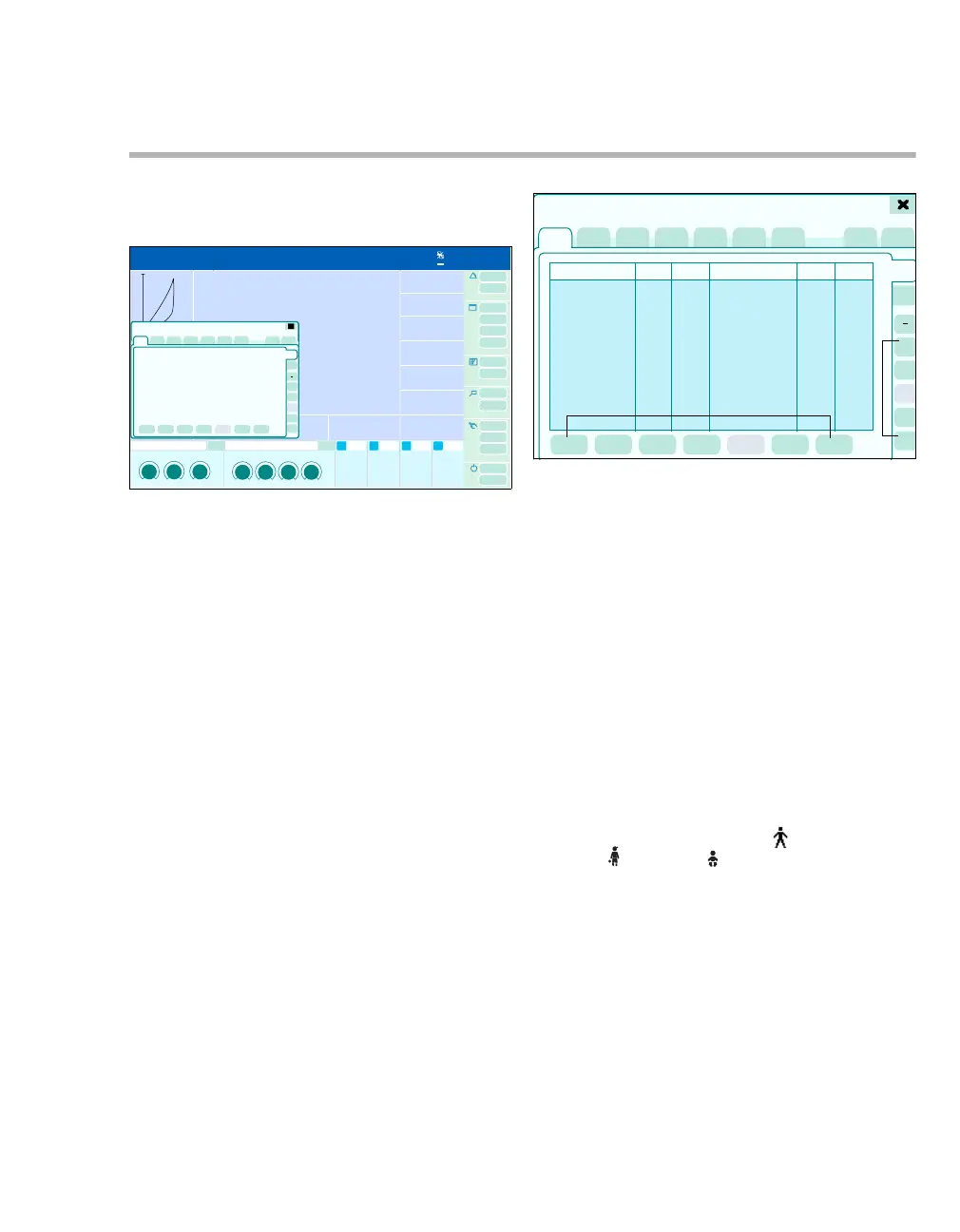
The Manage setups page displays two vertical
tabs:
– Profiles (B)
– Views (C)
z Touch the Profiles tab (B).
The page for setting the profiles with the following
options appears:
D Button for deleting the assigned order of the
profile keys
E Five buttons (profile keys) for determining the
order of the profiles for the startup dialog
F Buttons for administration of the presets
The following is displayed for each profile:
G Profile name: Dräger Neo., Dräger Ped. 1,
Dräger Ped. 2, Dräger Adult 1, Dräger
Adult 2 or user-defined profiles
H Categ.: Symbols for adults , pediatric pa-
tients , neonates
I Key: Assigned profile key
J Last change: Date and time
K Default: Indication that the profile is preset
(tick)
L Protected: Indication that the profile is saved
and access code protected (lock icon)
311
0
0
1200
mL/mbar
mbar/L/s
20
A
410
2
3
1
2
3
4
5
4
3
System setup
B
C
D
E
F
GH
I
J
K
L











 To Next Page