Startup
100
Instructions for use Zeus Infinity Empowered SW 2.n
Pretest
The pretest can be started as a separate test in
preparation for the automatic self test the next day.
This ensures that the typical errors in the self test,
see page 97, no longer occur.
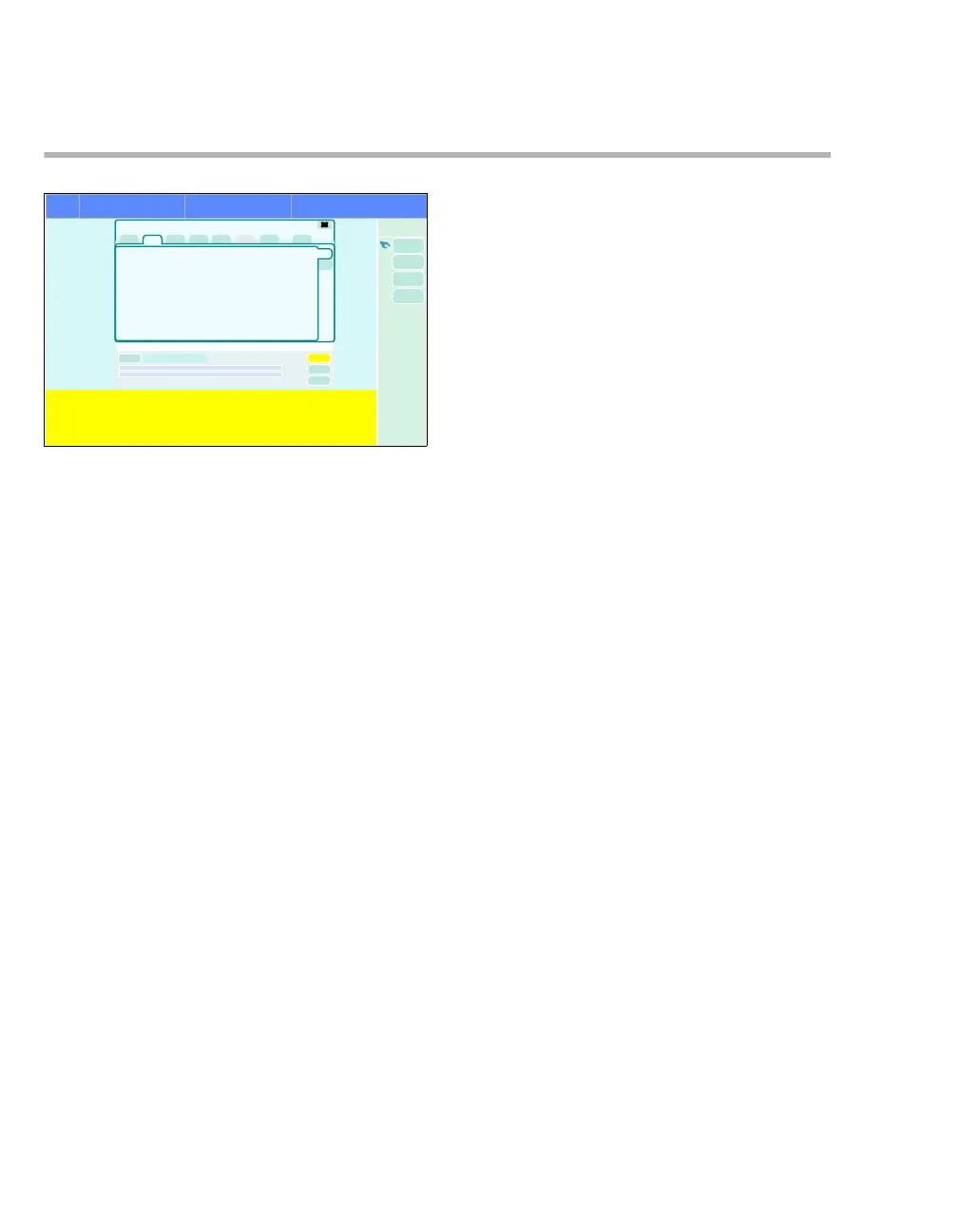
The pretest is called up from the standby screen.
1 Touch the Device test button.
2 Touch the Pretest button (A).
The Start button (B) automatically turns yellow.
3 Confirm with rotary knob.
The pretest starts. The button turns dark green.
A progress indicator shows the elapsed time in %
during the test. If a problem is found in the pretest,
information about the cause and how to remedy the
problem appears in the text display.
After the problem has been remedied:
z Touch the Repeat button (B) (Start). The pre-
test continues.
Or cancel the pretest:
z Touch the Cancel button (C).
435
A
B
Tes t de tai l s
Pretest
Pretest
C











 To Next Page