Instructions for use Zeus Infinity Empowered SW 2.n 97
Startup
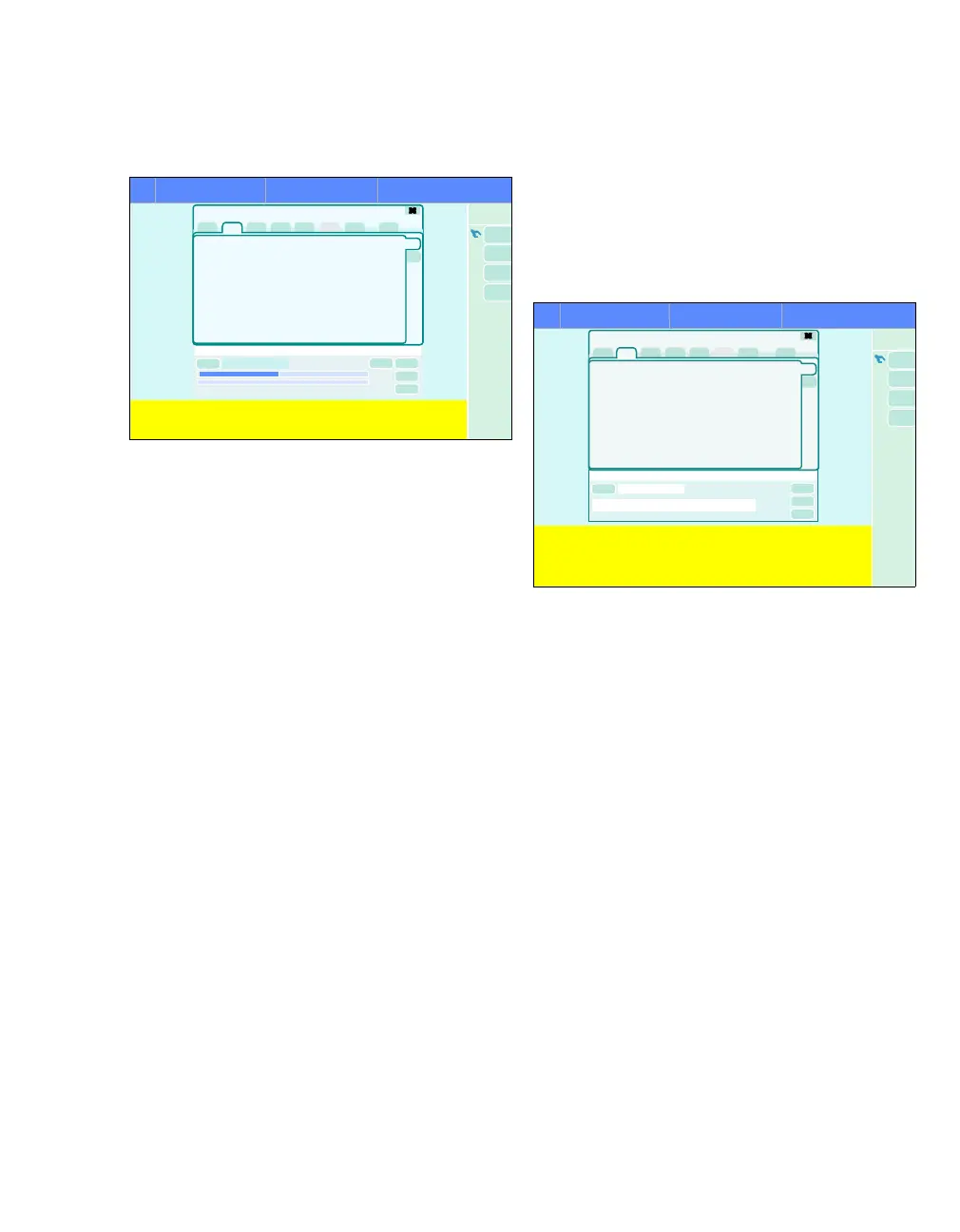
The self test starts. The Start button (D) is dark
green.
The total time of the test is approx. 8 minutes. Two
progress indicators (E) show the elapsed time in %.
The top bar displays the Pretest. The pretest takes
approx. 1 minute. The device is tested for the fol-
lowing most frequent errors:
– Large leak
– Y-piece not connected properly
– APL valve setting
– Central supply status of O
2 and Air
– Flow sensors inoperable
If a problem is determined in the pretest, informa-
tion about the cause and how to remedy the prob-
lem appears above the progress bar.
z When the problem has been remedied, touch
the Repeat pretest button.
After the pretest, the following options are available
to continue the self test:
– Pretest passed:
– Self test continues automatically.
– At the end of the self test, the current test re-
sult is displayed.
– Pretest failed:
z Call up the cause of the error via the Test
info tab.
z Perform the pretest again or start the self
test directly to obtain accurate error analy-
sis.
A failed pretest does not change the last self test re-
sult.
The pretest can be activated as a separate test in
preparation for the automatic self test,
see page 100.
The bottom progress bar displays the progress of
the self test.
During the self test, the Test results (F) page dis-
plays the results of the previous test.
If the self test is passed, the device displays the
completed/operable message on a green back-
ground. The self test did not identify any errors and
the device automatically switches to the Startup di-
alog. Zeus IE can be put into operation.
If the self test is failed, one of the following mes-
sages appears:
– completed/partly operable on a yellow back-
ground. The user can decide based on the
cause of the error (see "Test info" on page 101)
whether the self test should be repeated or ter-
minated after remedying the error.
– completed/not operable on a red background.
The user must repeat the Self test after remedy-
ing the error.
Repeating the self test:
z Touch the Repeat button (G). All tests are re-
peated.
436
Test details
Self test
Self test
E
437
Self test
Tes t de tai l s
Self test
F
G
H











 To Next Page