Monitoring
194
Instructions for use Zeus Infinity Empowered SW 2.n
Loop displays
Loops are a graphic representation of the respira-
tory monitoring data collected by the ventilator.
Pressure/volume loop and flow/volume loops pro-
vide important information about the response of
the patient to the ventilation.
Configuration see page 331.
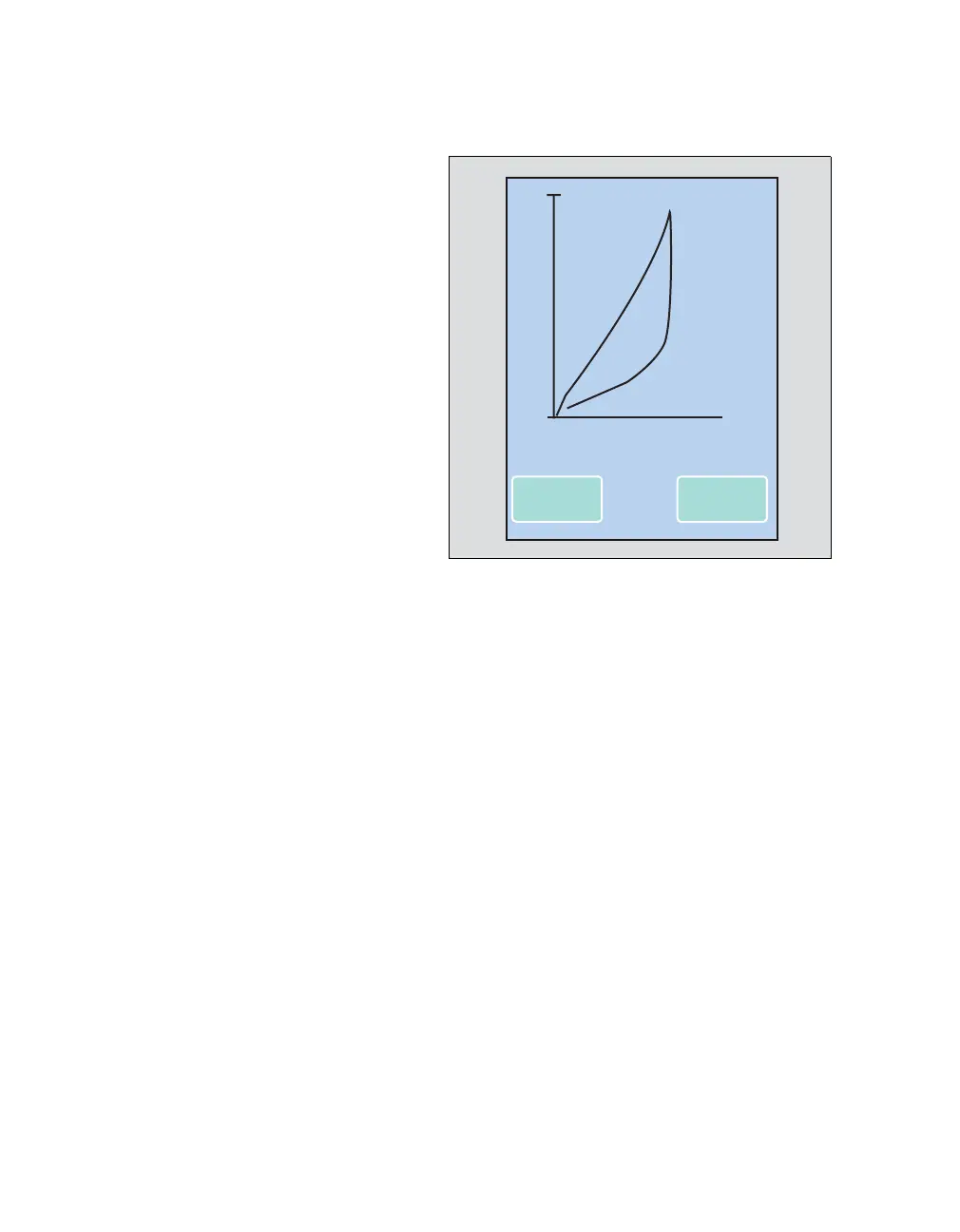
Pressure/volume loops
Pressure/volume loops show changes in the com-
pliance, resistance and respiratory work.
The loop of a mechanically generated breath is
plotted in an counterclockwise direction. The loop
of a spontaneous breath is plotted in a clockwise di-
rection. The inspiration starts at a point which is de-
fined via the base pressure and the volume at the
beginning of inspiration. The loops show the appro-
priate values for dynamic compliance (Cdyn).
Flow/volume loops
Flow/volume loops plot mechanical and spontane-
ous breaths in the same manner. Inspiration starts
at the starting point of the loop and is then plotted
upwards and from the left-hand side to the right-
hand side (clockwise). Expiration is plotted below
the horizontal axis from right to left, back to the
starting point.
Display of ventilation loops
Older loops are deleted and replaced by the current
loops. Up to six reference loops can be saved and
displayed. Reference loops are used as compari-
son points to evaluate the current loops.
z Touch the Save button (A).
The current loop is saved as a blue curve with its
time. The loops in progress are overlaid on it in
black.
z Touch the Recall button (B).
The saved loops (maximum 6) are recalled by con-
tinuous touching. The sequence of the loops is dis-
played at the top right along with the respective
time saved.
Displaying values for compliance Cdyn and resist-
ance R:
z Touch the screen between the Save and Recall
buttons.
232
0
0
1200
20
09:20:45
A
Volume I
B
Paw











 To Next Page