Instructions for use Zeus Infinity Empowered SW 2.n 195
Monitoring
Displaying the Save and Recall buttons again:
z Touch the screen in the area of the values for
compliance and resistance again.
In Vent. standby ventilation mode, no PV loops
can be displayed because of the absence of respi-
ration phase triggering. Instead of the loop display,
Vent. standby is displayed.
Setting and selecting loops
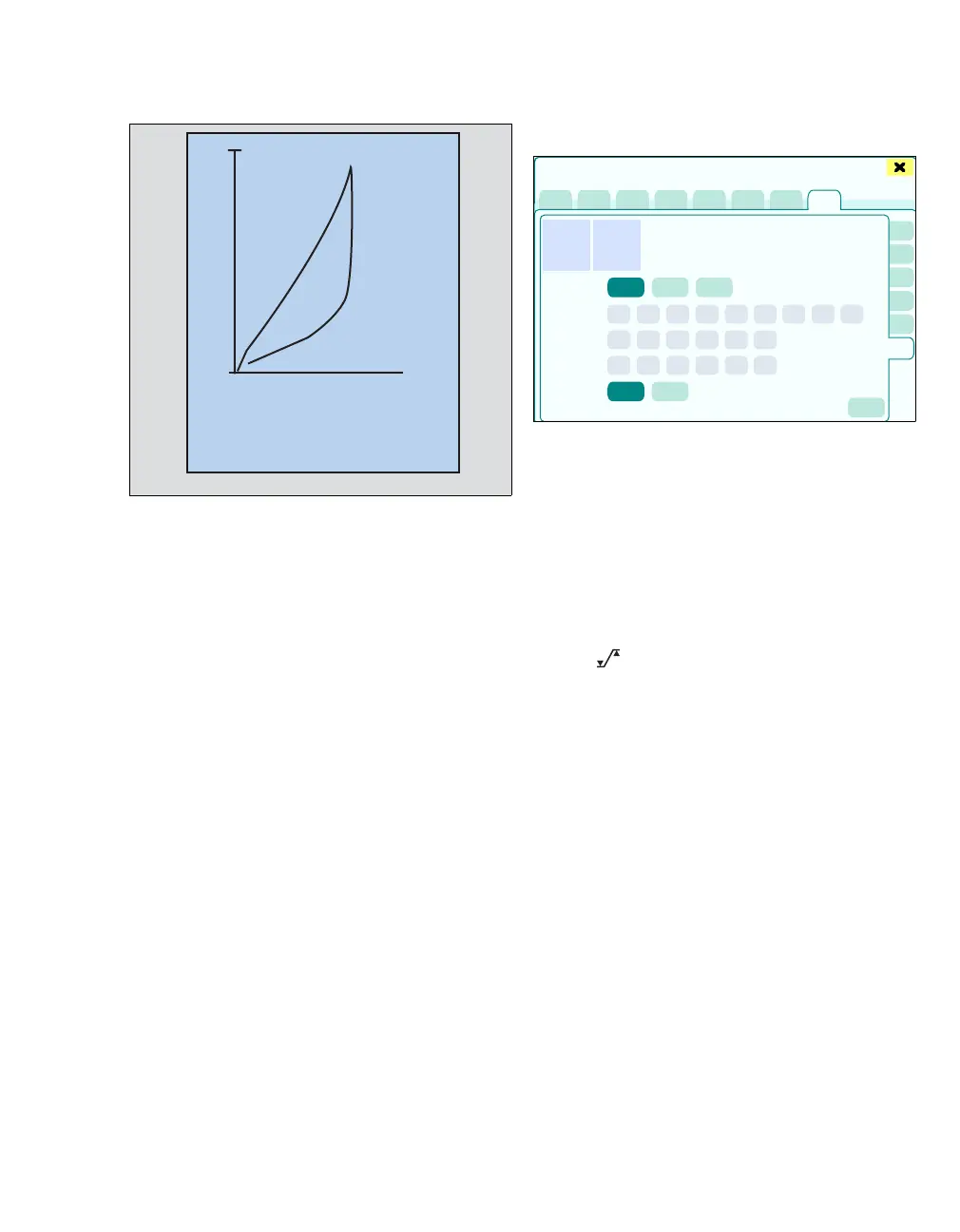
z Touch the PV FV Loops button (C).
The PV FV Loops page displays:
D Paw/Vol, Flow/Vol (possible loop displays)
E Auto, Volume, Customized (scaling of the
loops)
F Volume (scaling of the volume)
G Paw (scaling of the pressure axis)
H Flow (scaling of the flow axis)
I Loop selection: Paw/Vol, Flow/Vol (display of
the loop that will be transferred to the screen)
J The button opens the Alarms > Alarm lim-
its > Ventilation dialog window for alarm limit
setting.
234
0
0
1200
20
09:20:45
24
2
Volume I
Paw
Cdyn
mL/mbar
R
mbar/L/s
409
Sensors/Parameters
C
D
E
F
G
H
I
J











 To Next Page