Configuration
332
Instructions for use Zeus Infinity Empowered SW 2.n
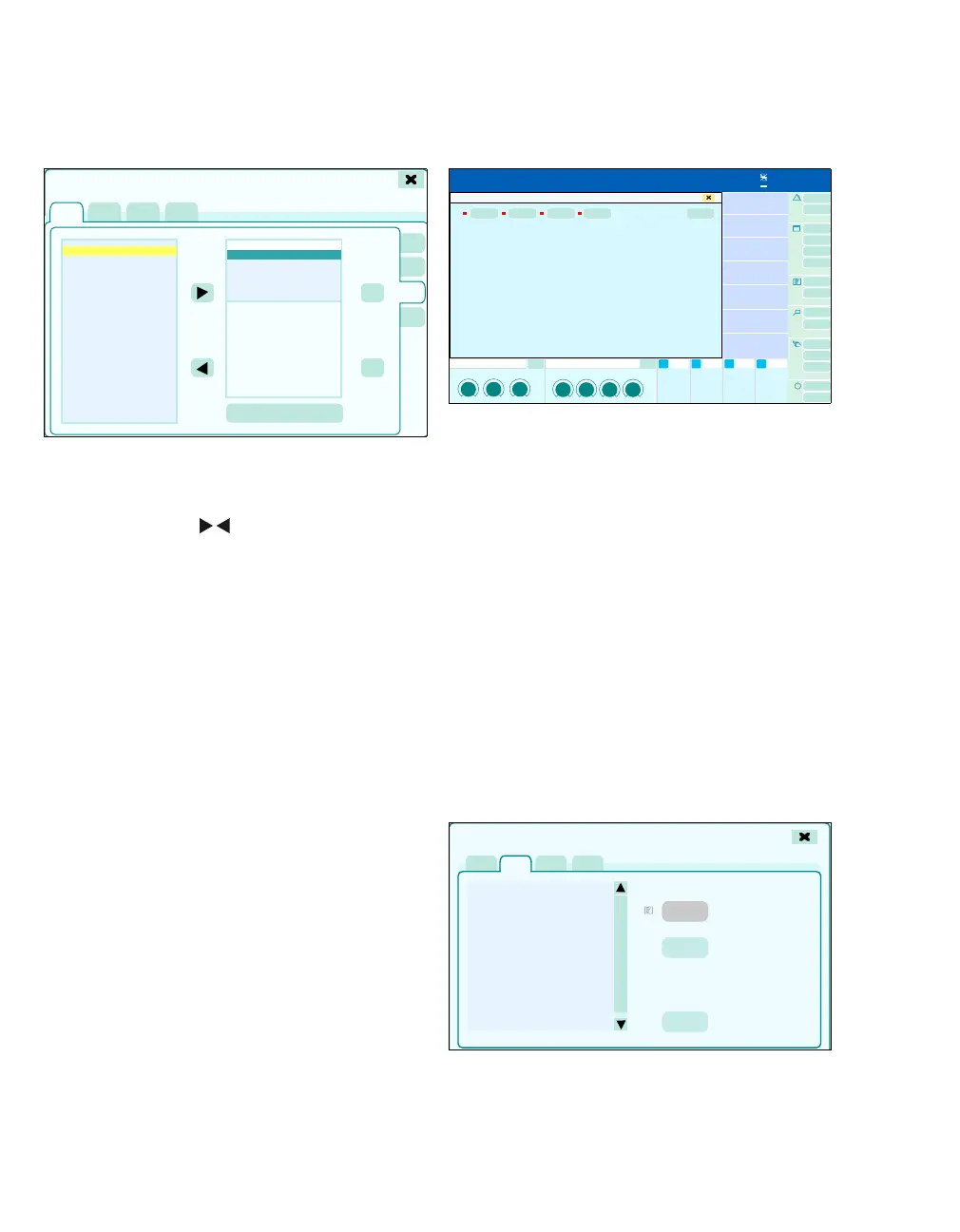
Configuring data
Maximum 5 data fields can be configured.
1 Touch the Data tab (A).
2 The arrow keys ( ) can be used to add data
to the configuration from the Available list (B)
or to remove data from the configuration from
the Displayed list (C).
If a certain area on the screen should remain
empty, it must be selected from the Available
(Empty) list.
The Up and Down buttons (D) can be used to
configure the position of the data on the screen.
The parameters are positioned on the screen
from right to left. The top most parameter in the
list is displayed on the far right.
3 Touch the Apply changes button (E) to apply
the changes.
If all data parameters are removed from the Dis-
played list (C), the line with the data modules
disappears from the monitoring area.
Configuring web access (optional)
Web access on the screen is activated in the
Screen setup > Web access dialog window.
1 Select the appropriate web access (A).
The dialog window for logging on opens.
2 Touch the Stop button (B).
The web access is closed.
Web access is configured in the Basic settings >
Web access dialog window, see page 345.
Configuring buttons
For direct access to a function or to open a page di-
rectly, additional buttons can be configured in the
main menu bar. These buttons are spatially as-
signed to the corresponding group.
z Touch the Customize buttons tab (A).
447
Screen setup
A
B
C
D
E
474418
A
B
Screen setup
A
C
D
E
B











 To Next Page