Instructions for use Zeus Infinity Empowered SW 2.n 331
Configuration
Setting mini-trends / loops for additional
monitoring
For displaying mini-trends and/or ventilation loops
with display of flow tubes:
1 Touch the buttons
– Loop,
– O2, CO2,
– HR, NIBP
or
– HR, NIBP, SpO2
under the Additional monitoring field option.
The option selected is displayed on the screen
above the flow tubes as a loop or mini-trend.
2 Touch the Off button for Additional monitoring
field.
Loops, mini-trends and flow tubes are not dis-
played.
If the Display mini trends option has been acti-
vated, the parameters current set are displayed as
a mini-trend on the left next to the current parame-
ter curves.
Display of ventilation loops, see page 194 and flow
tubes, see page 196.
The loops are always displayed in combination with
the flow tubes.
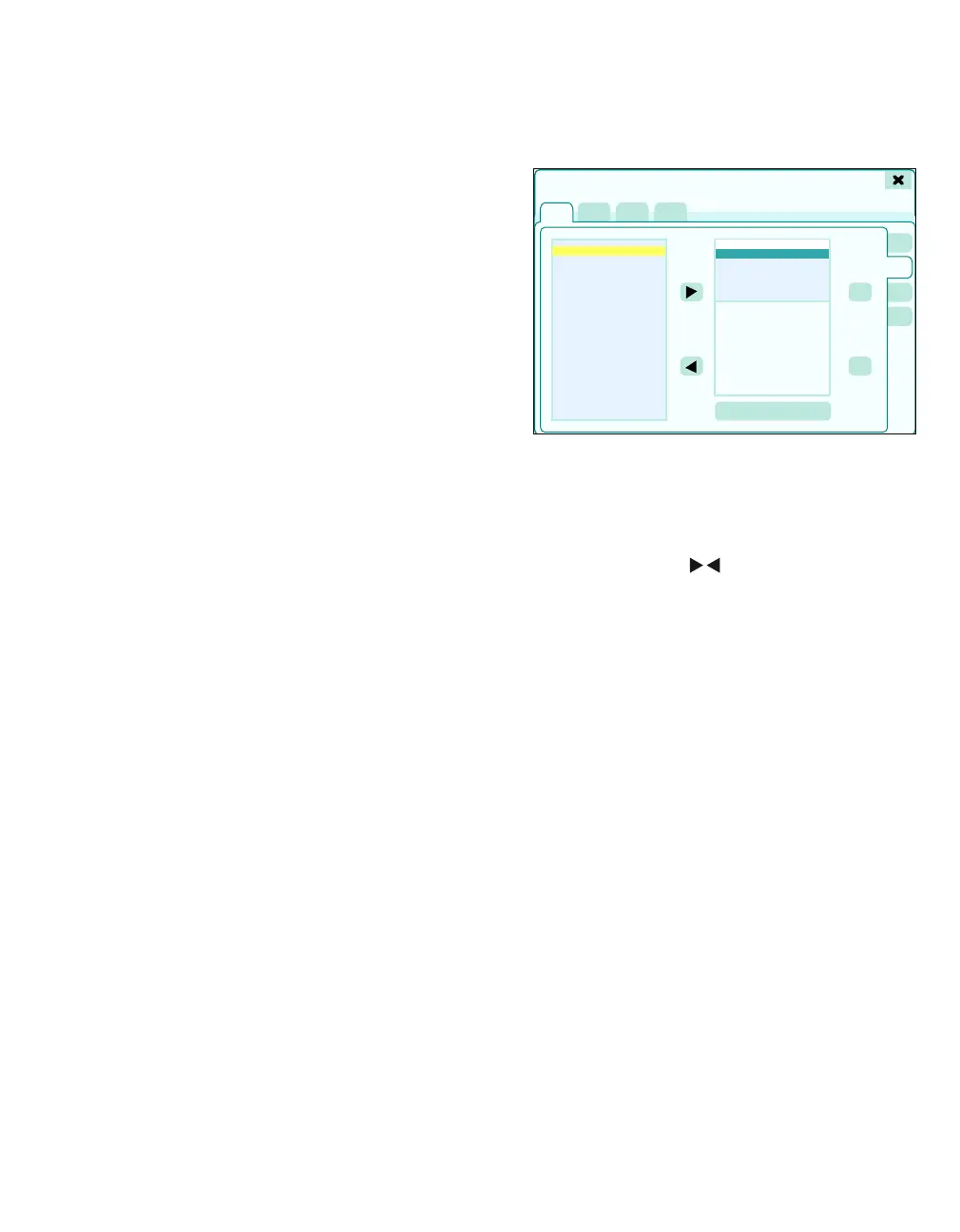
Changing curve configuration
Maximum 7 curves can be selected. Exception: For
the IBP comb. module, 4 IBP curves are displayed
in one field at double the height.
1 Touch the Waveforms tab (A).
2 The arrow keys ( ) can be used to add
curves to the configuration from the Available
list (B) or to remove curves from the configura-
tion from the Displayed list (C).
The Up or Down buttons (D) can be used to
configure the position of the curves on the
screen.
3 Touch the Apply changes button (E) to apply
the changes.
433
Screen setup
A
B
C
D
E











 To Next Page