Configuration
356
Instructions for use Zeus Infinity Empowered SW 2.n
Service functions
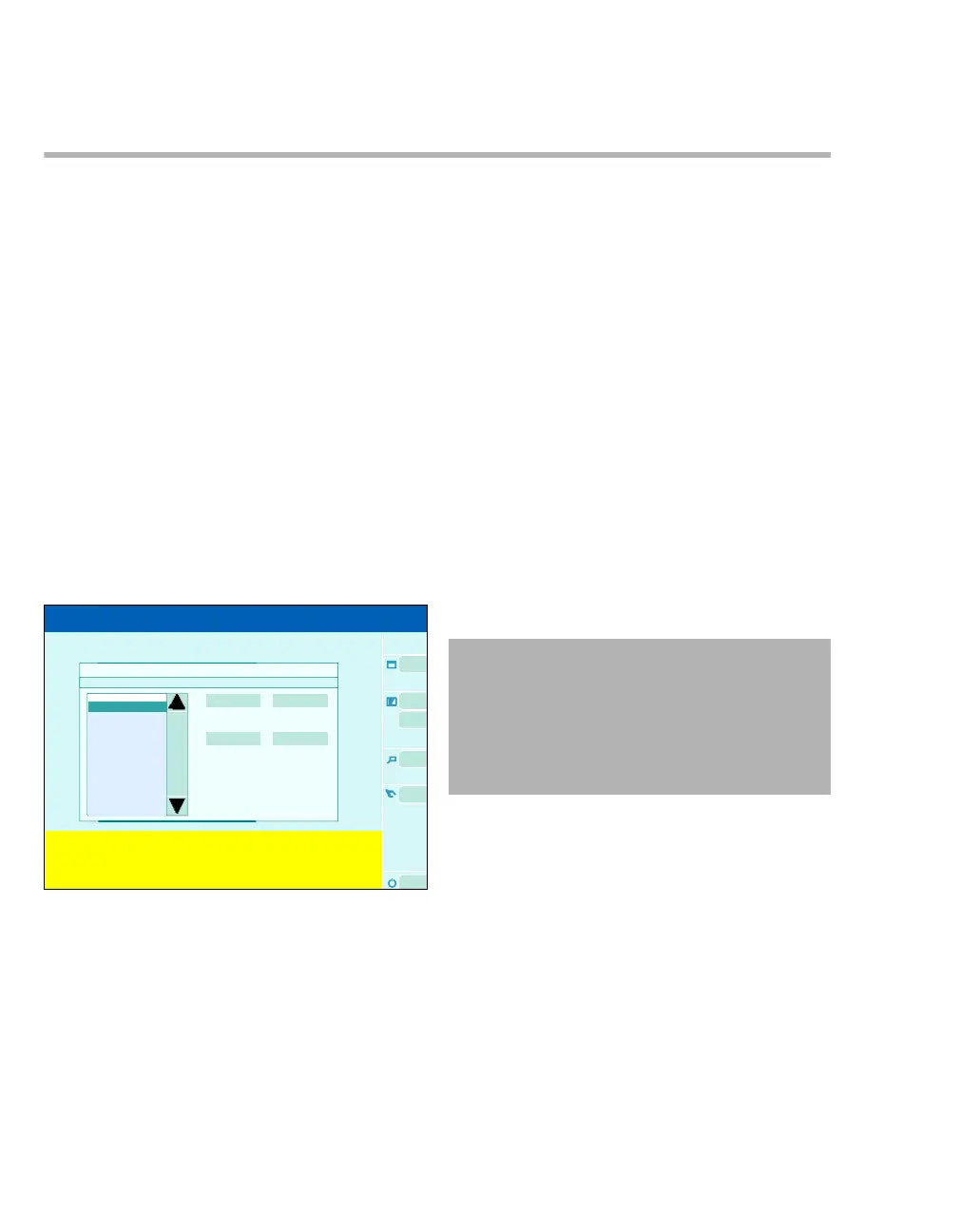
Service call dialog window
Use the Service Call function to communicate with
the Remote Call Server at DrägerService.
Prerequisites:
– Remote service is enabled.
–ZeusIE is provided with a service contract cov-
ering use of the Remote Service System (Serv-
ice call).
– The settings for external communication have
been configured by DrägerService.
–ZeusIE is connected to a data network (Ether-
net), see page 29.
Calling up Service call
1 Touch the Biomed service button (A) on the
system standby screen.
2 Touch the Service call button.
The Service call dialog window will be opened.
The following settings can be configured:
B Info table: The Remote Call Server informs the
user about the status of data exchange
(progress, completion, result).
C Time of error: Touching the button opens a di-
alog window to enter the time of the event.
D Description: Touching the button opens a dia-
log window to enter a problem description.
E Remote Device Check / Remote Inspection:
Touching the button establishes the connection
to the Remote Call Server for agreed, regular
data transfers without any current problem.
F Help ticket: Touching the button establishes
the connection to the Remote Call Server for
current events with acute need for action.
Service mode and service access dialog
windows
These modes are protected by a special access
code. They are reserved for DrägerService exclu-
sively.
460
Service call
B
C
E
D
A
F
WARNING
Calling up the service mode is prohibited
when a patient is connected. In this operating
state, it is not possible to monitor the patient.
During the process, pressures and concentra-
tions may occur in the system which are haz-
ardous to the patient.











 To Next Page