Configuration
334
Instructions for use Zeus Infinity Empowered SW 2.n
Configuring brightness and volume
z Touch the Brightn./ Volume tab (A).
The following settings can be configured:
B Screen brightness [%]
C Alarm tone volume [%]
D Pulse tone volume [%]
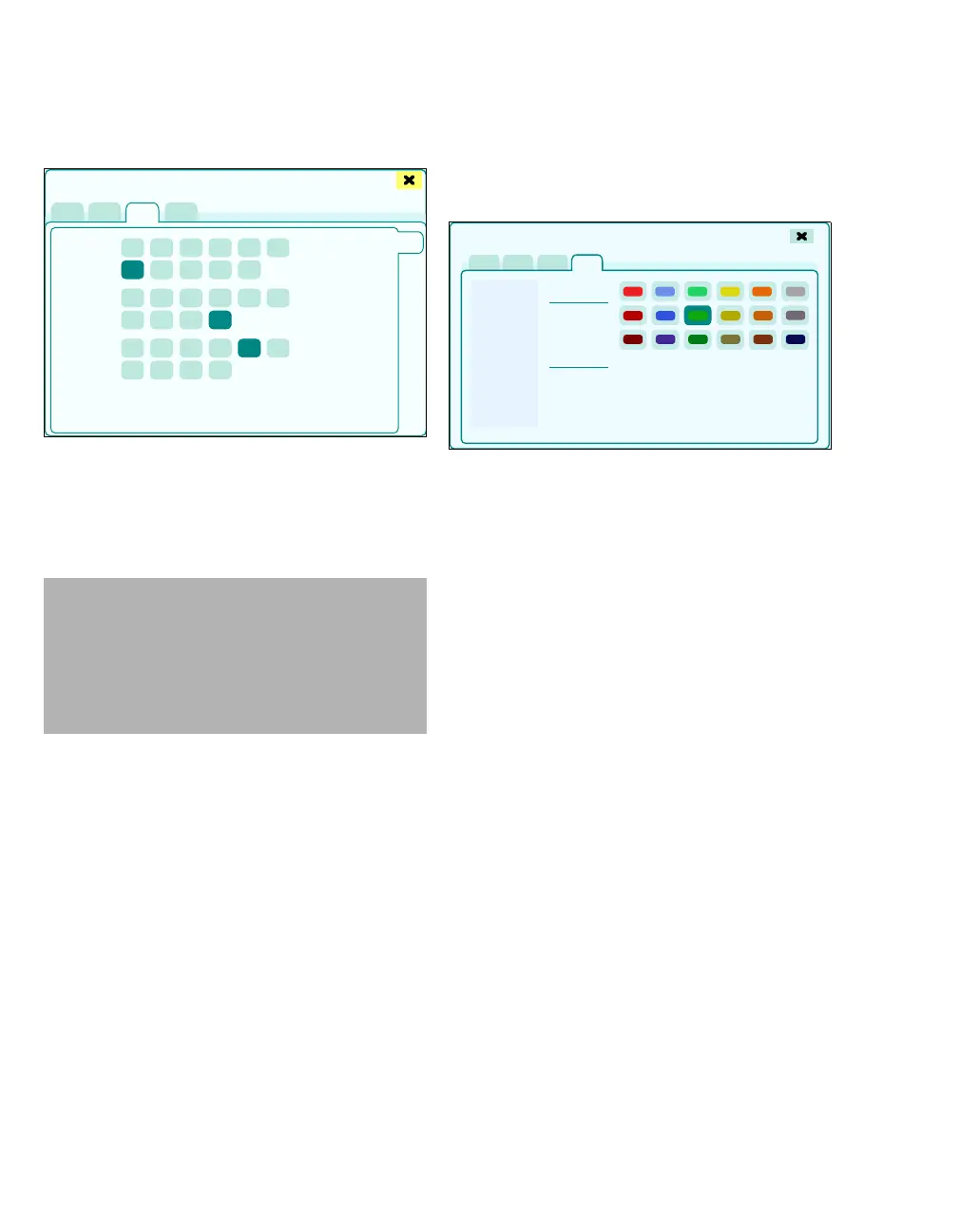
Configuring colors
Assigning or changing the colors for individual pa-
rameters.
1 Touch the Colors tab (A).
2 Select the respective parameters from the list
(B).
3 Touch the required color (C).
All parameters with the same color are listed under
Assigned params (D).
434
WARNING
Risk of not hearing the alarm tone
During operation in louder environments, the
acoustical alarm signals might not be heard.
Always set the alarm tone to be sufficiently
loud.
Screen setup
A
B
C
D
420
Screen setup
A
B
C
D











 To Next Page