Instructions for use Zeus Infinity Empowered SW 2.n 149
Operation
Drug library
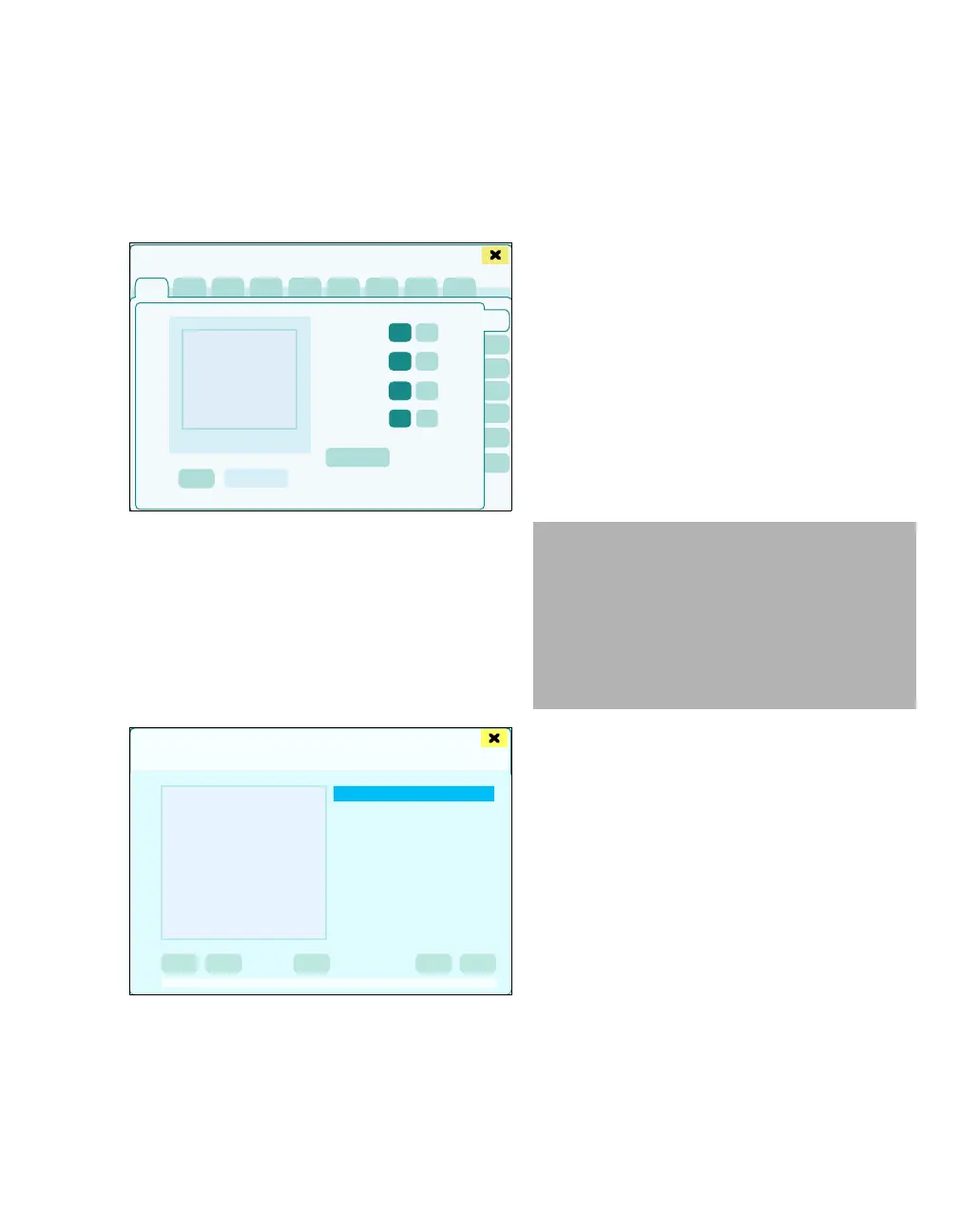
The drug data is managed in the drug library. Ac-
cess is access code-protected, see "Drug library"
on page 344.
In the Basic settings dialog window:
1 Touch the Drug library tab (A).
The dialog window to enter the access code for the
drug library appears.
2 Enter access code for the drug library and con-
firm.
The Drug library dialog window will be opened.
B Drug list with the following information:
– Name
– Abbreviation
C The settings for the drug selected are displayed
alongside the drug list:
– Concentration
– Bolus rate
– Maximum bolus rate
– Bolus rate limit
– Infusion rate
– Maximum infusion rate
– Infusion rate limit
– Initial bolus
– Maintenance bolus
– Last modified
D The Delete, Edit, and Add buttons are used to
change the settings for drugs.
E The Import and Export buttons are used to
save drug library data to USB storage media
and from to load this data into another Zeus IE.
423425
Basic settings
A
Drug library
B
C
D
E
CAUTION
Computer viruses
Mass storage devices can contain computer vi-
ruses which can impair the operation of Zeus IE.
– Check mass storage devices for computer vi-
ruses before using them with Zeus IE.
– Do not use any mass storage device contain-
ing computer viruses with Zeus IE.











 To Next Page