Operation
108
Instructions for use Zeus Infinity Empowered SW 2.n
Start settings
Prerequisite
The device has passed the self test or the self test
was canceled due to an urgent emergency.
Export of case data
Case data can only be exported in Standby mode.
Prerequisite: USB storage medium is installed and
is connected to a USB port. Detailed information
about connecting and installing can be found in the
instructions for use.
The data are stored in the "Draeger\ExportData" di-
rectory. Each exported case is contained in a sepa-
rate compressed archive in .tar.gz format. Each ar-
chive contains files with data in csv format,
depending on the options that have been enabled.
The archive name includes the following informa-
tion:
–Case ID
– Date and time of the start of the case
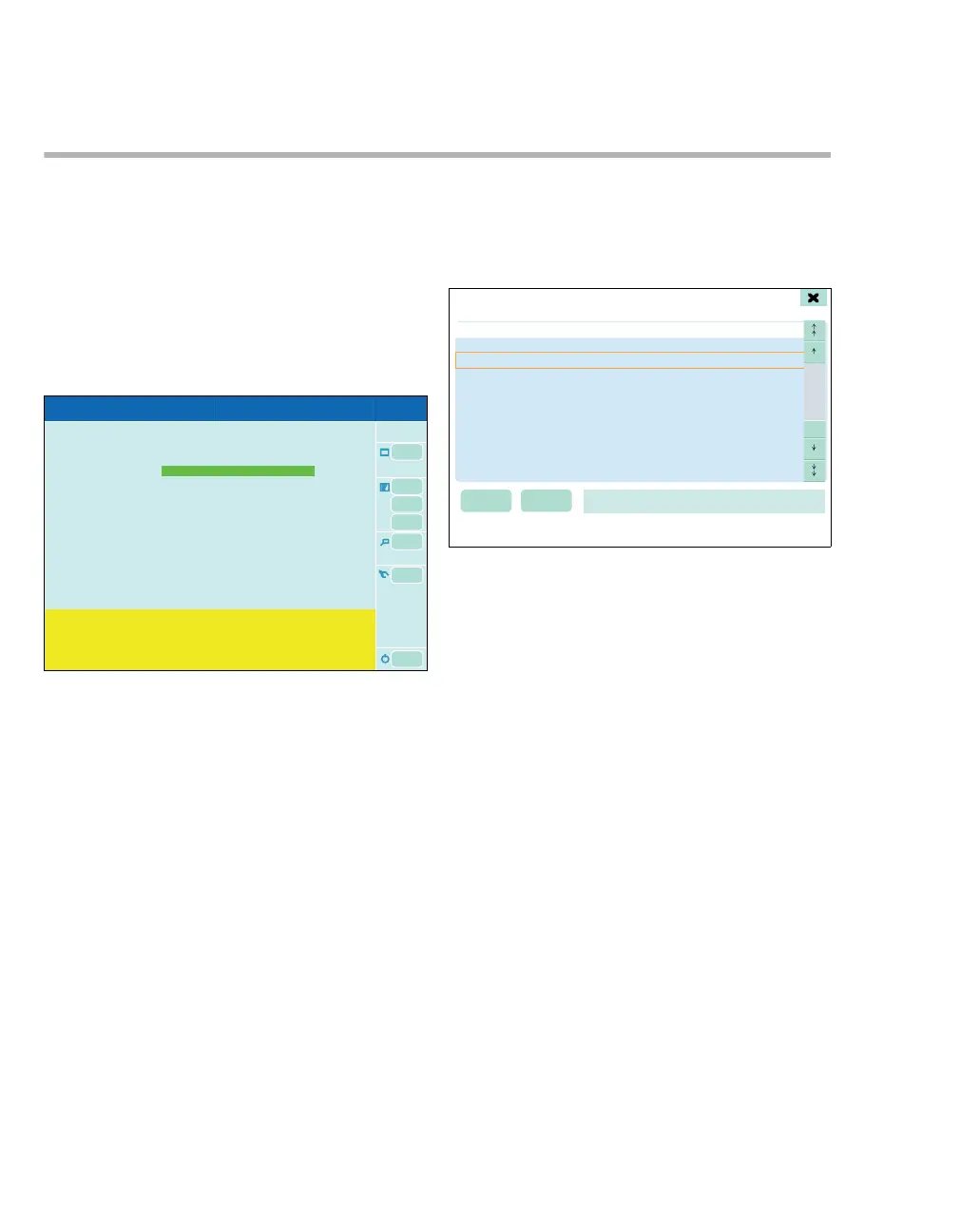
Exporting case data
1 In the main menu bar, touch the Export case
data (A) button.
The case data and the associated time stamps are
displayed in the list (B). Information for the export is
displayed in field (C), e.g., USB stick is ready.
Exporting selected case data
2 Select a case with the rotary knob or with the ar-
row keys (D).
The patient data for the selected case are dis-
played in field (E). This line may be empty if
there are no patient data available for the case.
3 Touch the Export selected button (F).
Exporting all case data
Touch the Export all button (G).
302
A
502
Export case data
GF
E
B
D
C
D











 To Next Page