Operation
148
Instructions for use Zeus Infinity Empowered SW 2.n
Select drug
The selectable drugs are stored in the drug library,
see page 149.
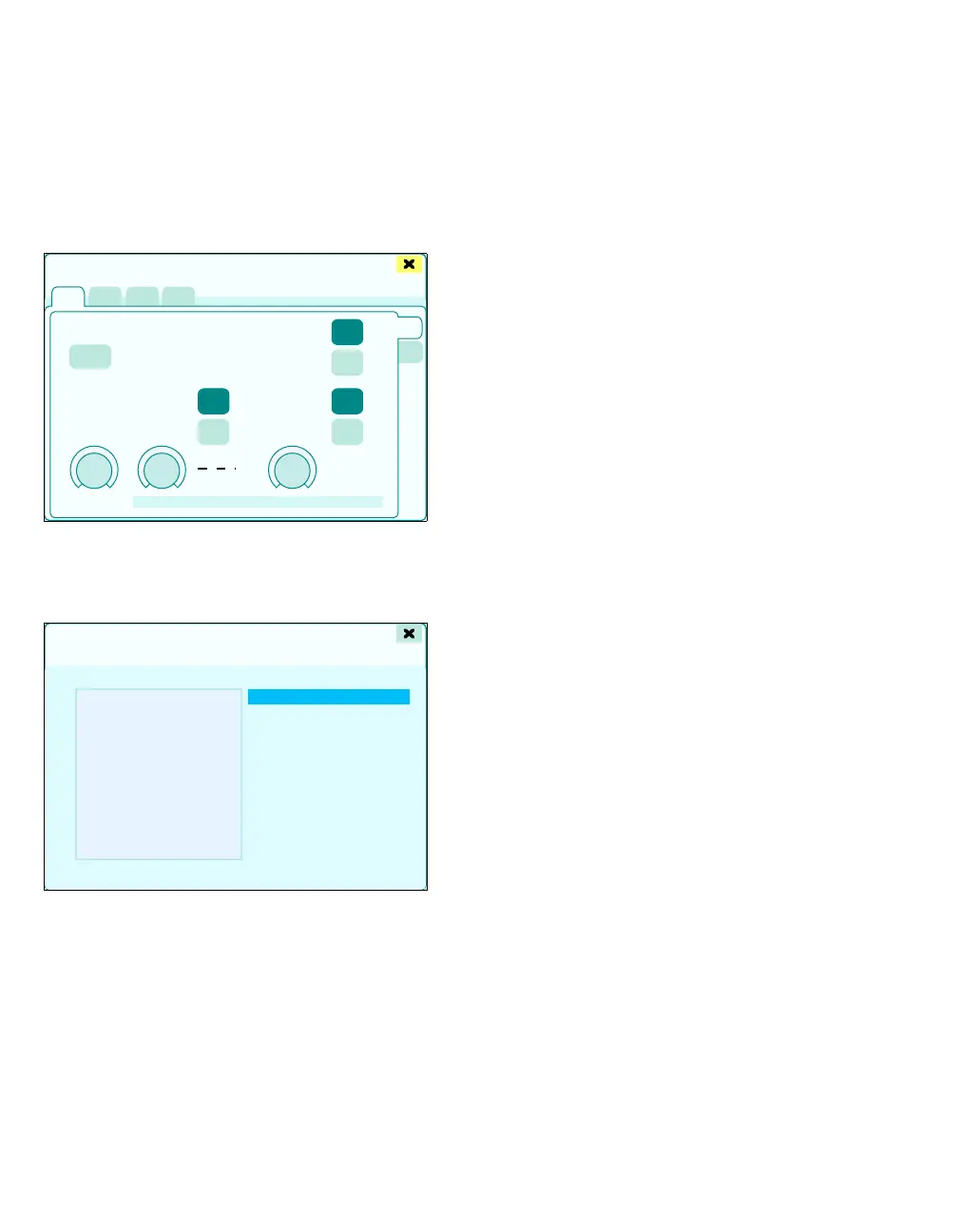
In the Infusion settings > General dialog window:
1 Touch the Select button (A) and confirm with ro-
tary knob.
The Select drug dialog window will be opened.
The drug list (B) shows all the drugs stored with the
following information:
– Name
– Abbreviation
2 Select a drug from the drug list (B) using the ro-
tary knob.
The settings (C) for the drug selected are displayed
alongside the drug list:
– Concentration
– Bolus rate
– Maximum bolus rate
– Bolus rate limit
– Infusion rate
– Maximum infusion rate
– Infusion rate limit
– Initial bolus
– Maintenance bolus
3 Press rotary knob.
The drug selected is applied. The dialog window
closes.
Simultaneous replacement of syringe
and drug
If an empty syringe is replaced with a syringe filled
with another drug during the course of an infusion:
1 Remove the empty syringe from the pump.
2 Select the drug on Zeus IE.
3 Insert new syringe.
4 Confirm the new drug on the syringe pump.
347422
A
Infusion settings
Select drug
B
C











 To Next Page