Instructions for use Zeus Infinity Empowered SW 2.n 147
Operation
Setting bolus
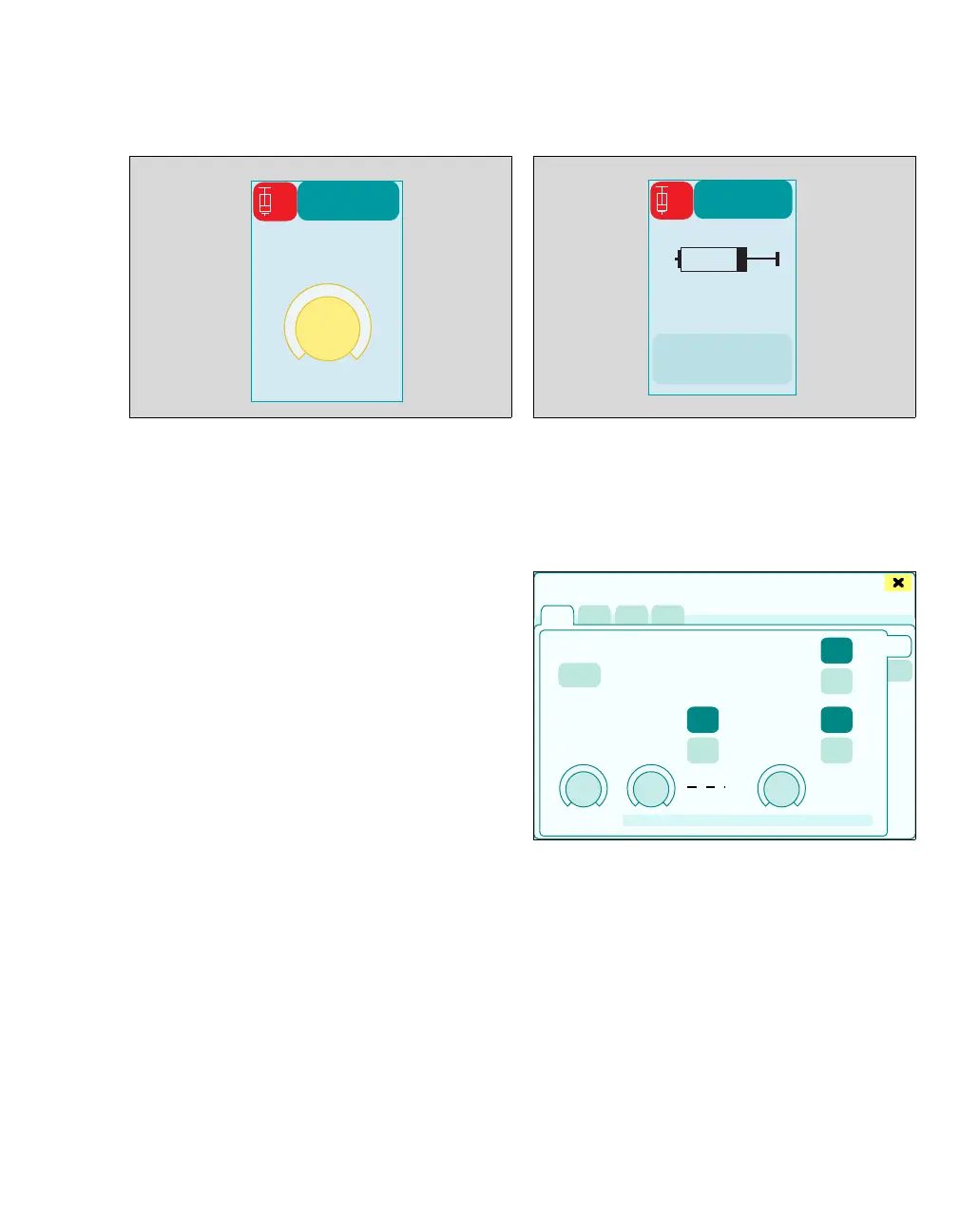
1 Touch the Start bolus button (A).
The therapy control (B) for the bolus volume is dis-
played with the preset value.
2 Use the rotary knob to set and confirm the
value.
The bolus starts.
The set value for the bolus is displayed. The pump
symbol indicates the Bolus running function by
displaying a moving plunger head.
If a bolus is started during an infusion, infusion con-
tinues after the end of the bolus.
Stopping a bolus
z Touch the Stop bolus button (C) and confirm.
Bolus administration stops. Infusion stops.
Stopping the infusion in the Infusion settings
dialog window
z Touch the Off button (D) and confirm with rotary
knob.
If bolus administration has not finished, the remain-
ing quantity is administered when the bolus is re-
started.
If the application time of the bolus is >180 seconds,
a dialog window appears, see page 141.
465
ATRAC
1
B
466347
C
ATRAC
1
D
Infusion settings











 To Next Page