Instructions for use Zeus Infinity Empowered SW 2.n 139
Operation
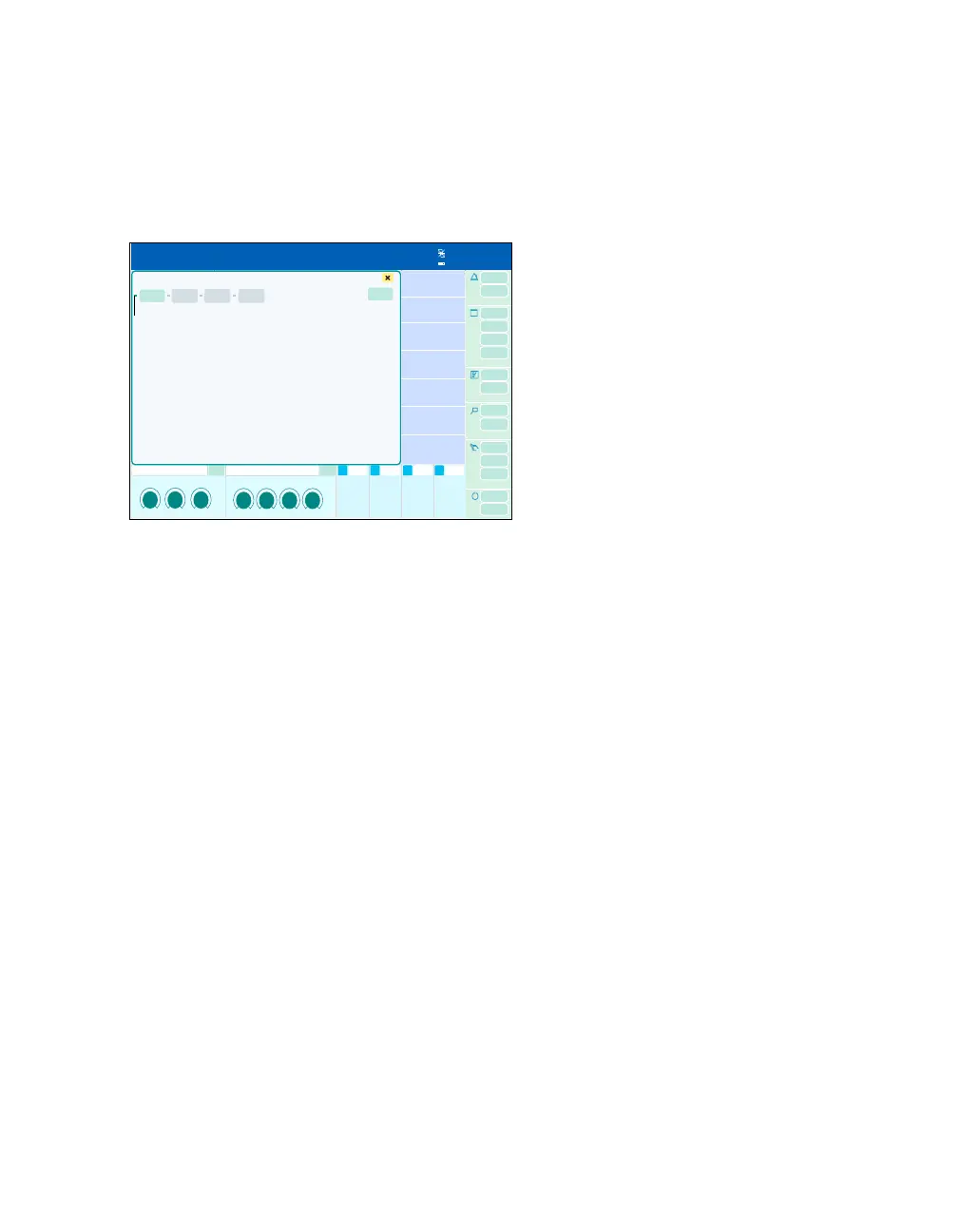
Launching a web application
Prerequisite: Configure the Web access button in
the Screen setup > Customize buttons dialog
window, see page 332.
1 Touch the Web access button (A).
The Web access screen 1 dialog window will be
opened.
2 Touch the button (B) for the respective web ap-
plication (1 to 4).
The LED (C) turns from red to green. The button
turns dark green. If another application is launched,
the button for the web application launched previ-
ously turns light green.
Exiting web application
1 Select the web application to be stopped. But-
ton turns dark green.
2 Touch the Stop button (D).
The current application is exited.
486
Web access screen 1
B
C
D
A











 To Next Page