Operation
156
Instructions for use Zeus Infinity Empowered SW 2.n
End of operation
Switching Zeus IE into system standby
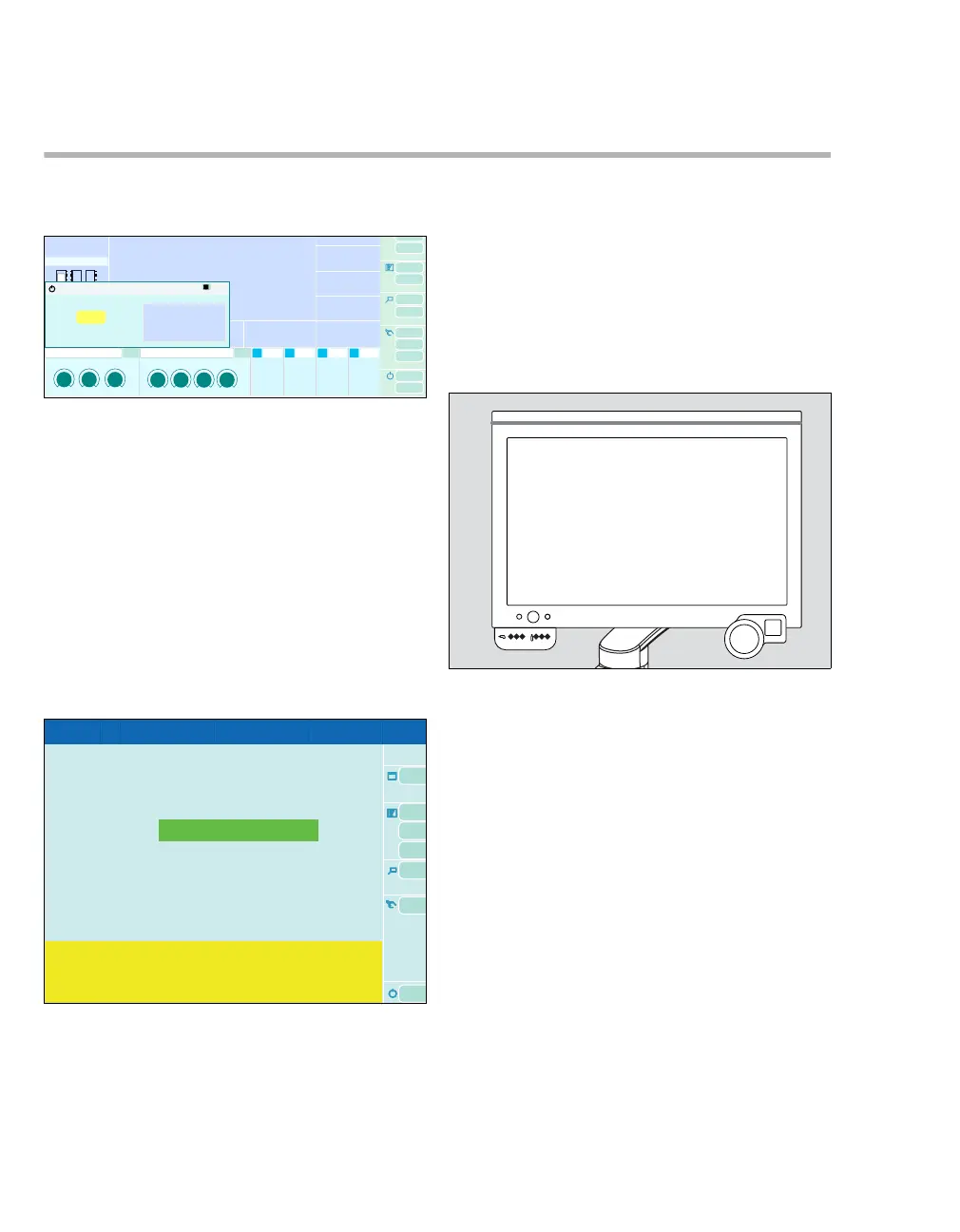
1 Touch the Start/Standby button (A).
All settings previously modified in operation are
preserved.
The System standby? dialog window will be
opened.
2 Confirm Stop ventilation? button (B) with ro-
tary knob.
Or continue ventilation:
z Close dialog window.
Pressing the rotary knob automatically switches the
device to the system standby screen.
System standby is the standby mode in which:
– Fresh gas is switched off
– Quick start dialog window appears
– Electrical power consumption is minimal
– Operation can be resumed quickly
– The device can be switched off
Switching off Zeus IE
1 Touch the On/Off button (C).
The Shut down? dialog window will be opened.
469300
System standby?
A
B
Standby
Standby
050
O2
Air N2OO2 Air N2O
C











 To Next Page