Configuration
324
Instructions for use Zeus Infinity Empowered SW 2.n
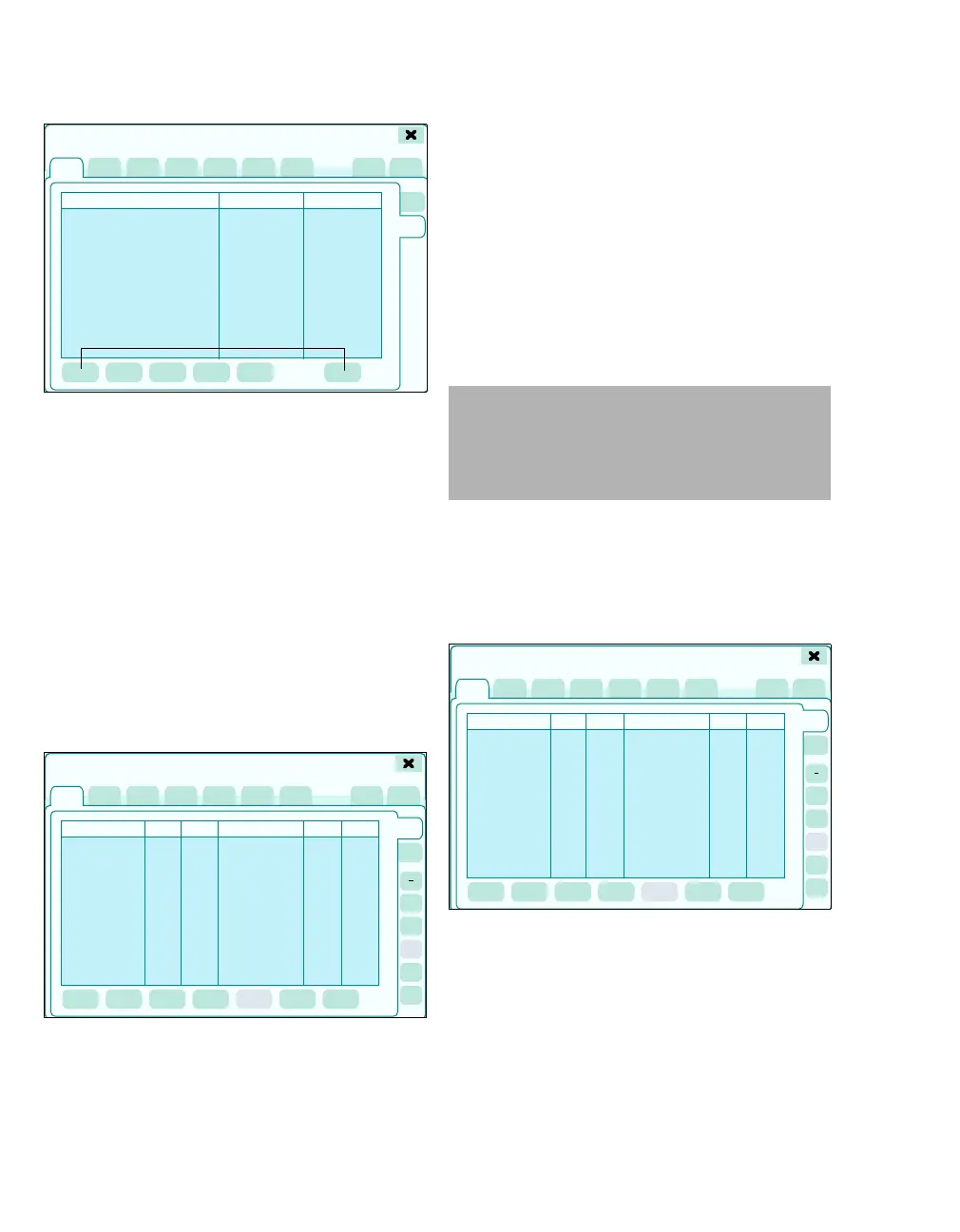
z Touch the Views tab (C).
The page for view settings with the following op-
tions appears:
M Buttons for administration of the presets
The following is displayed for each view:
N View name
O Last change: Date and time
P Protected: Indication that the profile is saved
and access code protected (lock icon)
Loading profiles/views
The Manage setups > Profiles > or Views page
opens.
1 Select the desired profiles/views from the Pro-
file name list or the View name list using the ro-
tary knob.
2 Touch the Load button (A) and confirm with ro-
tary knob.
The saved settings of the profiles or views selected
overwrite all current settings. Profiles can only be
changed in standby mode. Views can be adapted
during operation. The screen shows the name of
the selected profile in the patient data field (below
the patient name), see page 44.
Saving profiles/views
The Manage setups > Profiles > or Views page
opens.
If the profiles/views have not been access code
protected, profiles/views that already exist can be
overwritten using Save.
z Touch the Save button (A) and confirm with ro-
tary knob.
313410
C
System setup
M
N
OP
1
2
3
4
5
System setup
A
CAUTION
The applicability of the data from the loaded con-
figuration must be checked individually by the
user for each patient to eliminate the risk of incor-
rect settings and ensure the patient's safety.
410
1
2
3
4
5
System setup
A











 To Next Page