Operating concept
44
Instructions for use Zeus Infinity Empowered SW 2.n
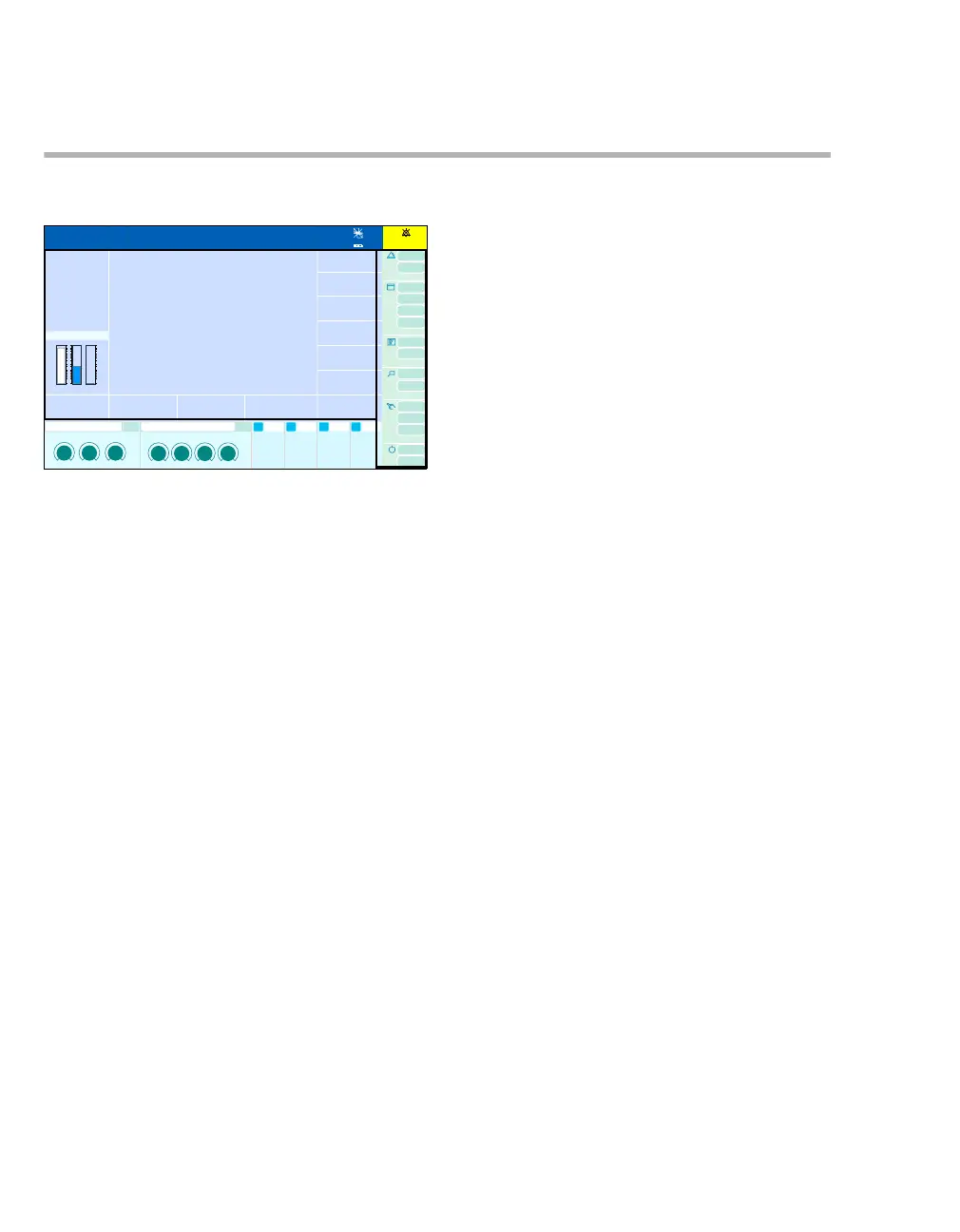
Screen layout
The screen is divided into fields.
AHeader bar with fields for:
– Patient data. Touch to open the Patient
setup dialog window, see page 112
– Alarm messages. Touch to open the Alarms
dialog window, see page 160.
– Date, time, location, and stopwatch. Touch
to access the stopwatch settings and to
change the stopwatch display settings,
seepage354
– Indication that the audible alarms have been
suppressed and display of the time that the
alarms remain suppressed.
B Monitoring area with fields for:
– Loops and fresh-gas settings.
When activated, the size of the waveforms
is reduced.
– Mini-trends.
When activated, the size of the waveforms
is reduced.
– Module for SPV (on C700 option)
When activated, the size of the waveforms
is reduced.
– Waveforms.
– Parameter modules: 7 waveform modules
(vertical area) and 5 data modules (horizon-
tal area), (on C700 option, 8 waveform mod-
ules and 6 data modules). Touch the param-
eter boxes to set the parameter settings in
the Sensors/Parameters dialog window,
seepage188.
C Main menu bar with buttons to:
– Open dialog windows
– Activate functions
D Therapy bar with fields for:
– Breathing-gas control
Touch the headline of the field to open the
MixGas settings dialog window,
see page 115. Touch a therapy control to
select it.
– Ventilation control.
Touch the headline of the field to open the
Ventilation settings dialog window. Touch
a therapy control to select it.
– Additional data modules (maximum of two,
three on C700 option)
On IV System option: Field for syringe pump
control (on C700 option, an additional data
module), see page 141. Touch the headline
of the field to open the Infusion settings di-
alog window, see page 142.
Without the IV System option, the data mod-
ule can be freely selected.
301
1:35
A
B
C
D











 To Next Page