Operating concept
42
Instructions for use Zeus Infinity Empowered SW 2.n
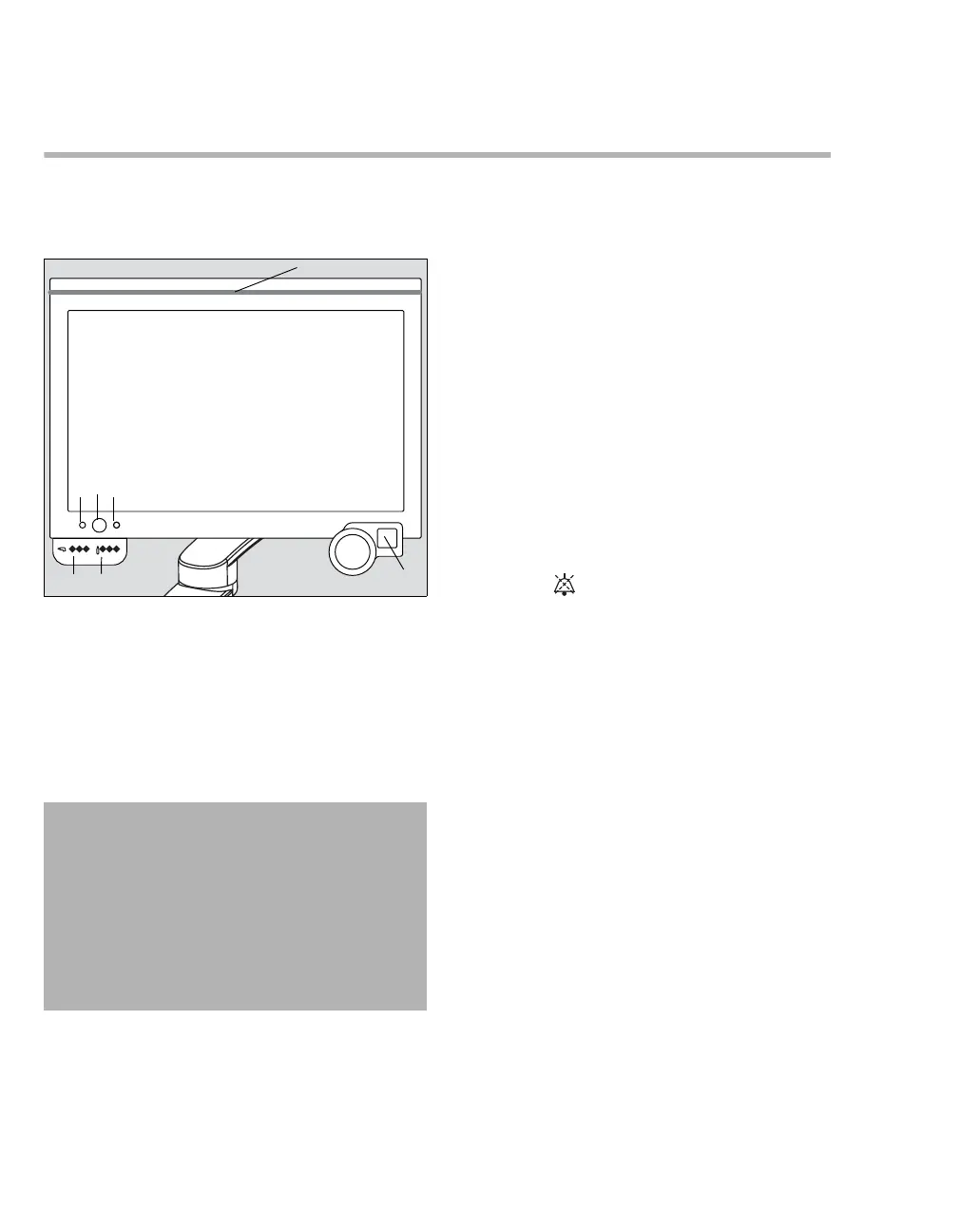
Screen
Variant 1
All the controls are on the screen.
A The screen is touch-sensitive (touch screen)
and can also be operated with gloves. Touch
lightly to call up functions or dialog windows.
B Rotary knob for selecting and confirming set-
tings
C On/Off button to turn the device On/Off
D LED for status display of the power supply for
grid operation:
– Green = mains supply sufficient
– Off = no mains supply present
E LED for status display of the power supply for
battery operation:
– Green = battery charged
– Yellow = battery capacity less than 50 %
– Off = battery capacity less than 10 %
F LEDs for status display of the gas supply from
backup gas cylinders (O
2, Air, N2O)
– Green = pressure sufficient
– Green, flashing = pressure slightly below
level
– Off = pressure not sufficient
G LEDs for status display of the gas supply from
the central gas supply (O2, Air, N2O)
– Green = pressure sufficient
– Off = pressure not sufficient
H Alarm pause function
Press the Audio paused key to suppress
the audible alert of all active alarms for
2 minutes. For additional information,
see page 177.
I The alarm bar on the front and back indicates
alarm conditions:
– Red = high-priority alarm condition
– Yellow = medium-priority alarm condition
050
CAUTION
Touch and hold the On/Off button for 4 sec. to turn
the screen off. Ventilation is continued. A fresh-
gas flow of 0.5 L/min with 100 % O2 is delivered.
Anesthetic agent metering is switched off. Use a
manual pressure gauge to check ventilation and
ventilate manually if necessary.
Touch the On/Off button again to turn the screen
back on.
O2
Air N2OO2 Air N2O
A
B
C
D
E
G F
I
H











 To Next Page