Instructions for use Zeus Infinity Empowered SW 2.n 47
Operating concept
Using the touch screen
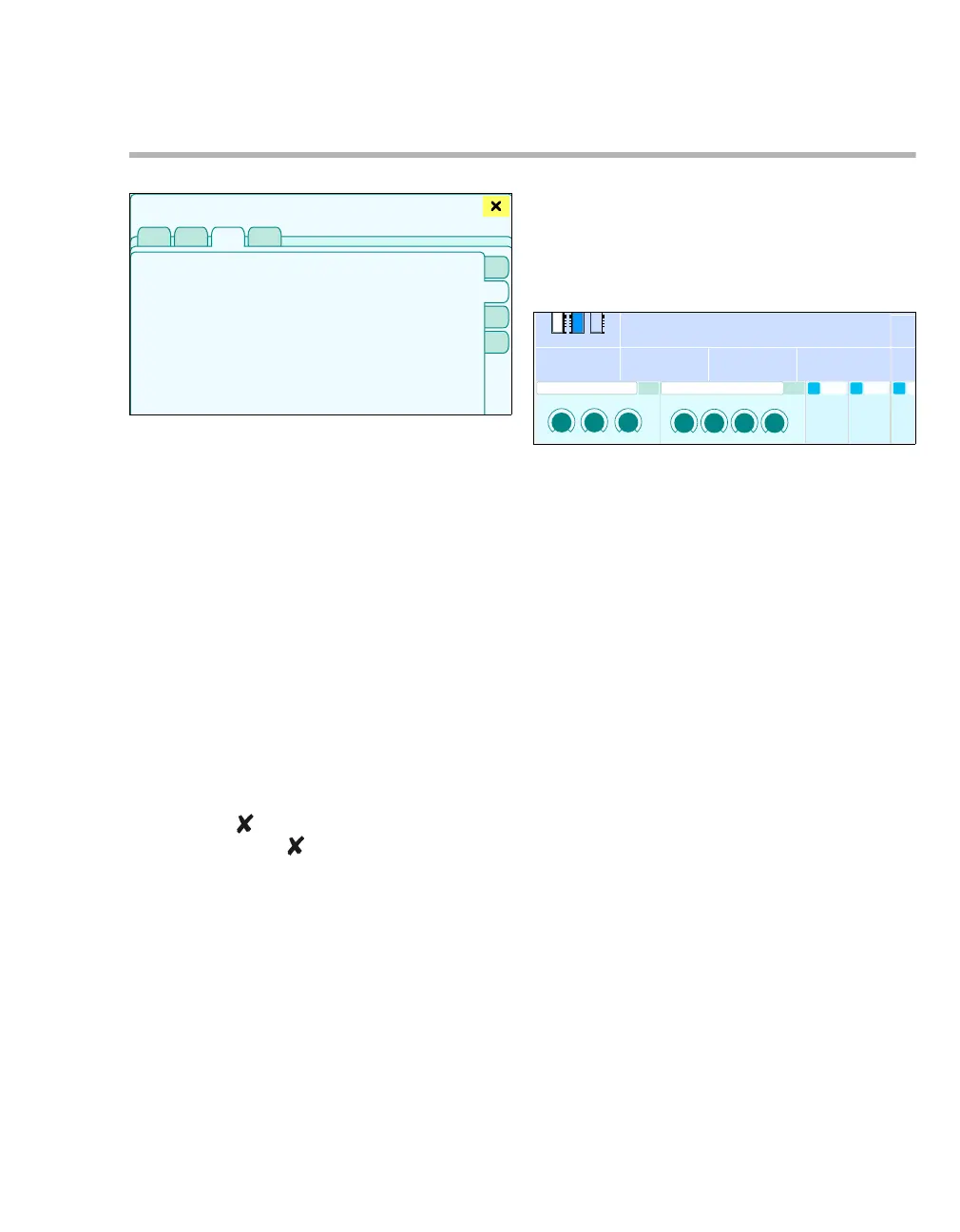
Using the dialog windows
Dialog windows consist of one or several pages
which are displayed by touching the corresponding
horizontal or vertical tab. Dialog windows contains
elements for operating the device and informing the
user on current settings. Dialog windows can be
opened by touching a button in the main menu bar
or by touching the respective parameter field on the
screen.
A Dialog window title
B The horizontal tabs indicate primary topics.
Touch the relevant tab to open a page.
C The vertical tabs open secondary topics. Touch
the relevant tab to open a page.
D Touch the button to close the dialog window.
If the color of the button is yellow, the dialog
window can also be closed by pressing the ro-
tary knob.
Therapy bar
The therapy bar on the main screen contains the
therapy controls for the active Ventilation settings
and the MixGas settings.
A Button to open the MixGas settings dialog win-
dow. The active setting for the mixed gas is dis-
played.
B Button to open the Ventilation settings dialog
window. The active ventilation settings are dis-
played.
C Therapy controls for the mixed gas setting
D Therapy controls for the ventilation settings
305
1
2
A
B
D
C
301
AB
C
D











 To Next Page