Instructions for use Zeus Infinity Empowered SW 2.n 111
Operation
Patient transfer (optional)
When connected to an Infinity network, it is possi-
ble to transfer patient data (trend data, demo-
graphic data).
Demographic data is sent to Zeus IE directly.
Trend data is only available for subsequent transfer
(to monitors or other Zeus IE systems) or for print-
out (via Infinity network).
The transferred patient is automatically always a
New patient.... Zeus IE suggests the best profile.
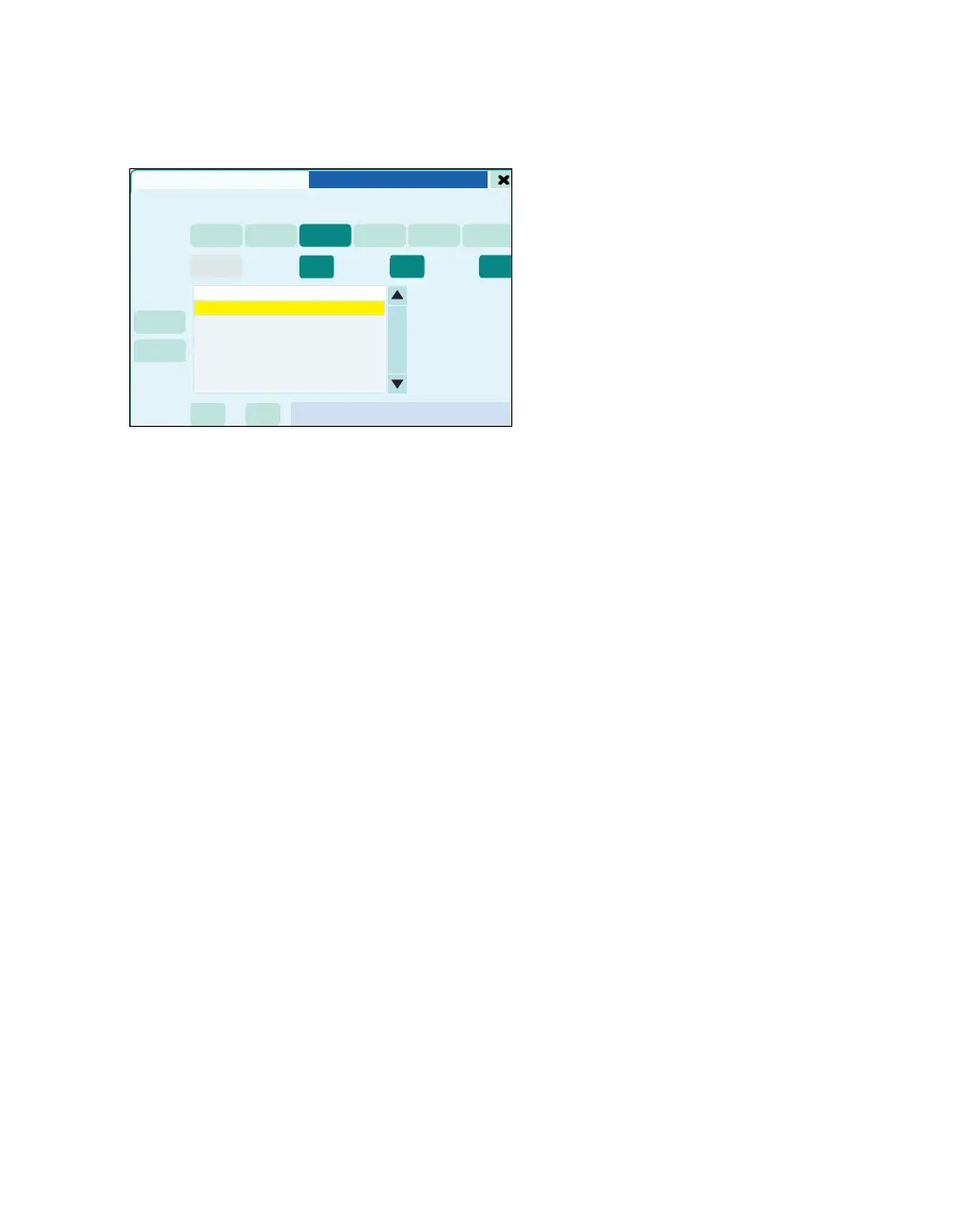
1 Touch the Patient transfer button (A). The but-
ton turns dark green.
The following information is displayed (B):
–Bed
– Patient name
– Unit (only with Multiview workstation in the Infin-
ity network).
2 The selected bed is shown in yellow. Confirm
with rotary knob.
All buttons are gray and the Transfering patient
data, please wait! message is displayed during the
patient transfer. After the transfer, the patient data
is updated and the page closes.
472
Startup dialog
A
B











 To Next Page