Alarms
160
Instructions for use Zeus Infinity Empowered SW 2.n
Alarm behaviour at power on
After switching from system standby to operation,
all non-technical alarms are deactivated for one
minute to allow sufficient time to select a suitable
setting.
Display alarms
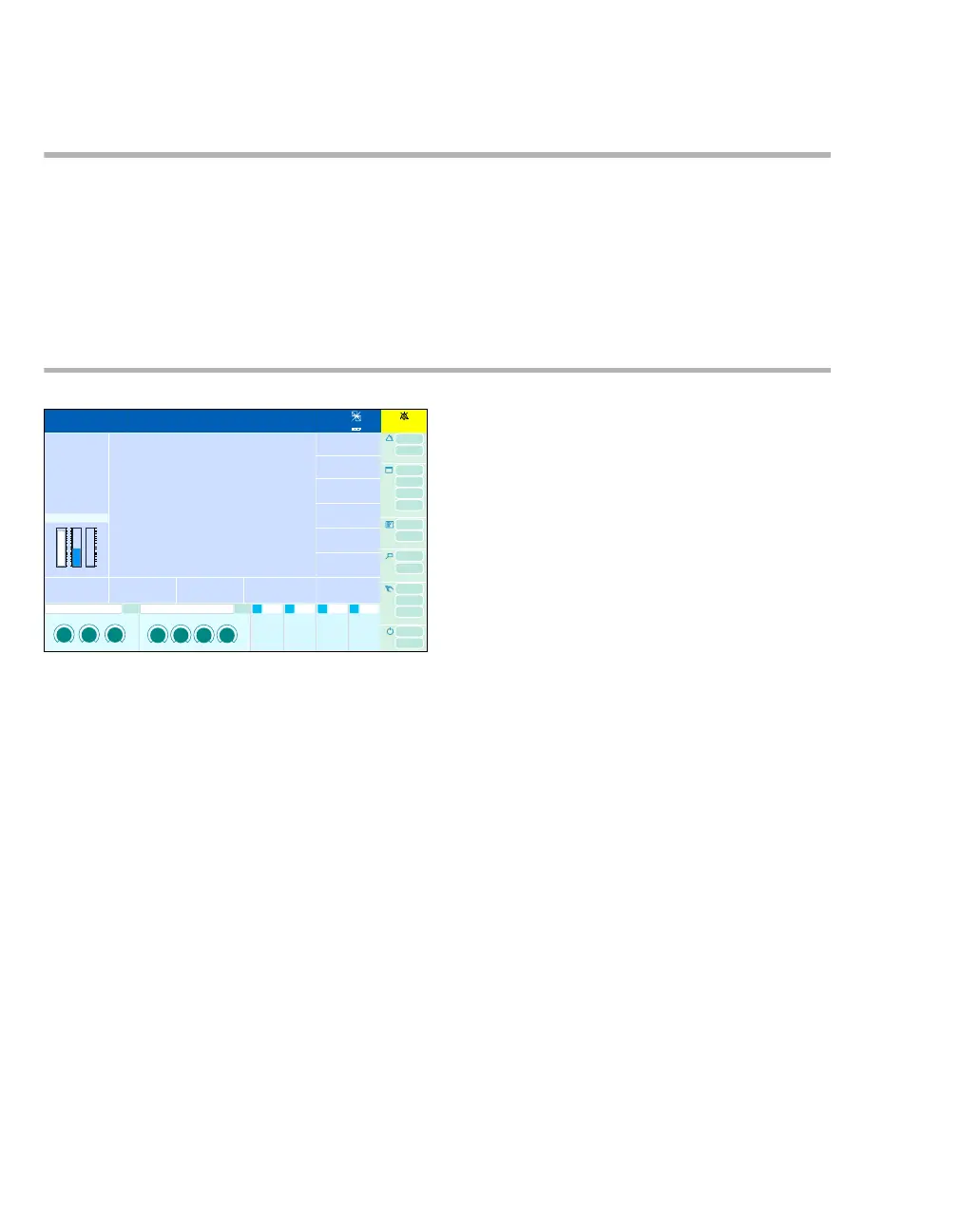
The alarm messages appear in the alarm message
field (A) of the header bar.
If more alarms occur simultaneously than can be
displayed in the alarm message field, the All
alarms button (B) is displayed for further alarms.
z Touch the All alarms button.
The Alarms >Alarm info dialog window opens. In-
formation about all currently active alarms appears.
Alarm priorities and signals
Different background colors in the alarm message
field identify the priority of active alarm messages.
The alarm-related parameter e.g., (C), flashes in
the color based on the alarm priority.
Alarms of highest priority
– The alarm message requires immediate action.
– Text on a red background
– The corresponding parameter flashes
– Continuous tone sequence
Medium-priority alarms
– The alarm message requires immediate action.
– Text on a yellow background
– The corresponding parameter flashes
– A tone sequence sounds every 30 seconds
Alarms of lower priority
– The alarm messages require attention and, if
necessary, action.
– Text on a cyan-colored background
– Single tone sequence
301
1:35
A
B
C











 To Next Page