Operation
112
Instructions for use Zeus Infinity Empowered SW 2.n
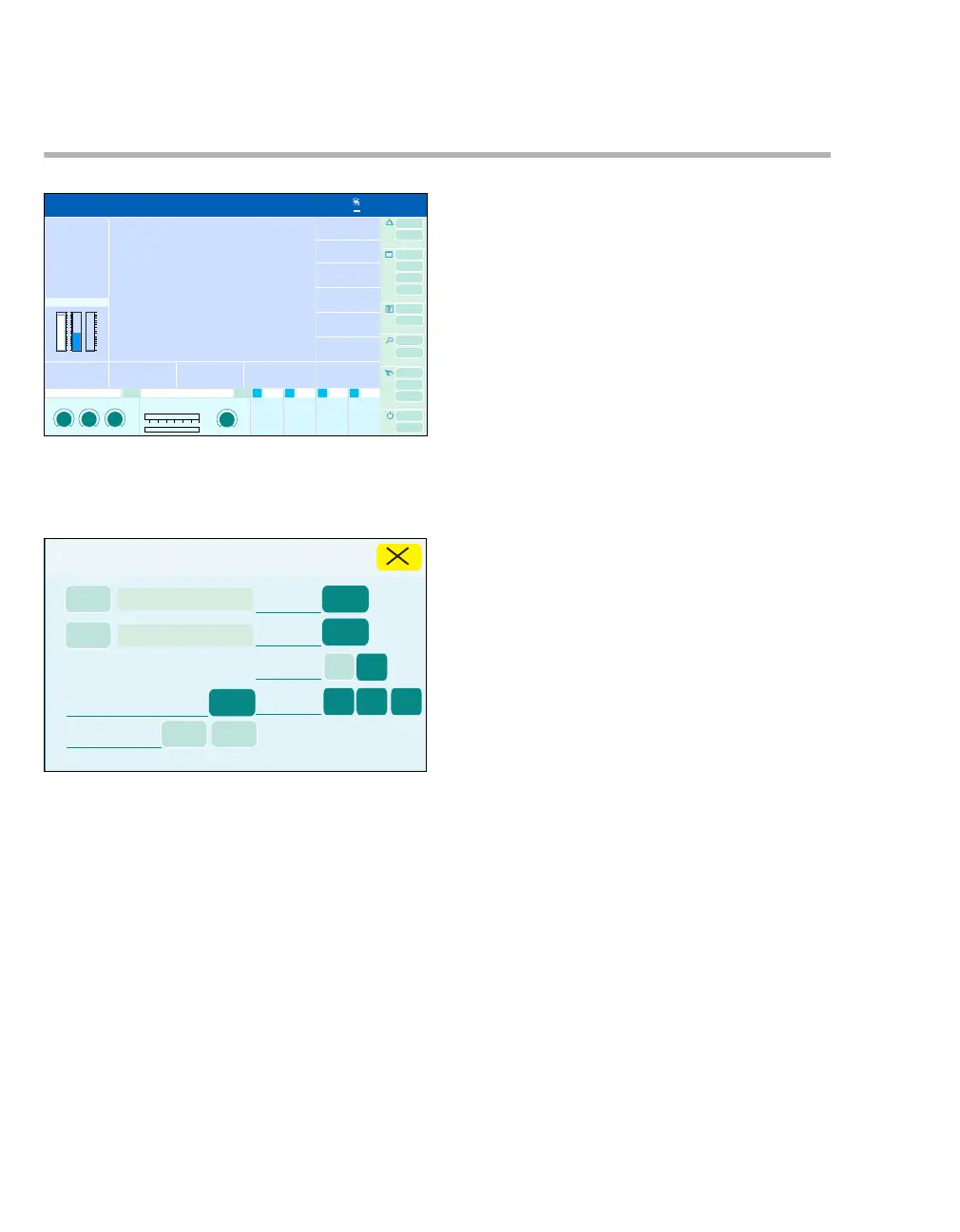
Changing patient data
Open the Patient setup dialog window during op-
eration:
z Touch the field for patient data (A).
The dialog window contains buttons for the various
patient data.
The keyboard window appears for text input for the
following settings:
– Name (B)
– ID (C)
Specific features of the keyboard:
In contrast with a normal PC keyboard, the Shift
and AltGr- buttons do not reset automatically. The
button must be touched a second time for it to
switch back.
z Enter text and press Enter or confirm with ro-
tary knob.
Setting the following patient data:
– Weight (E)
– Height (F)
– Age (D)
– Date of birth (H)
1 Touch the respective button.
2 Use the rotary knob to set and confirm the
value.
The year of birth changes automatically when age
is entered, and vice versa.
Gender (G) setting:
z Touch the Female or Male button.
Print case (I) (optional):
z Touch the Graphic or Tab. button.
The graphic or tabular trends of the entire patient
are printed.
323468
A
3
Patient setup
B
C
D
E
F
G
H
I











 To Next Page