Operation
122
Instructions for use Zeus Infinity Empowered SW 2.n
Ventilation
Starting ventilation
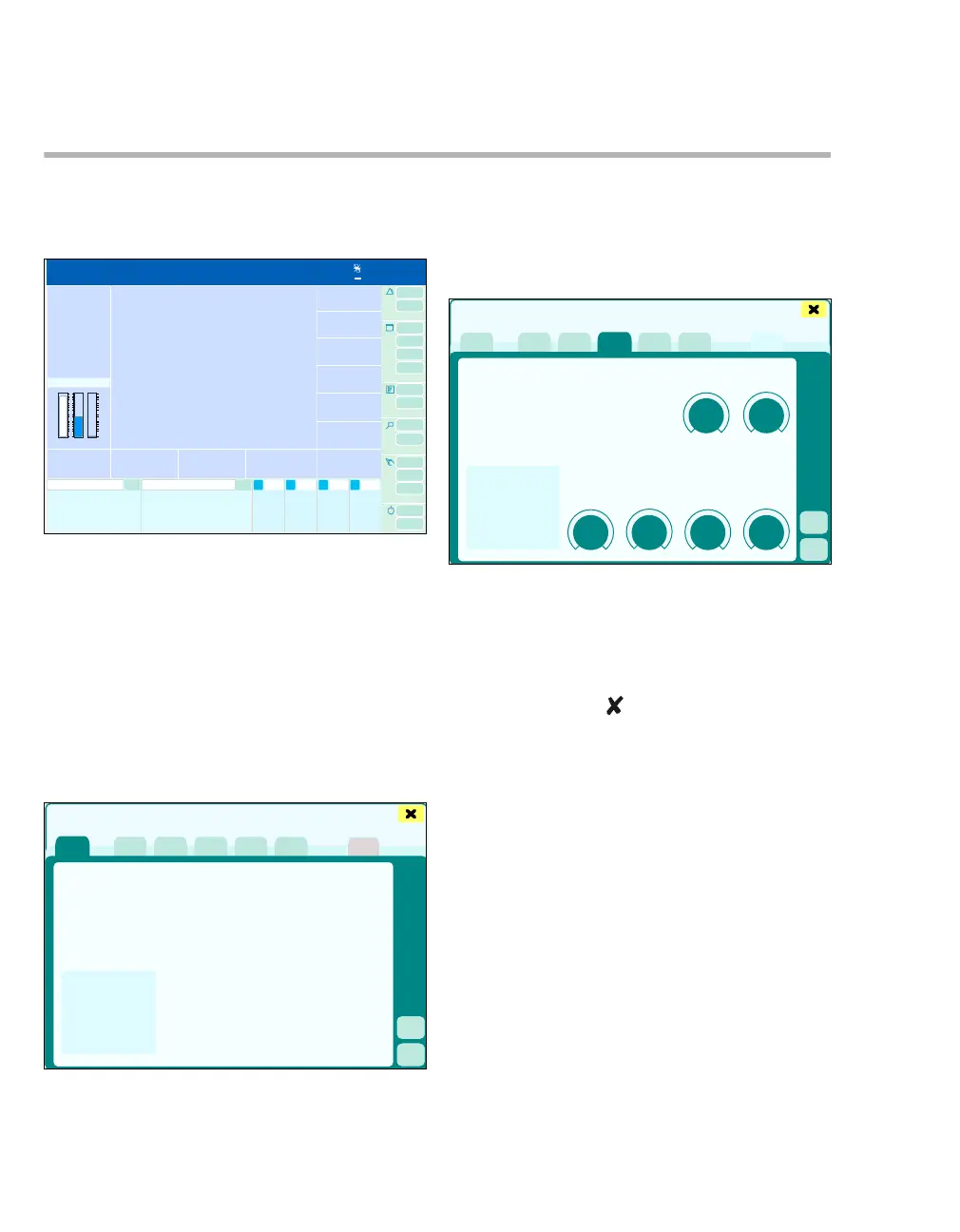
Opening the Ventilation settings dialog window:
z Touch the (A) button.
The following ventilation modes are available:
– Vent. standby
– MAN/SPON
– Vol. Ctrl. AutoFlow
– Volume Control
– Pressure Control
– Pressure Support
– External FG outlet (optional)
Selecting the ventilation mode:
z Touch the corresponding tab, e.g., (B). The
color turns yellow. Confirm with rotary knob.
Setting ventilation parameters:
1 Touch the corresponding therapy control.
2 Use the rotary knob to set and confirm the
value.
3 Touch the button to close the dialog window.
Direct switching to the MixGas sett. dialog window
(C) and Alarms dialog window (D) is possible from
all ventilation modes.
329334
A
Ventilation settings
B
335
Ventilation settings
C
D











 To Next Page