Configuration
354
Instructions for use Zeus Infinity Empowered SW 2.n
Index
The letters of the alphabet and a keyword list are
shown. Information on individual subjects can be
accessed.
z Touch the Index button (A).
An overview with links appears
Touching a letter opens the list with the assigned
keywords.
B Back: The pages are turned back one by one.
C Forward: The pages are turned forward one by
one.
D Page up: The displayed page is moved down.
E Page down: The displayed page is moved up.
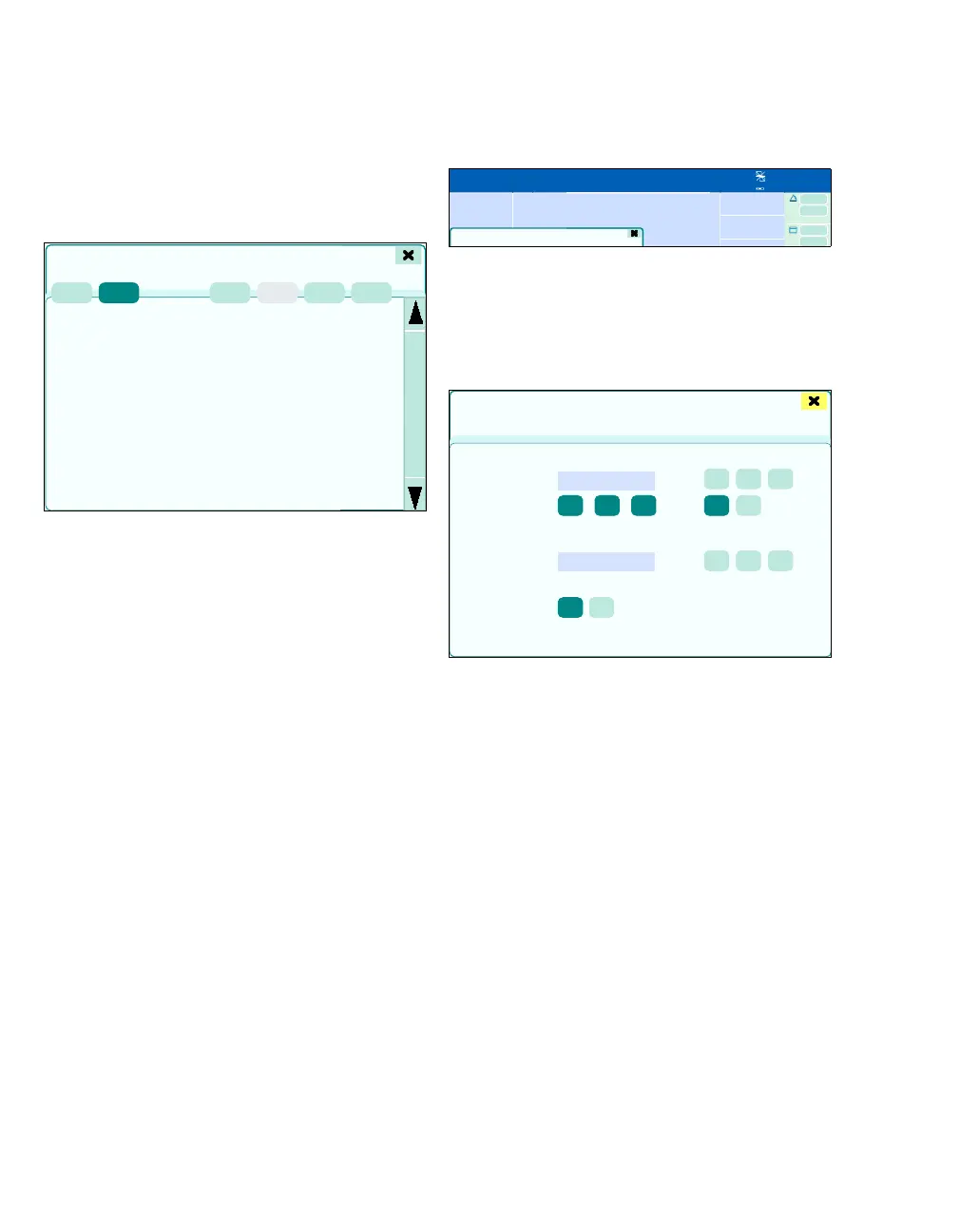
Stopwatch dialog window
z Touch the button in the header bar (A) for:
–Date
–Time
– Location and stopwatch
The Stopwatch dialog window will be opened.
The following settings can be configured:
Countdown:
B Countdown timer
C Countdown time: Format: H:MM:SS
D Reset: The start time is loaded into the timer.
E Start: Countdown is started.
F Stop: Countdown is stopped.
G Silence button: The alarm tone can be switched
on or off when 00:00:00 is reached. The button
(F) can be used to turn off the alarm tone. The
alarm is also displayed visually in the header
bar.
Triggered alarms can be deleted again via Re-
set.
387
?Help
A
B
C
D
E
375388
A
Stopwatch
B
C
D
L
E
F
G
H
IJK











 To Next Page