Operation
154
Instructions for use Zeus Infinity Empowered SW 2.n
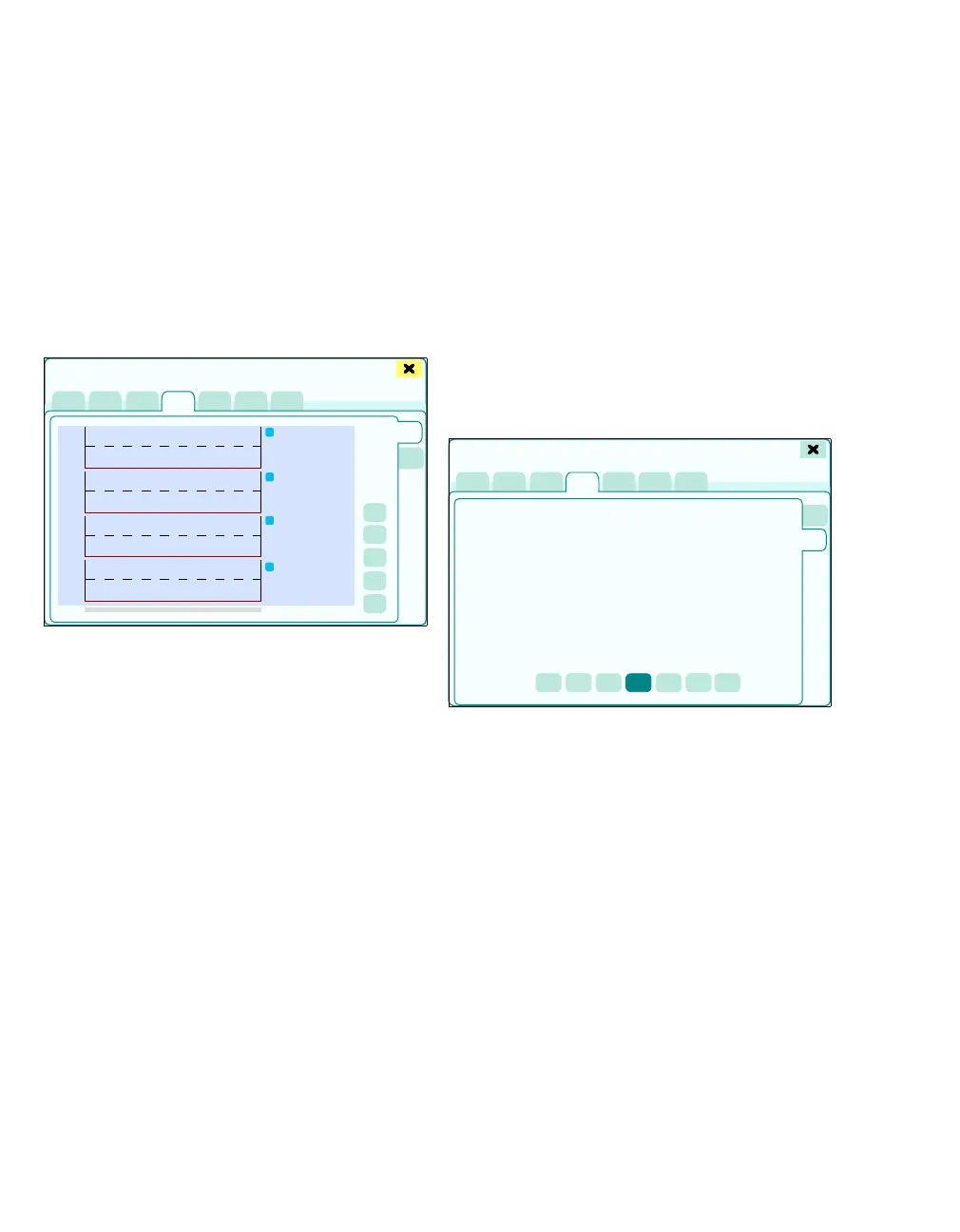
Displaying infusion trends
Open Trends/Data dialog window, see page 184.
z Touch the Infusion tab (A).
The information about infusions which have already
been administered and ones which are still running
is displayed.
Graphic trend display
After touching the Infusion tab (A), the Graph.
trend page (B) is preselected.
The following graphic trends for syringe pumps
1 to 4 are displayed from top to bottom:
– InfR 1 to InfR 4
– administered volume V
tot
The scaling limits are:
– Maximum infusion rate
– Maximum bolus rate
For each Module DPS syringe pump, the current
data is, relating to the position of the cursor, indi-
cated as a numerical value next to the graphic trend
displays:
– Name and Concentration
– Selected infusion
– Delivery rate
– Volume actually administered V
tot
Adapting scalings to the maximum values adminis-
tered:
z Touch the Auto scale button (C).
Displaying the cursor with time information:
1 Touch the Cursor button (D).
2 Move cursor by turning the rotary knob.
The zoom function is used to change the time win-
dow shown:
z Touch the Zoom + / Zoom - (E)/(F) button.
Tabular trend display
Open tabular display of the data from syringe
pumps 1to4:
z Touch the Tab. trend button (G).
Select Interval [min] for creating a new row in the
table:
z Touch the corresponding button (H) (1, 2, 3, 5,
10, 15, 30 min).
351
1200
0
1200
0
1200
0
1200
0
1
2
3
4
A
Trends/Data
B
C
D
E
F
353
Trends/Data
G
H











 To Next Page