Alarms
162
Instructions for use Zeus Infinity Empowered SW 2.n
Alarm limits
Calling up via limit violations during op-
eration
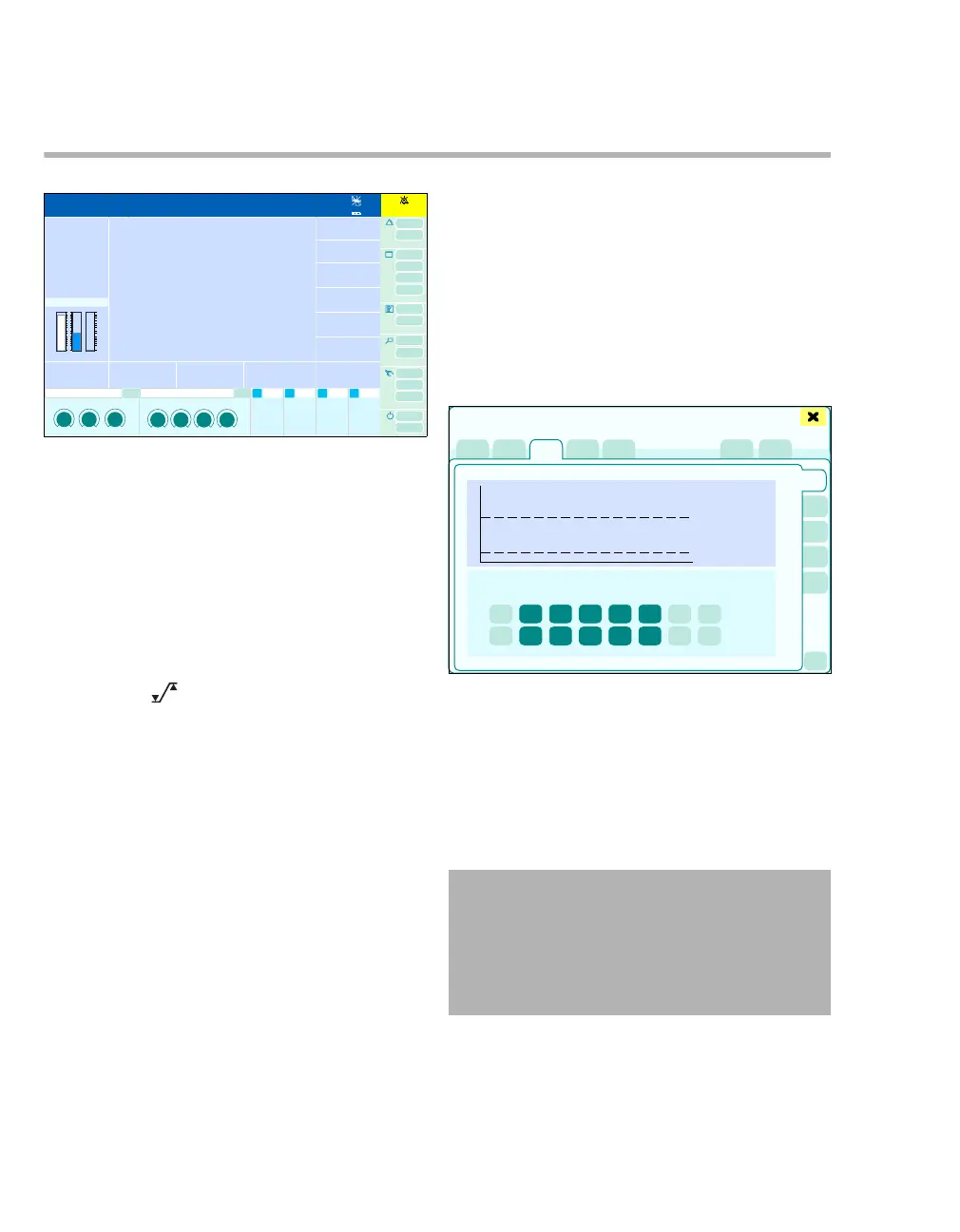
If limit violations occur during operation, the corre-
sponding parameter flashes, e.g., (A).
1 Touch the respective parameter field.
The Sensors/Parameters dialog window will be
opened.
2 Touch the button.
The Alarms > Alarm limits dialog window opens
for the parameter selected.
3 Touch the button of the alarm limit to be modi-
fied. The button turns yellow.
4 Set the required value by turning the rotary
knob and push to confirm.
Or
1 Touch the Alarms button (C).
The Alarms > Alarm limits dialog window ap-
pears. The alarm-related limit is preselected, the
button is yellow.
2 Set the required value by turning the rotary
knob and push to confirm.
Calling up via the alarm message field
z Touch alarm message field (B).
The Alarms dialog window will be opened.
z Touch the Alarm limits tab (D).
The Alarm limits dialog window will be opened.
The vertical tabs (E) lead to the different user con-
figurations.
The following user configurations (E) with the cor-
responding upper (F) and lower (G) alarm limits can
be displayed:
– Noninvasive (optional)
– Invasive (optional)
– Ventilation
– Anesth.
– Infusion (optional)
1 Touch the vertical tab of the user configuration
of the alarm limit to be modified.
2 Touch the button of the alarm limit to be modi-
fied. The button turns yellow.
301
1:35
A
B
C
359
WARNING
Risk of patient injury
The user must set the alarm limits according
to the patient and activate if necessary. Other-
wise, there is a risk that patient monitoring is
not ensured.
D
Alarms
F
G
E
H











 To Next Page