Operating concept
46
Instructions for use Zeus Infinity Empowered SW 2.n
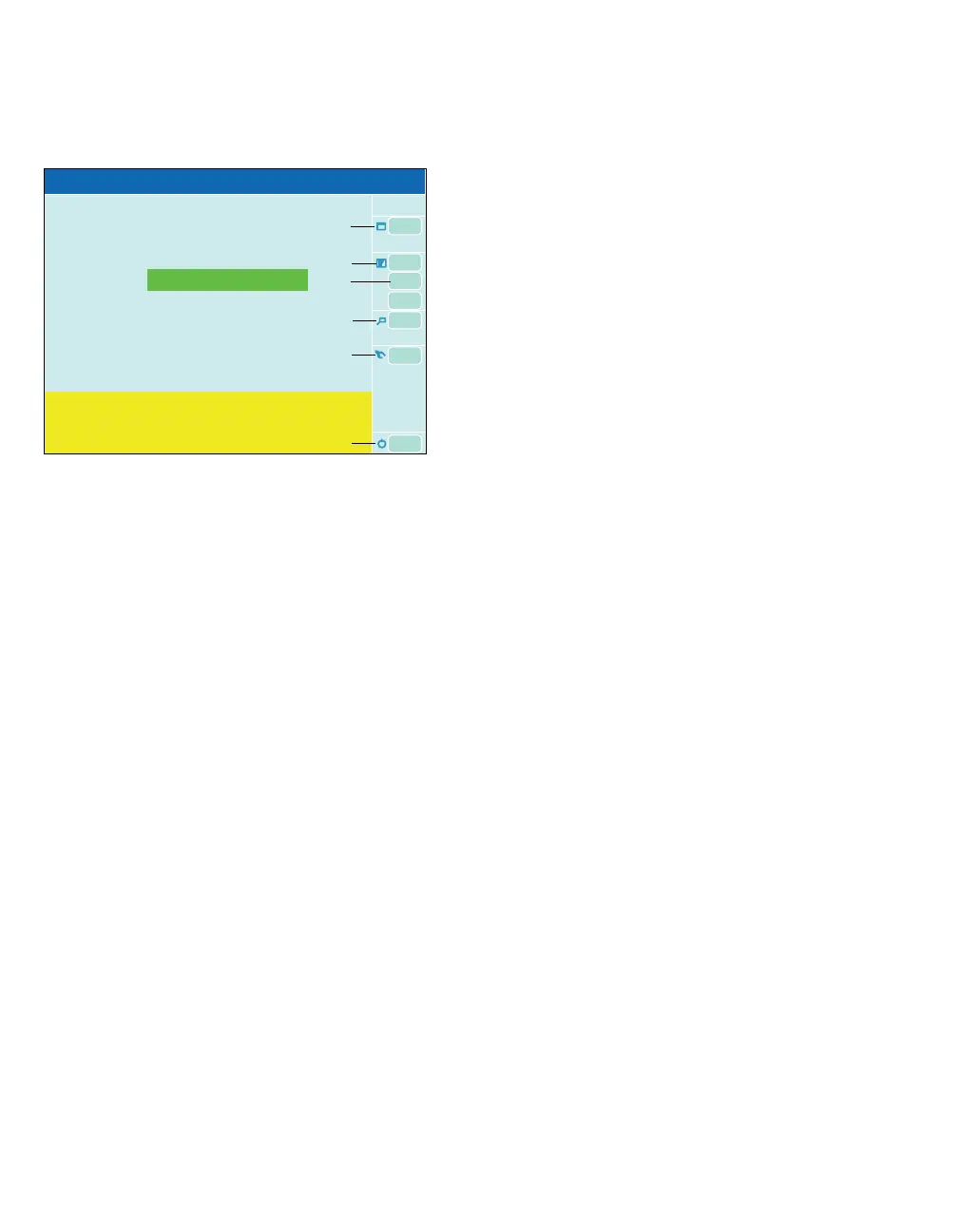
Buttons in system standby
A Web access button (optional), see page 138.
B The Biomed service button opens the dialog
window to configure protected settings (Basic
settings, access code required), Data simula-
tion, Service call, Service access, Service
mode, see page 356.
C The System setup button opens the System
setup dialog window to load and save system
configurations, see page 323.
D The Trends/Data button opens the
Trends/Data dialog window to call up the diag-
nosis windows, see page 184.
E The Device test button opens the dialog win-
dow for Self test, Leak test, Leakage assist-
ant, Pretest, seepage96.
F The Start/Standby button opens the Startup
dialog to start a new case, see page 109.
300
A
B
C
D
E
F
Standby
Self test will start at 07:15
Last self test 04.Sep 2008 17:03
Run self test at least every 24 hours
completed/ operable
Do not connect patient! Touch the Start/Standby











 To Next Page