EasyManua.ls Logo

Dräger Zeus Infinity Empowered - General Settings

Dräger Zeus Infinity Empowered
453 pages
Print Icon
To Next Page IconTo Next Page
To Previous Page IconTo Previous Page
Loading...
Configuration
336
Instructions for use Zeus Infinity Empowered SW 2.n
Entering the access code
1 Touch numeric keys.
2 Then touch .
If the access code is correct, the Basic settings di-
alog window opens.
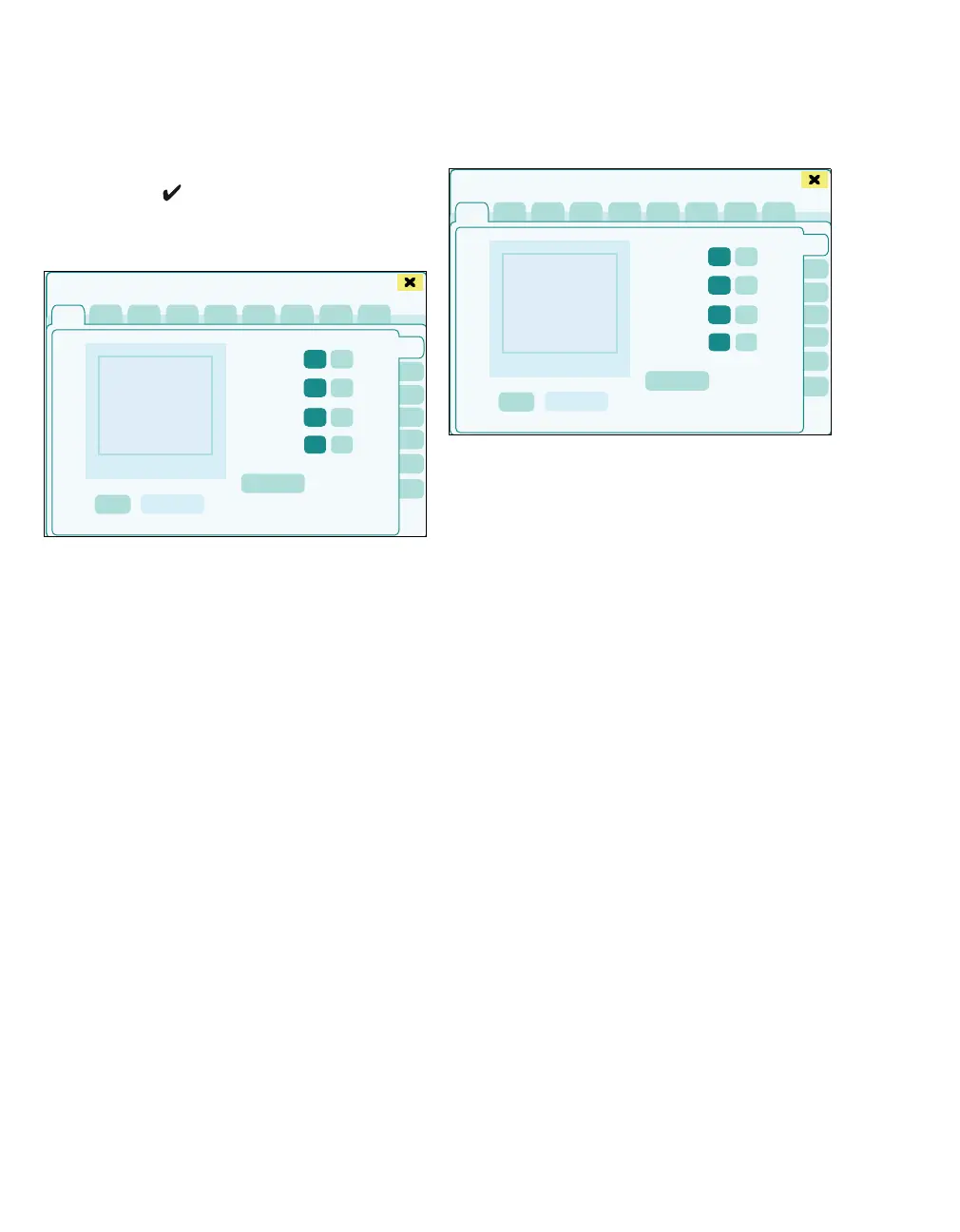
The horizontal tabs (A) for the basic settings con-
tain the settings for:
General settings
Infusion
Event recorder
Web access
NIBP/SpO
2
Infinity config.
MediBus config.
Disable options
More settings
More settings are possible on the vertical tabs (B).
General settings
The General settings page (A) displays the follow-
ing vertical tabs:
B General
C Units
D Printer
E USB devices
F Alarm standard
G Date/Time
H Trend order
423
2
1
Basic settings
A
B
423
Basic settings
A
B
C
D
E
F
G
H

Table of Contents

Related product manuals