Instructions for use Zeus Infinity Empowered SW 2.n 337
Configuration
General
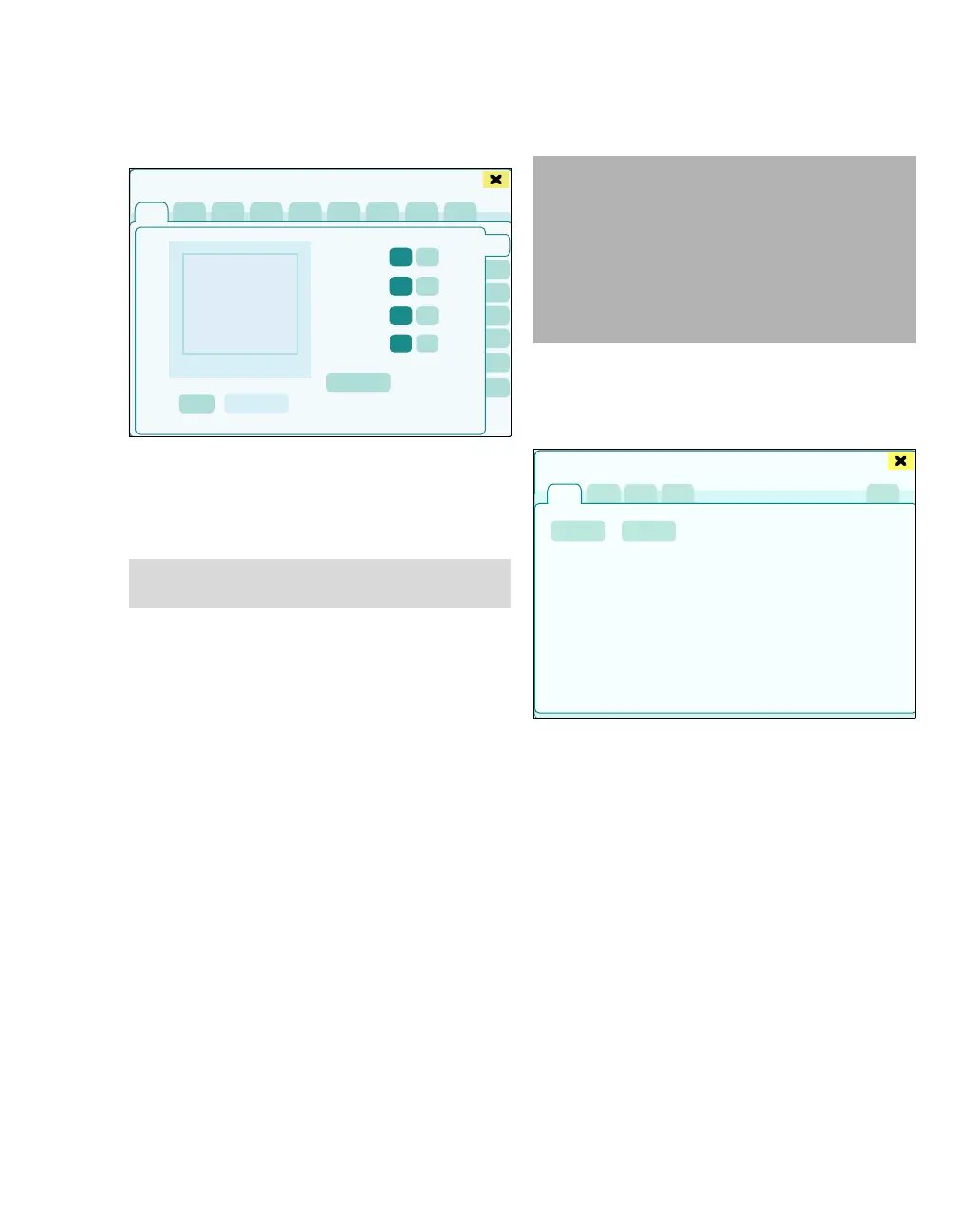
The General settings > General page opens. The
following settings are possible:
A Language: Language selection of the user in-
terface
B Location: The keyboard can be used to enter a
name for the location/site of the device.
C Gas color standard: ISO, Neutral
D Flow-volume loop: ISO, Dräger
These buttons are used to define the coordinate
axes for the flow/volume loop display. When
ISO is selected, the display is the inverse of the
Dräger display.
E Access to colors/ customize buttons:
Allowed, Denied
F Access to config. profile keys 1-5: Allowed,
Denied
If Denied is enabled, the profile key assignment
cannot be changed and the profile keys cannot
be seen in the System setup dialog window,
see page 323.
G Export/Import of setups: A USB stick can be
used to export and import profile and view set-
ups as well as basic settings.
Exporting and importing setups
z Touch the Export/Import of setups button (F).
The Export and import of setups dialog window
will be opened.
1 Touch the Export/ Import tab (G).
A message with corresponding instructions is dis-
played.
2 Insert the USB stick into the USB port.
423
NOTE
Select only languages which can be understood!
Basic settings
A
B
C
D
E
F
G
CAUTION
Computer viruses
Mass storage devices can contain computer vi-
ruses which can impair the operation of Zeus IE.
– Check mass storage devices for computer vi-
ruses before using them with Zeus IE.
– Do not use any mass storage device contain-
ing computer viruses with Zeus IE.
448
Export and import of setups
G
H
I











 To Next Page