Configuration
338
Instructions for use Zeus Infinity Empowered SW 2.n
Exporting setups:
Prerequisite: USB stick has been installed,
see page 341
z Touch the Export setup to USB stick button
(H) and confirm with rotary knob.
All profile and view setups are exported to a USB
stick.
Importing setups:
Prerequisite: USB stick has been installed,
see page 341
3 Touch the Import setup from USB stick button
(I) and confirm with rotary knob.
Data from the USB stick is imported into a separate
database.
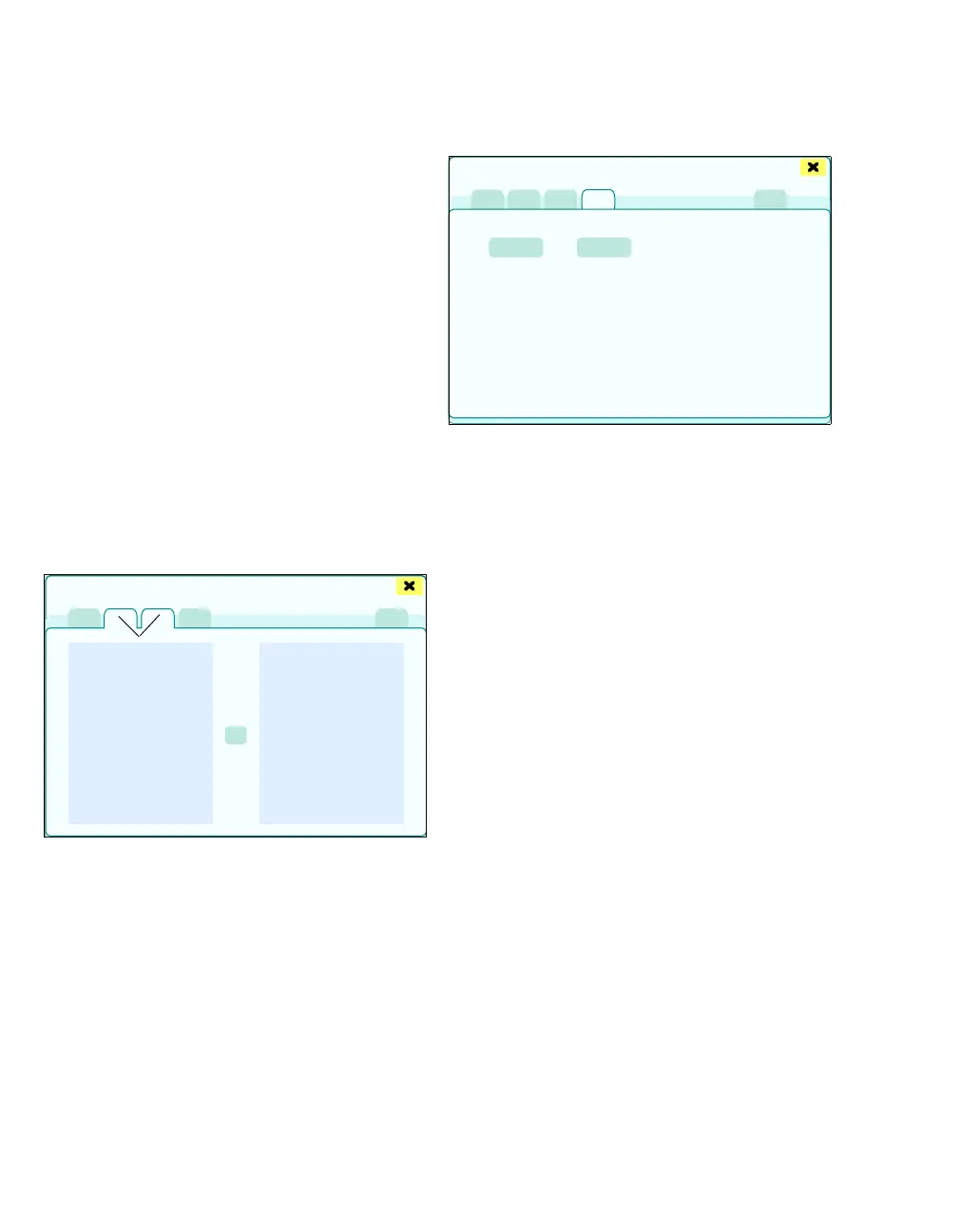
Installation of profiles and views
After selecting the Install views or Install profiles
tab (J), all available profile and view setups are dis-
played.
1 Select the respective views or profiles from the
Imported views or Imported profiles (K) and
Installed views or Installed profiles (L) lists.
2 Touch the Install button (M) and confirm with
rotary knob.
The selected views or profiles applied to the sys-
tem.
Installation of basic settings
1 Touch the Basic settings tab (N).
2 Touch the Install button (O) and confirm with ro-
tary knob.
The imported basic settings overwrite the current
basic settings.
A reboot is required if the imported settings over-
write previously activated or deactivated options.
z Touch the Press to reboot button (P) and con-
firm with rotary knob.
450
Export and import of setups
J
K
L
M
327
Export and import of setups
N
O
P











 To Next Page