Instructions for use Zeus Infinity Empowered SW 2.n 339
Configuration
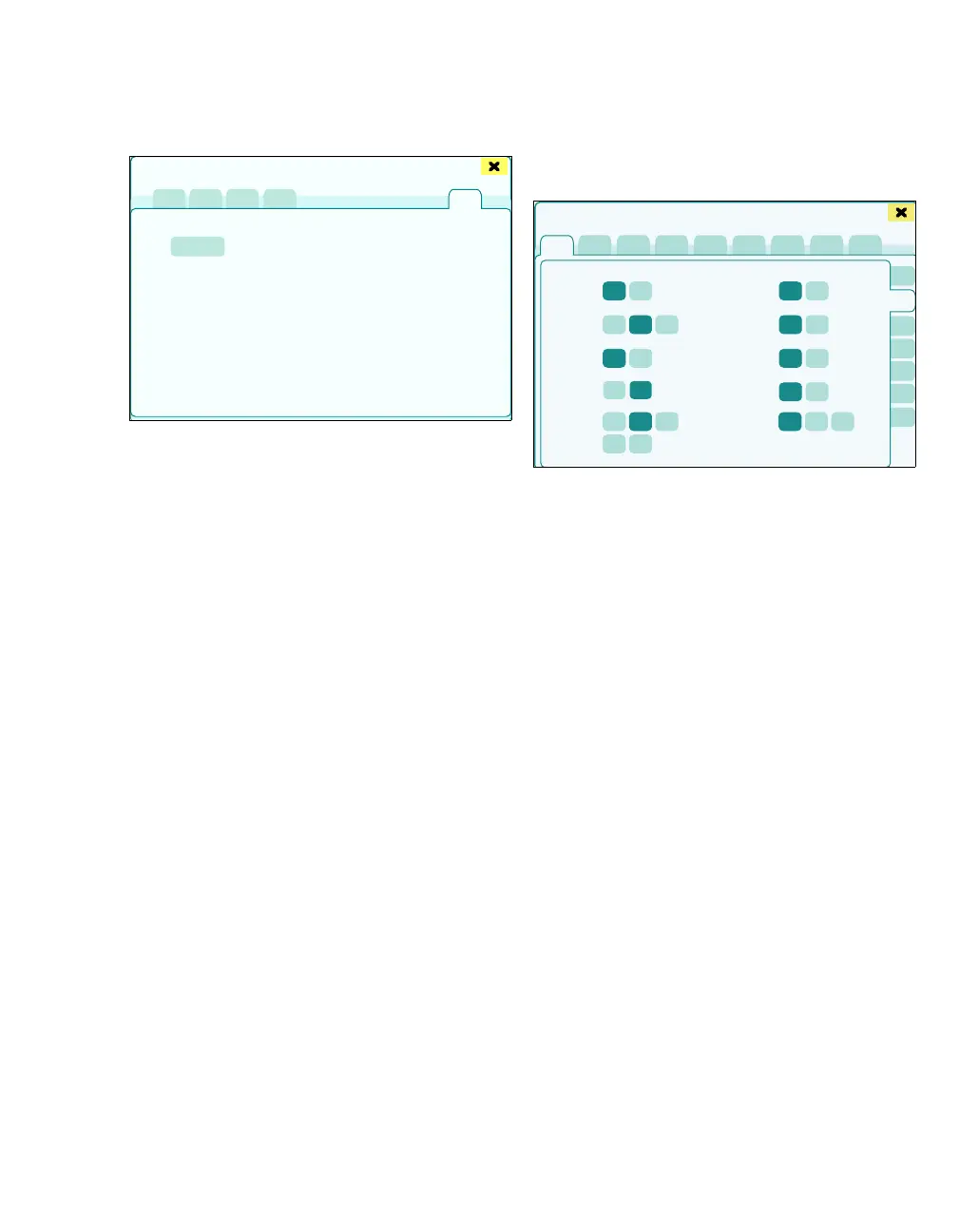
Installing all
A complete configuration is applied to the system
from the USB stick without having to individually se-
lect views or profiles. The existing profiles or views
are deleted.
1 Touch the Install all tab (Q).
A message featuring information regarding the soft-
ware version to be installed or information about
which configurations are installed appears.
2 Touch the Install all button (R) and confirm with
rotary knob.
The process is cancelled if the menu changes to
the startup dialog or the device test is activated.
The drug library is not part of the profile and has to
be imported separately, see page 149.
Units
The General settings > Units page opens.
The following settings are possible:
A N
2O: %, kPa
B CO
2: %, mmHg, kPa
C Volatile anesthetic agent: %
SL, kPa
D Gas measurem. correction: BTPS, normal
E Gas supply: kPa, kPa x 100, MPa, bar, psi
F Temperature: °C, °F
G NIBP, IBP: mmHg, kPa
H Weight: kg, lbs.
I Height: cm, inch
J Airway pressure: hPa, kPa, mbar
449
Export and import of setups
Q
R
446
Basic settings
A
B
C
D
F
G
H
I
E
J











 To Next Page