Instructions for use Zeus Infinity Empowered SW 2.n 191
Monitoring
Setting the amplitudes of Flow scale and Vol.
scale and Waveform selection
z Touch the Flow button (A).
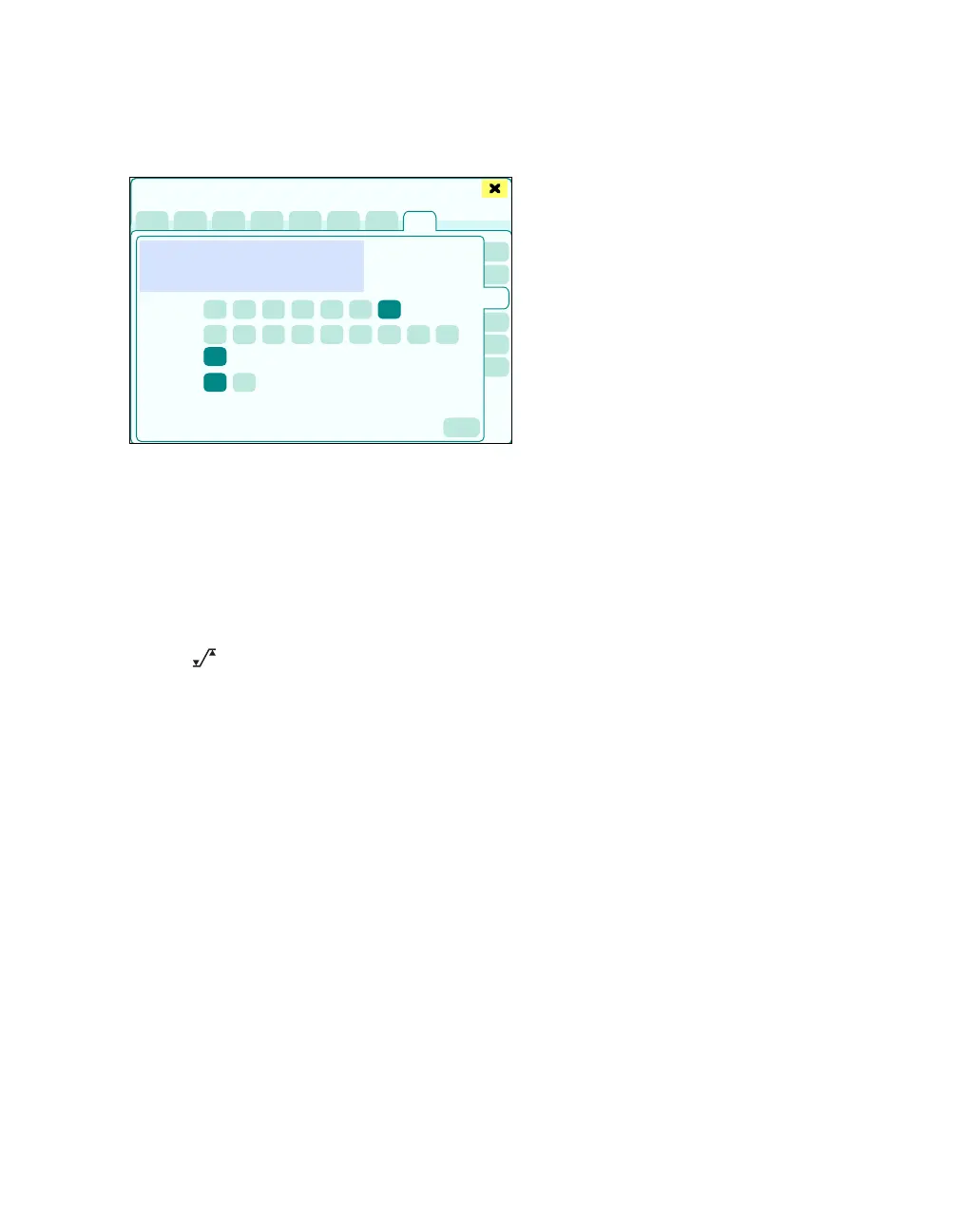
The Flow page displays:
B The current Flow curve
C Flow scale (scaling of the Flow curve in relation
to the amplitude for the flow)
D Vol. scale (scaling of the Flow curve in relation
to the amplitude for the volume)
E Waveform selection: represent Flow or Vol.
as a waveform
F The button opens the Alarms > Alarm lim-
its > Ventilation dialog window for alarm limit
setting.
406
Sensors/Parameters
A
B
C
D
E
F











 To Next Page