Instructions for use Zeus Infinity Empowered SW 2.n 145
Operation
Checking patient data/weight
Before starting the first infusion, check the patient
weight entered and correct if necessary. The indi-
vidual IV deliveries are related to that weight.
Checking the patient and pump settings
The device prompts the user to check the following
patient and IV settings:
– Patient weight
– Number of Module DPS syringe pumps
– Drug name
– Abbreviation
– Concentration
– Bolus volume (This is displayed in red during an
initial bolus.)
– Infusion rate
– Bolus rate
–Bolus time
A new drug can be selected for each syringe pump:
z Touch the Change drug button (A).
For each syringe pump, the delivery can be limited
to mL/h (B), if there is no appropriate drug in the
drug library:
1 Touch the respective button.
2 Use the rotary knob to set and confirm the
value.
The set values are transferred to the system.
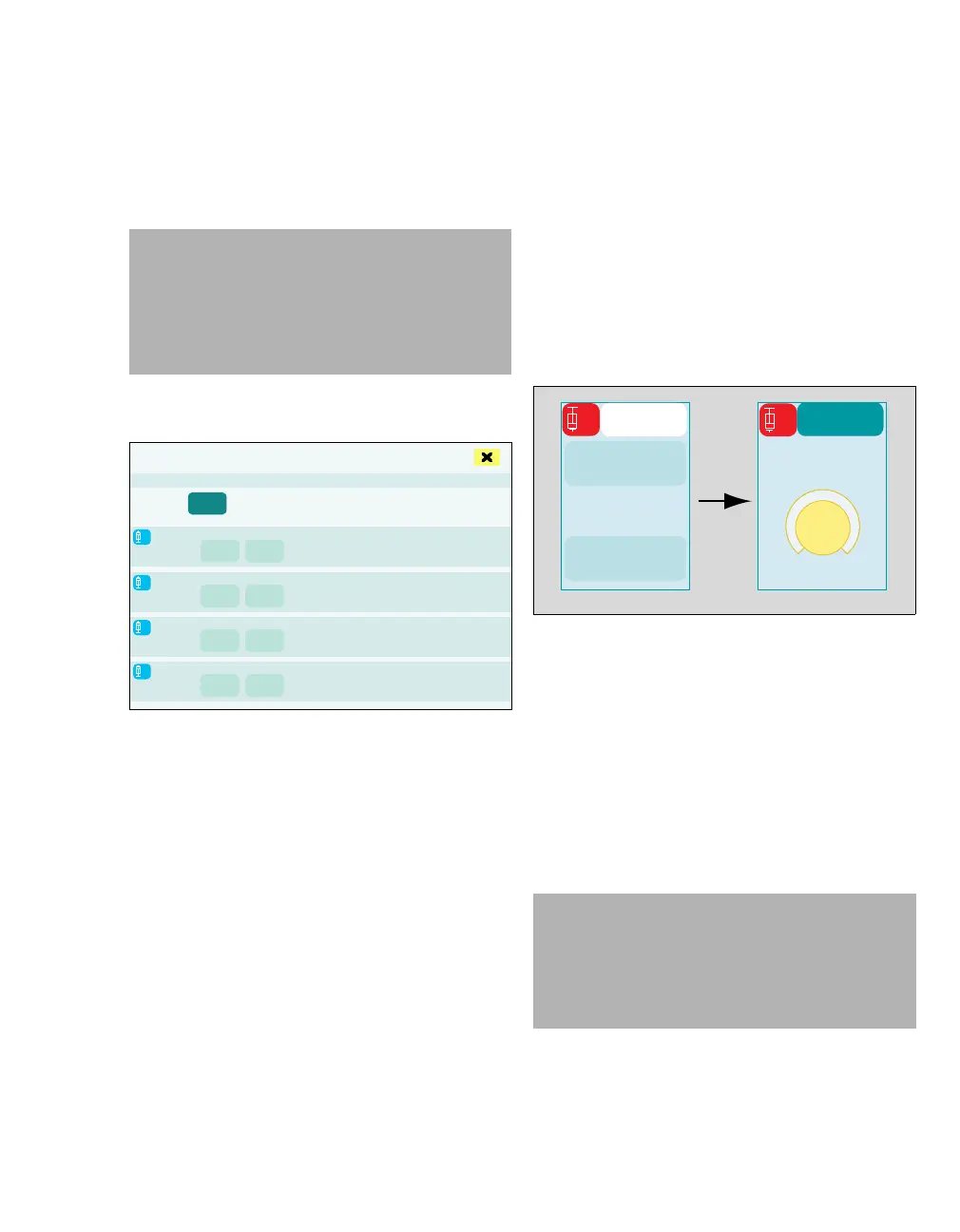
Entering the infusion rate and starting the infu-
sion
1 Touch the Start infusion button (A).
The therapy control (B) for the infusion rate is dis-
played with the preset value.
2 Use the rotary knob to set and confirm the
value.
Infusion is started. The selected metering rate is
displayed on the button (A).
In the infusion dialog, the infusion rate can be ad-
justed without simultaneously starting infusion,
see page 142.
WARNING
Risk of patient injury
When the pump settings are displayed, check
the patient data and/or IV settings on the sy-
ringe pump and on Zeus IE to eliminate the
risk of incorrect settings.
464
4
3
2
1
Check patient and pump settings!
A
B
467
CAUTION
A very heavy patient weight can lead to infusion
rates of more than 1200 mL/h when converting
the weight-based metering rate. 1200 mL/h is the
maximum infusion rate that can be set on
Zeus IE, depending on syringe size.
A
B
1
ATRAC
1
ATRAC











 To Next Page