Instructions for use Zeus Infinity Empowered SW 2.n 349
Configuration
Gas prices
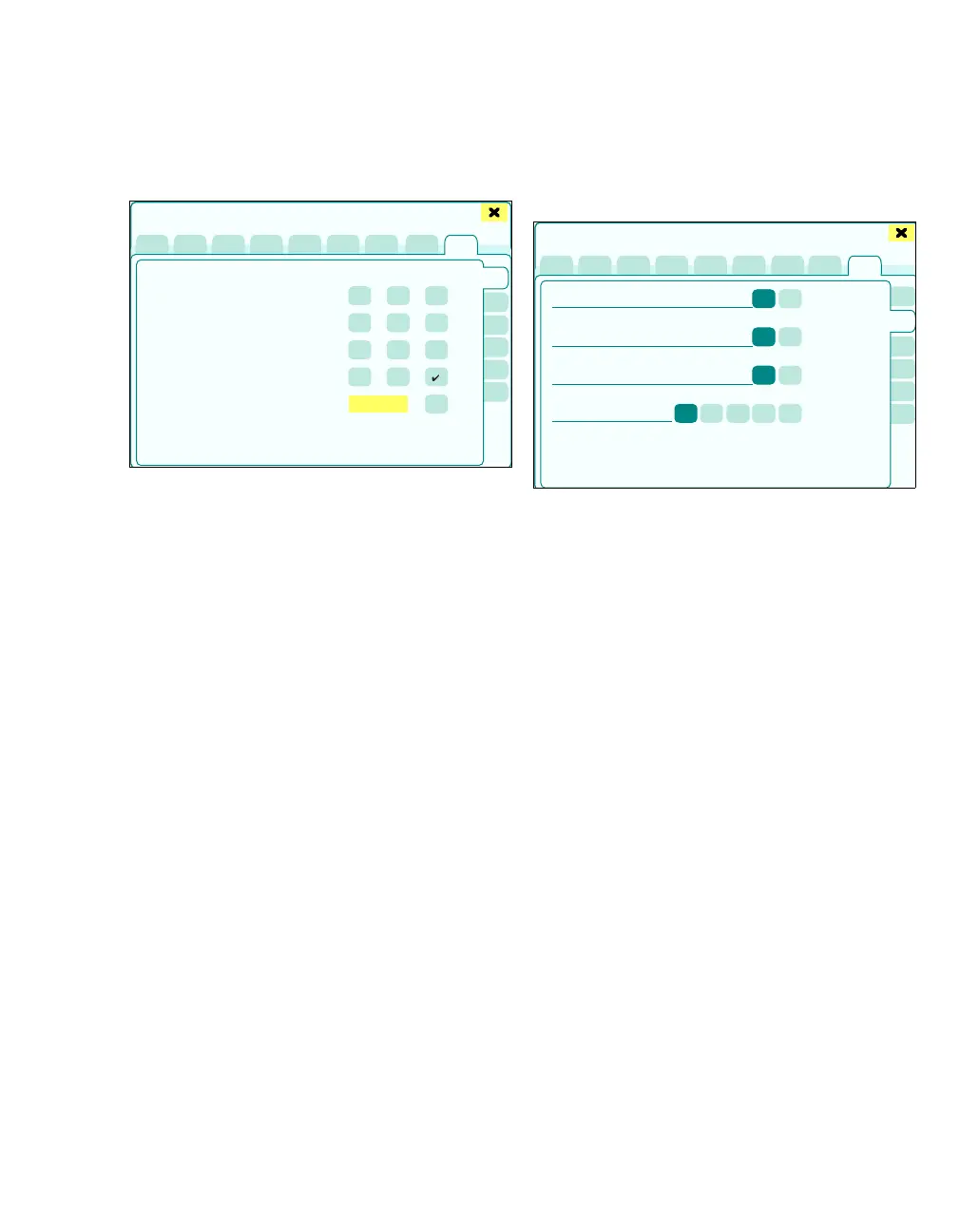
The More settings > Gas prices page opens.
The following gas price settings can be configured:
A 1 mL Iso
B 1 mL Sev
C 1 mL Des
D 1 L O
2
E 1 L N2O
F 1 L Air
1 Touch the respective anesthetic agent.
The keyboard field is enabled.
2 Enter the gas price and touch the button (G) to
confirm.
An accurate overview for calculating the anesthetic
agent costs incurred per operation is displayed in
the dialog window Trends/Data > Gases/ Anesth.
> Total consumpt. (see page 184).
Ventilation settings
The More settings > Ventilation settings page
opens.
The following ventilation settings can be config-
ured:
A P
insp adjustment during PEEP setting: Yes,
No
Yes: When the PEEP value is changed, Pinsp is
automatically adapted so that the difference re-
mains constant.
No: Automatic adaptation does not take place.
The Pinsp value must be set later separately if
necessary.
B I/E ratio setting if synchronization is off: Yes,
No
The following settings involve behavior during
non-synchronized ventilation:
Yes: I:E ratio adjustable
No: T
i adjustable
C MV alarms during cardiac bypass mode:
Yes, No
Configuration option to specify whether in CBM
mode you want MV monitoring to remain acti-
vated or not.
D CO
2 auto wake-up (breaths) Setting the
number of breaths (CO2 Auto Wakeup), for ac-
tivating the CO2 alarm.
445
Basic settings
A
B
C
D
E
F
G
444
Basic settings
A
B
C
D











 To Next Page