Configuration
350
Instructions for use Zeus Infinity Empowered SW 2.n
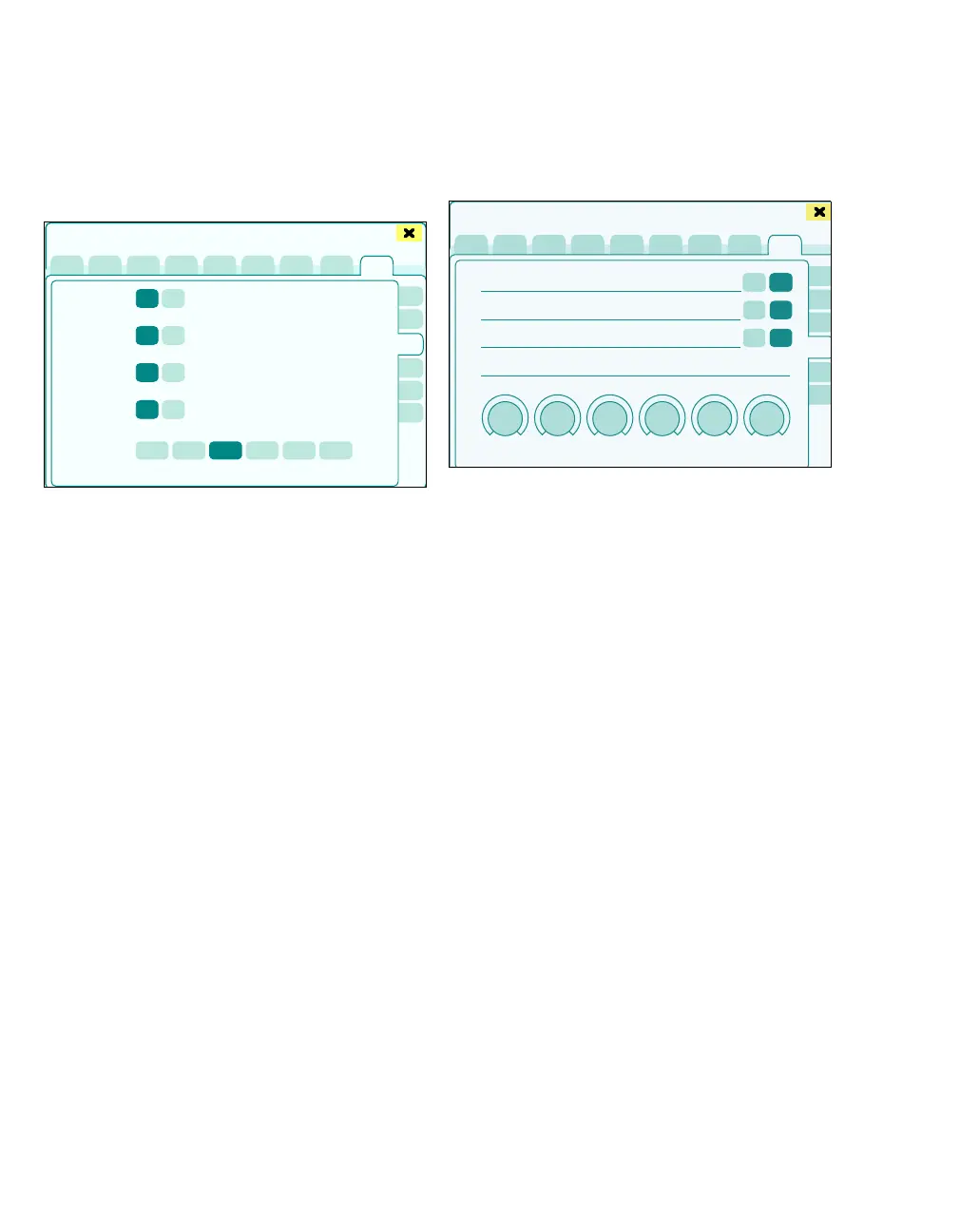
Ventilation modes
The More settings > Ventilation settings page
opens.
Ventilation modes that are not made available to
the user can be disabled here.
The following ventilation modes can be disabled:
A Pressure Control
B Volume Control AutoFlow
C Volume Control
D Pressure Support
Factory setting: On
E Default mode for quick access: Selection of
the ventilation mode immediately selectable at
the start.
– MAN/SPON
– Pressure Control
– Vol. Ctrl. AutoFlow
– Volume Control
– Pressure Support
– External FG outlet
Factory setting: Vol. Ctrl. AutoFlow
VA/N2O
The page More settings > VA/N2O opens.
The following settings can be configured:
A Inhibit N
2O supply alarms: Suppressed are:
– Alarms
– Messages
– Displays and settings
Yes: Nitrous-oxide-related alarms, messages,
displays, and settings are suppressed.
No: Nitrous-oxide-related alarms, messages,
displays, and settings are enabled.
Factory setting: No
B Start with Fresh-gas control/Auto control:
FG ctrl., Auto ctrl.
Specify the control mode when starting a new
case.
Factory setting: FG ctrl.
C Switching to Standby will set the agent set-
ting to 0: Yes, No
When the function is deactivated, the current
anesthetic gas setting is retained in the follow-
ing situations:
– Switching to the Vent. standby mode
– Changing to the Standby mode and then
continuing with the case
453
Basic settings
A
B
C
D
E
454
Basic settings
A
B
C
D











 To Next Page