Operation
152
Instructions for use Zeus Infinity Empowered SW 2.n
Adding new drugs
z Touch the Add button in the Drug library dialog
window.
The Drug editor dialog window will be opened.
Entering basic drug data:
1 Touch the Name button (X). A keyboard window
opens.
2 Use the BackSp button in the keyboard window
to delete the placeholder No drug.
3 Enter name and confirm with the rotary knob.
If the name entered is not accepted, there is al-
ready a drug with this name in the drug library.
Choose a new name.
Zeus IE offers an abbreviation (Y) for the drug
name. The abbreviation for the drug name must be
unique. 5 characters (letters, numbers) must be en-
tered. Do not use special characters!
Examples:
– PROP1 = Propofol 1 %
– PROP2 = Propofol 2 %
Entering a new abbreviation:
4 Touch the Abbreviation button (Y). A keyboard
window opens.
5 Use the BackSp button in the keyboard window
to delete the placeholder for the abbreviation.
6 Enter name and confirm with the rotary knob.
7 Set and confirm Concentration (Z) values with
the rotary knob.
8 Touch the Concentration unit required and
confirm with the rotary knob.
Setting the dose for the new drug:
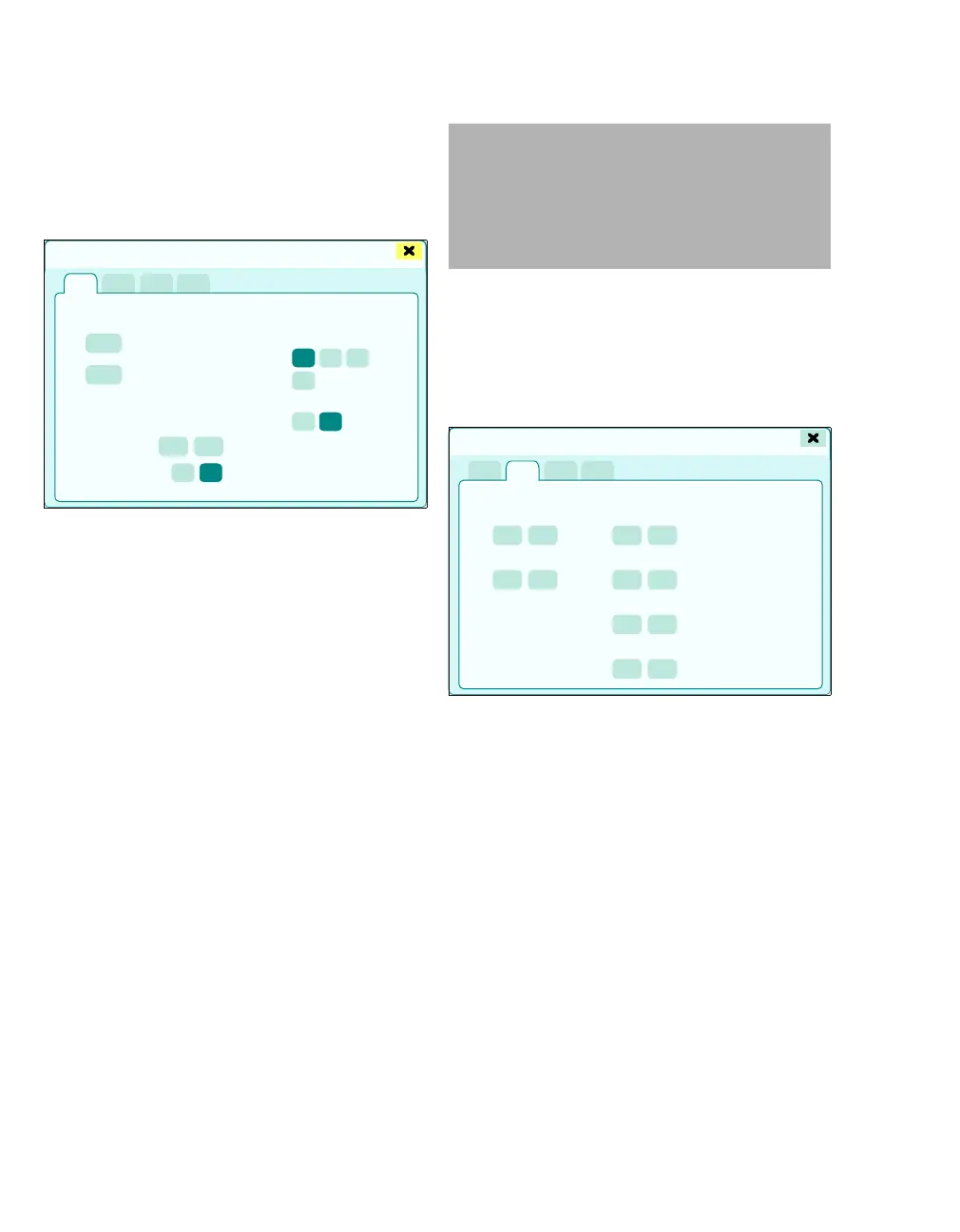
z Touch the Dose settings tab (M).
The infusion and bolus delivery settings are dis-
played.
1 Touch the buttons of the respective parameters.
2 Use the rotary knob to set and confirm the
value.
426
Drug editor
X
Y
Z
WARNING
Risk of patient injury
If the same drug has different concentrations,
e.g., Propofol 1 % or Propofol 2 %, an unam-
biguous name and abbreviation must be se-
lected.
427
M
Drug editor











 To Next Page