214733 93 Revision A
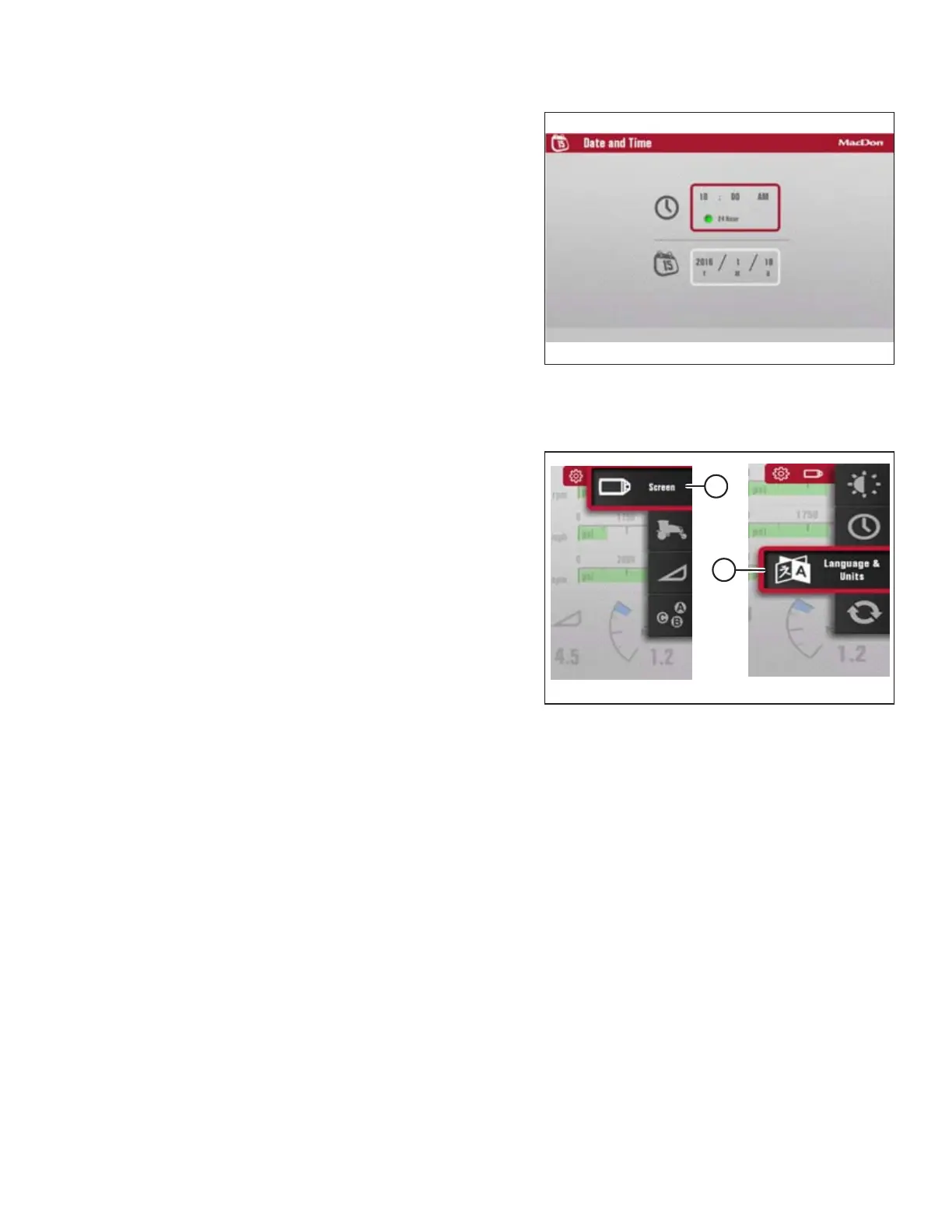
Figure 3.102: Time and Date
4. Scroll through the available options on the HPT display,
select desired option, and scroll to adjust.
Setting Language and Units of Measure
Figure 3.103: Language and Units
1. Navigate to the SETTINGS menu with soft key 5 and the
Harvest Performance Tracker (HPT) scroll knob. Refer to
3.17.2 Navigating the Harvest Performance Tracker (HPT)
Display, page 81 if required.
2. Scroll to SCREEN icon (A) and select it.
3. Scroll to LANGUAGE AND UNITS icon (B), and select it to
open the adjustment window.
4. Scroll through the available options on the HPT, select
desired item, and scroll to adjust:
LANGUAGE
• ENGLISH (default)
• SPANISH
UNITS
• METRIC
• USA (default)
Refer to 8.2 Conversion Chart, page 425 for a
comprehensive list of U.S. and metric units.
OPERATOR’S STATION



 To Next Page