214733 128 Revision A
Driving Forward in Engine-Forward Mode
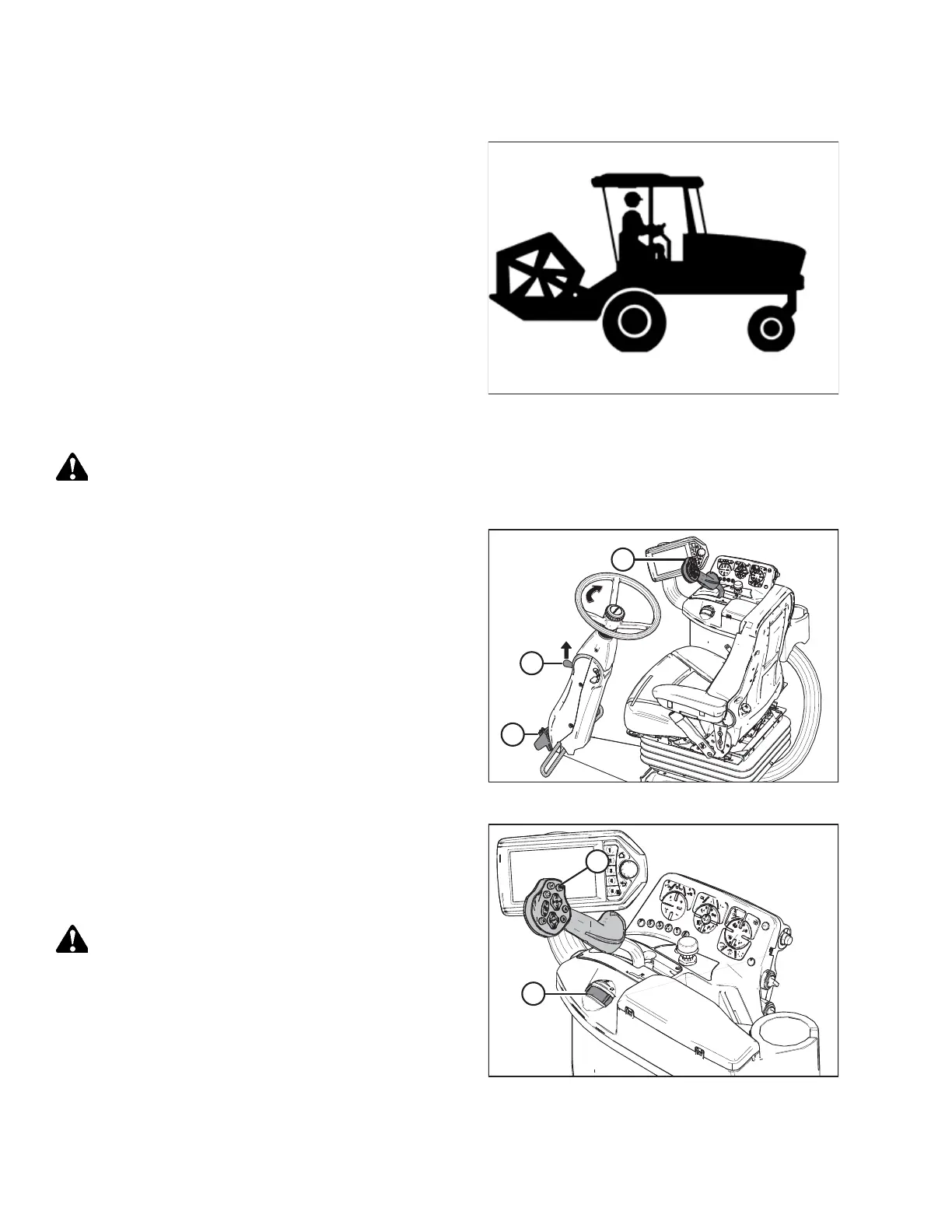
Figure 4.34: Engine-Forward – Seat Faces Engine
In the engine-forward mode, the operator’s station is facing
toward the engine. If necessary, swivel operator’s station to
engine-forward position as follows:
CAUTION
Park on a flat, level surface with the ground speed lever in PARK position and the steering wheel in locked position
(centered). Wait for the HPT to beep and display a red P symbol to confirm the park brakes have engaged.
Figure 4.35: Engine-Forward – Seat Faces Engine
1. Place ground speed lever (GSL) (A) in PARK and lock
steering wheel. Engine can be running.
IMPORTANT:
If GSL is NOT in PARK, damage to the GSL cable may result
when swivelling operator’s station.
2. Pull up on knob (B) and hold to release latch (C) at base of
steering column.
3. Turn steering wheel clockwise to pivot operator’s station
counterclockwise 180° until pin engages latch to secure
operator’s station in new position.
4. Start engine if not running. Refer to Starting the Engine,
page 115.
Figure 4.36: Operator Console
5. Use the Harvest Performance Tracker (HPT) to adjust the
maximum speed setting to 43 km/h (27 mph). Refer to
Adjusting Ground Speed Limit, page 125.
6. Slowly push throttle (A) to full forward (operating speed).
CAUTION
Check to be sure all bystanders have cleared the area.
7. Slowly move the GSL (B) forward to desired speed.
NOTE:
The transmission is most efficient with the engine at full
speed and the GSL fully forward.
OPERATION



 To Next Page